Gourmet Experience WordPress Theme


Edit Template Offline
2. Create new page and search for id 6331064
Edit Template Online
Create Awesome Websites


Free Nicepage Builder
Keywords
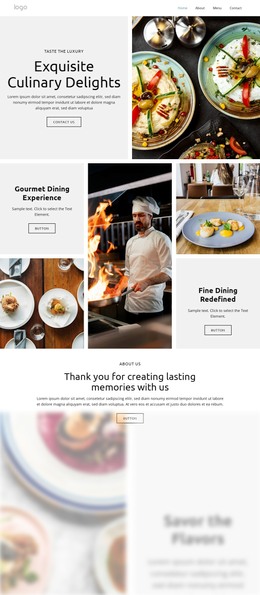
Priced Dish Groups and “Find Us” Content Map Naturally to WordPress Pages
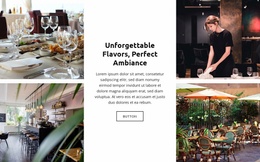
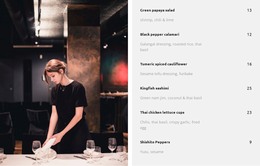
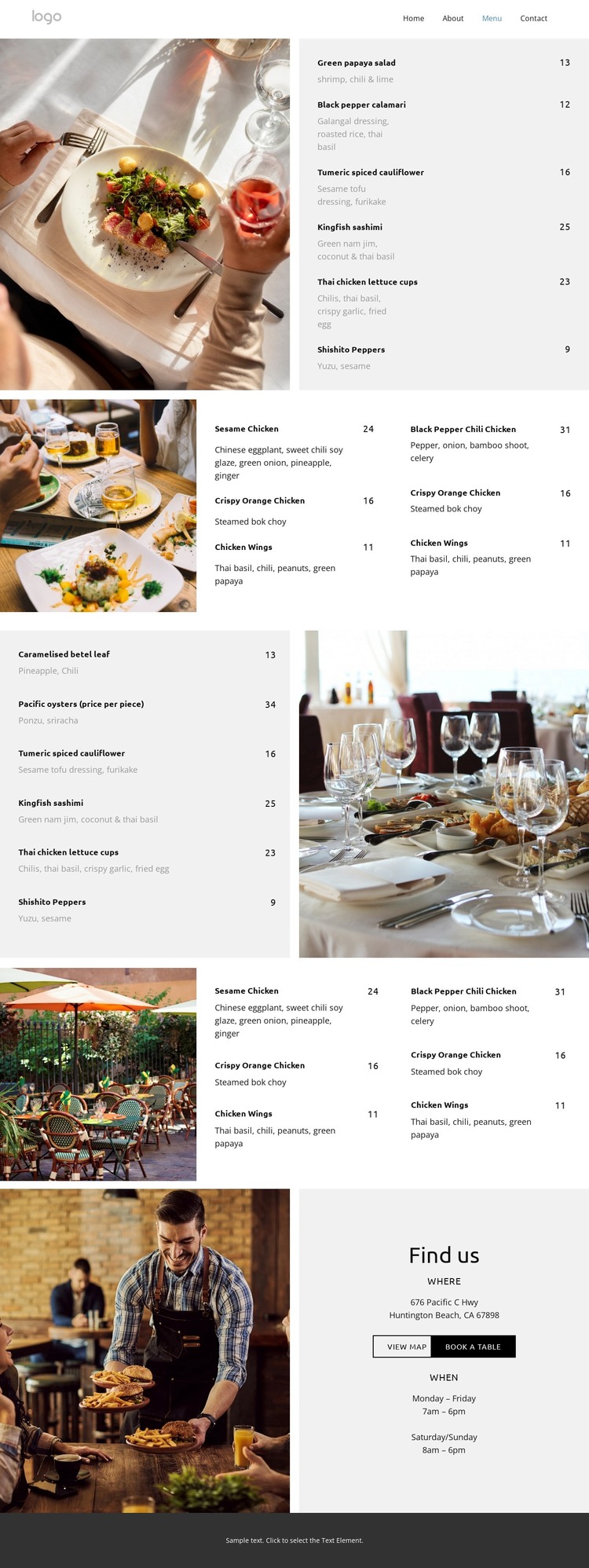
The four menu areas provide clear permanent content for a WordPress-managed restaurant site. The first section pairs a large food photograph with six priced dishes, establishing a page-oriented menu region where names, descriptions, and prices can be maintained as the offering changes. A later grid presents another group in two compact columns, while the reversed split and final two-column arrangement create additional visual groupings for separate menu categories. Their shared styling keeps recurring restaurant information within one recognizable theme system.
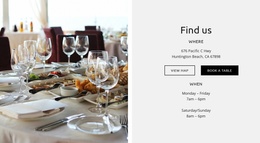
The closing “Find us” section serves a different content role. Its displayed address, weekday and weekend hours, map link, and table-booking action form a practical location and reservation area that can remain distinct from the dish listings. The navigation and mobile-navigation components provide the confirmed framework for connecting visitors with these content regions, while the dark footer supplies a consistent site-wide ending for related pages.
The verified analysis shows one restaurant menu page, not an existing WordPress content library or blog structure. In a WordPress project, the design should therefore be understood as a theme direction for organizing menu information, visit details, and future restaurant content rather than proof that Posts, categories, or additional pages are already included. The Nicepage WordPress Plugin can be a relevant bridge when these page areas need CMS-based editing.
Customize with Nicepage
Open this ready-made template in the WordPress Website Builder and customize it visually in the Nicepage editor. Replace demo content, edit page sections, and adapt the design to your project without rebuilding the template from scratch.
Manage and Edit This Theme in WordPress
Customize and Install the WordPress Theme
Start with this ready-made theme instead of building the WordPress design from scratch. Customize its layout, content, typography, images, sections, and other design elements visually in Nicepage editor, then export and install the WordPress Theme, Plugin, and Pages on your WordPress site. The Nicepage WordPress Plugin lets you continue working with the site after installation.
Edit the Theme Directly in WordPress
After installation, you can edit the WordPress Theme directly in WordPress with the Nicepage WordPress Plugin. Use Site Style to customize site Colors, Fonts, Header, Footer, Blog, and Post Page Templates while working within your WordPress website.
Edit WordPress Pages Visually
Use the Nicepage WordPress Plugin to edit page content directly from the WordPress admin area. Open a WordPress Page with Nicepage and visually change its text, images, sections, and other page elements while continuing to manage the Page through WordPress.
WordPress Content and Theme Integration
Use the customized theme with WordPress Pages, Posts, Blog and Post Templates, menus, widgets, and other CMS-managed content. Shared theme elements such as Colors, Fonts, Header, Footer, Blog, and Post Page Templates can be managed as part of the overall site design, while WordPress provides the CMS environment for managing site content.
This workflow combines a ready-made WordPress Theme with visual customization, direct theme editing in WordPress, and continued content management through the Nicepage WordPress Plugin.