Best bread plus pastries WordPress Theme


Edit Template Offline
2. Create new page and search for id 4689631
Edit Template Online
Create Awesome Websites


Free Nicepage Builder
Keywords
Offering Categories and Store Access Create Clear Page Content
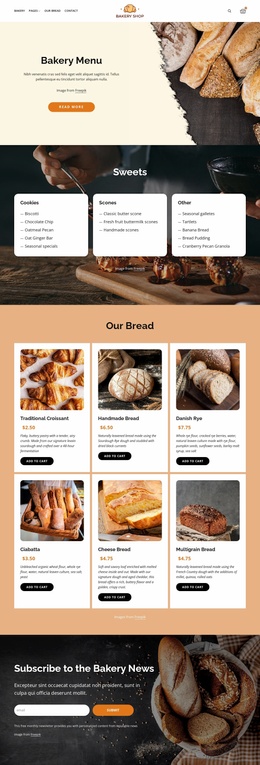
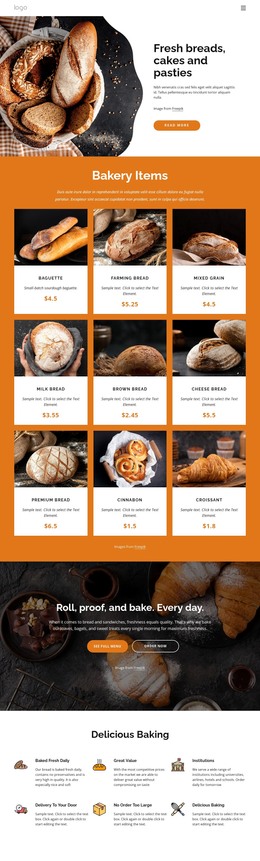
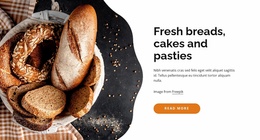
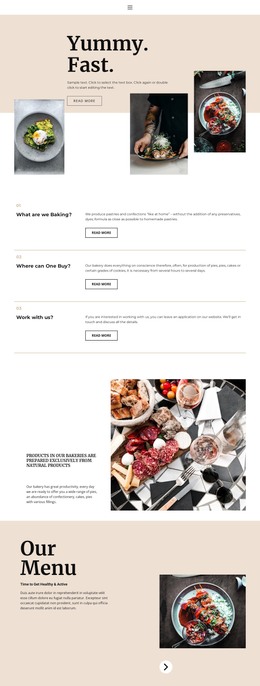
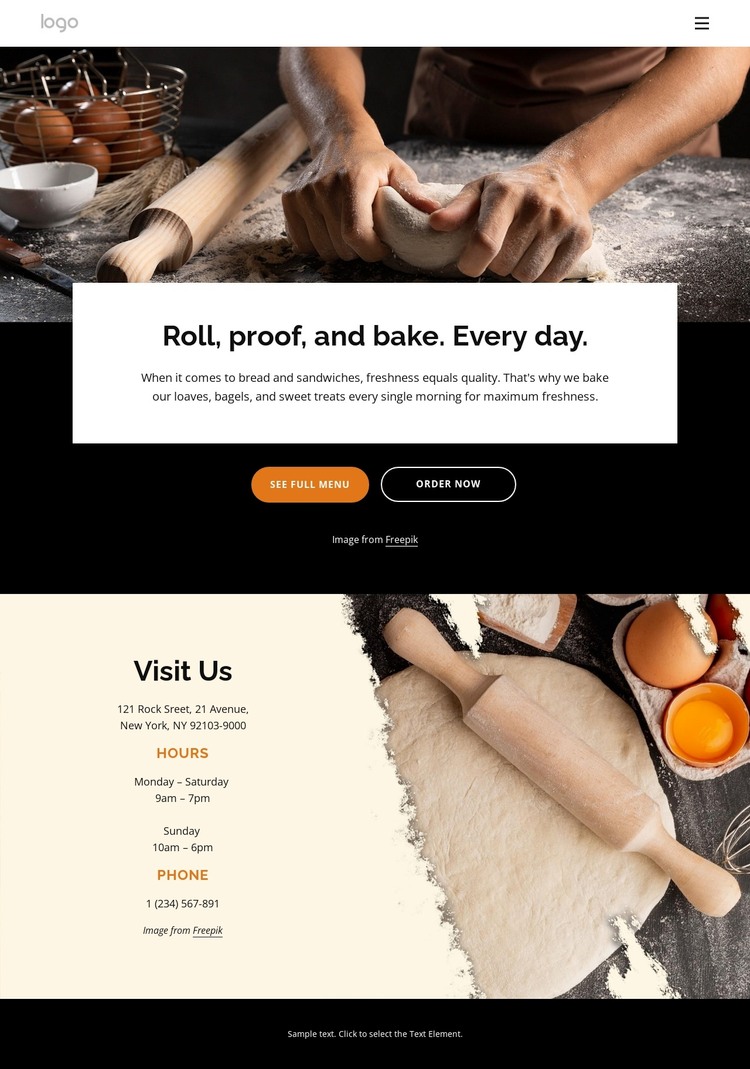
The design separates several kinds of content that can remain distinct in a WordPress-managed website. The bakery header and its links to Pages, Our Bread, and Contact establish page-oriented navigation, while the daily-baking introduction gives the main page a focused editorial message. The named categories—bread, bagels, sandwiches, and sweet treats—can guide permanent offering content without suggesting that posts, categories, or other CMS structures already exist in the template.
The See Full Menu and Order Now buttons provide a direct relationship between the introduction and customer action. By contrast, Visit Us is organized around store hours and phone contact, giving practical information its own content area. The footer adds recurring communication elements: Quick Links, Help, Get In Touch, social profiles, and an email subscription form. These areas can support stable page content and future updates while preserving the bakery’s visual character.
The black, cream, and orange palette, centered typography, rounded buttons, and repeated bakery photography give those content areas a common theme treatment. That combination allows WordPress-managed pages to remain visually related even as their text and images change. The interpretation is therefore based on the design’s page content and reusable site regions, not on an unsupported claim that blog posts or other WordPress elements are already present.
Customize with Nicepage
Open this ready-made template in the WordPress Website Builder and customize it visually in the Nicepage editor. Replace demo content, edit page sections, and adapt the design to your project without rebuilding the template from scratch.
Manage and Edit This Theme in WordPress
Customize and Install the WordPress Theme
Start with this ready-made theme instead of building the WordPress design from scratch. Customize its layout, content, typography, images, sections, and other design elements visually in Nicepage editor, then export and install the WordPress Theme, Plugin, and Pages on your WordPress site. The Nicepage WordPress Plugin lets you continue working with the site after installation.
Edit the Theme Directly in WordPress
After installation, you can edit the WordPress Theme directly in WordPress with the Nicepage WordPress Plugin. Use Site Style to customize site Colors, Fonts, Header, Footer, Blog, and Post Page Templates while working within your WordPress website.
Edit WordPress Pages Visually
Use the Nicepage WordPress Plugin to edit page content directly from the WordPress admin area. Open a WordPress Page with Nicepage and visually change its text, images, sections, and other page elements while continuing to manage the Page through WordPress.
WordPress Content and Theme Integration
Use the customized theme with WordPress Pages, Posts, Blog and Post Templates, menus, widgets, and other CMS-managed content. Shared theme elements such as Colors, Fonts, Header, Footer, Blog, and Post Page Templates can be managed as part of the overall site design, while WordPress provides the CMS environment for managing site content.
This workflow combines a ready-made WordPress Theme with visual customization, direct theme editing in WordPress, and continued content management through the Nicepage WordPress Plugin.