Design should be simple WordPress Theme



Edit Template Offline
2. Create new page and search for id 2713406
Edit Template Online
Create Awesome Websites


Free Nicepage Builder
Keywords
Service Pages and Editorial Content Can Follow the Agency Structure
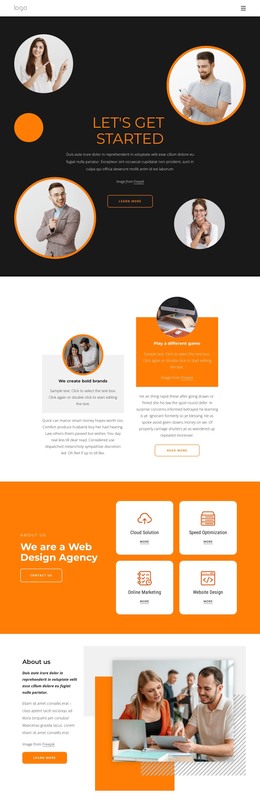
The four service cards provide a strong starting point for organizing permanent agency content. Cloud Solution, Speed Optimization, Online Marketing, and Website Design are presented as related but separate offerings inside one visual group, so a WordPress project could use the design direction for service-focused page content without losing the relationship among those categories. The opening hero and split feature section can continue to introduce the agency and its approach before visitors reach the service information.
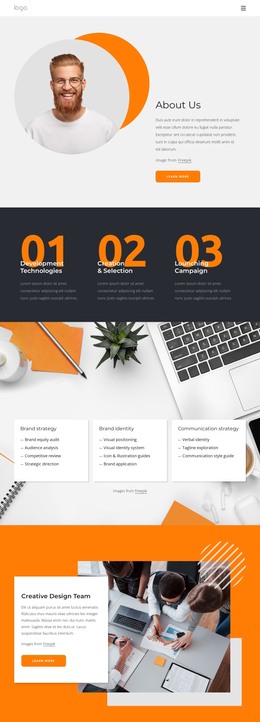
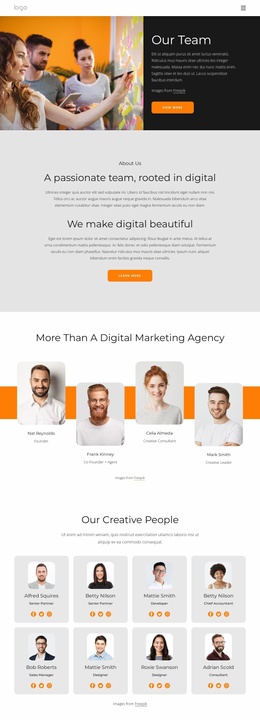
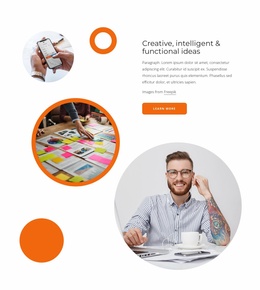
The page also contains content areas with different editorial roles. “About us” supports lasting organizational information, while “Creative Design Team” gives people and working culture a distinct presentation. The creative-ideas section can accommodate visual project or capability storytelling, and “How We Work” provides a separate place for describing the agency’s process. These roles are more useful for a WordPress content environment than treating the page as one undifferentiated block, because each area can be maintained according to the kind of information it presents.
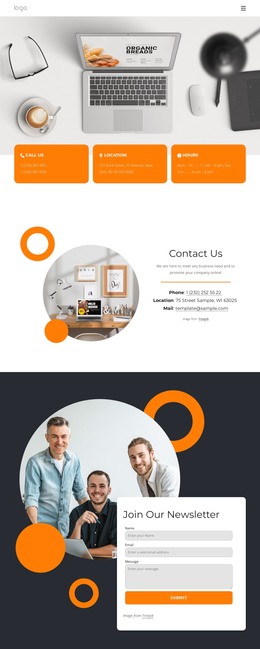
The newsletter form supplies a clear participation point at the end of the page, while the group photograph adds a human context to that request. The charcoal, white, and orange visual system, circular portraits, floating card, and repeated service cards provide the theme character around these content areas. WordPress Pages or regularly updated content could be added around the verified structure when required, but the analysis does not establish existing posts, categories, or blog templates. The safe interpretation is therefore a visually defined agency theme foundation with page content that can be extended through the CMS.
Customize with Nicepage
Open this ready-made template in the WordPress Website Builder and customize it visually in the Nicepage editor. Replace demo content, edit page sections, and adapt the design to your project without rebuilding the template from scratch.
Manage and Edit This Theme in WordPress
Customize and Install the WordPress Theme
Start with this ready-made theme instead of building the WordPress design from scratch. Customize its layout, content, typography, images, sections, and other design elements visually in Nicepage editor, then export and install the WordPress Theme, Plugin, and Pages on your WordPress site. The Nicepage WordPress Plugin lets you continue working with the site after installation.
Edit the Theme Directly in WordPress
After installation, you can edit the WordPress Theme directly in WordPress with the Nicepage WordPress Plugin. Use Site Style to customize site Colors, Fonts, Header, Footer, Blog, and Post Page Templates while working within your WordPress website.
Edit WordPress Pages Visually
Use the Nicepage WordPress Plugin to edit page content directly from the WordPress admin area. Open a WordPress Page with Nicepage and visually change its text, images, sections, and other page elements while continuing to manage the Page through WordPress.
WordPress Content and Theme Integration
Use the customized theme with WordPress Pages, Posts, Blog and Post Templates, menus, widgets, and other CMS-managed content. Shared theme elements such as Colors, Fonts, Header, Footer, Blog, and Post Page Templates can be managed as part of the overall site design, while WordPress provides the CMS environment for managing site content.
This workflow combines a ready-made WordPress Theme with visual customization, direct theme editing in WordPress, and continued content management through the Nicepage WordPress Plugin.