
150+ Tiles HTML5 Templates
Choose a ready-made Tiles HTML5 layout, adapt its images, labels, spacing, and panel emphasis, then review how the composition behaves across screen sizes before using it in an HTML project.
-

-

-
-
-
-
-
-
-
-
-
Free Website Builder SoftwareDownload
-
-
-
-
-
-
-
-
-
-
-
-
-
-
-
-
-
-
-
-
-
-
-
-
-
-
-
-
-
-
-
-
-
-
-
-
-
-
-
-
-
-
-
-
-
-
-
-
-

























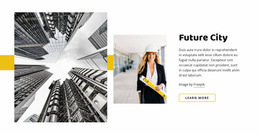





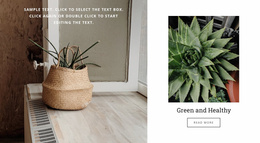


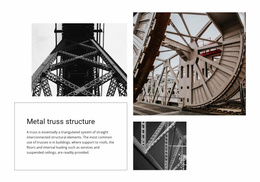




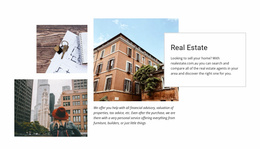













Other Tiles HTML5 Templates
Responsive Tiles HTML5 Template for Structured Web Sections
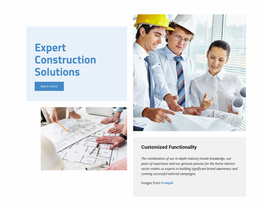
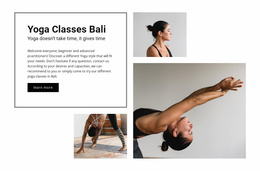
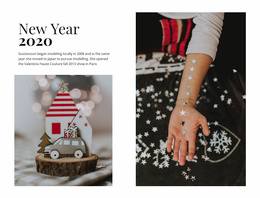
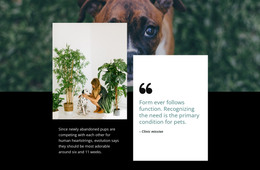
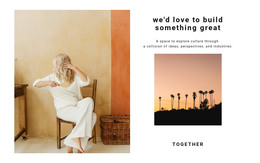
Tiles HTML5 Templates organize related tile panels into a clear, responsive section structure. The emphasis is on how images, labels, links, and supporting content stay understandable as one composition while the layout adapts across screen sizes.
Keep the HTML5 Tile Structure Clear Across Screen Sizes
Treat the section as a hierarchy of related parts: the overall Tiles block contains individual panels, and each panel may contain imagery, labels, links, or supporting text. That structure should stay easy to follow as the composition shifts from a wide desktop layout to a narrower tablet or phone layout.
Useful checks include:
- desktop-to-mobile stacking for panels with different proportions;
- image crops that still support readable labels at narrower widths;
- spacing that preserves the relationship between panels;
- links and nested content that remain easy to identify and use.
Nicepage's Grid Element provides direct structural support when tile panels need to be arranged in cells. The Grid Element organizes content in columns and rows, giving the responsive composition a controlled spatial foundation.
Edit the Parts of the HTML5 Section You Need
A ready-made block can still be adapted to the project by replacing imagery, updating labels or links, and changing emphasis where necessary. The important point is to preserve a clear relationship between the section, its panels, and the elements inside them.
Nicepage's Layers panel supports this editing workflow by showing the hierarchy of Blocks, Containers, and Elements. The Layers panel can help you locate individual parts of a more complex tile arrangement and make focused changes without rebuilding the section.
Preserve the Section Hierarchy While Adapting It
Keep the prepared composition where it works, then adjust panel order, imagery, labels, links, or responsive behavior without losing the relationship between the block and its nested content.
Tiles HTML5 Template FAQ
Does Nicepage provide pre-designed Blocks and Elements for building sections?
Yes. Nicepage provides pre-designed Blocks and Elements you can use as starting points and adapt in the editor for the required section.
Can I review a Tiles section for different screen sizes?
Yes. Nicepage supports Responsive Modes for Large Screens, Desktops, Laptops, Tablets, and horizontal or vertical phones, so that you can review and adjust the layout for different screen sizes.
Can I edit nested elements inside a prepared Tiles section?
Yes. The Layers panel helps you locate Blocks, Containers, and Elements inside a complex composition, making focused edits easier when a tile contains several nested parts.
Review the Finished HTML5 Tiles Structure
Check the final section across screen sizes and confirm that panel order, hierarchy, crops, spacing, and links still make sense as the layout changes. The finished block should remain easy to read as one organized Tiles composition.