Empowering Digital Growth WordPress Theme


Edit Template Offline
2. Create new page and search for id 6393004
Edit Template Online
Create Awesome Websites


Free Nicepage Builder
Keywords
Portfolio Content Areas Give the Theme a Clear WordPress-Oriented Shape
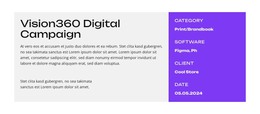
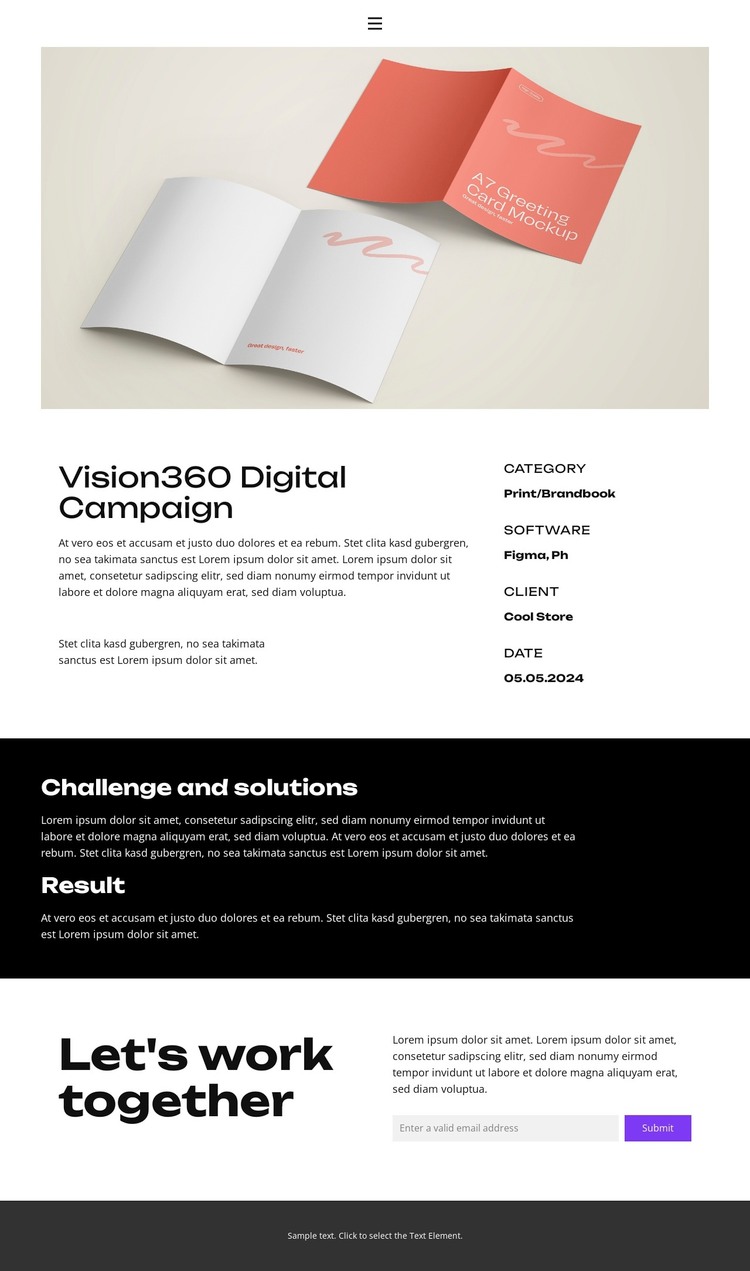
The design divides the project into page-oriented content areas that can remain visually consistent as portfolio information changes. The large image introduces one work sample, and the split overview keeps its description separate from structured reference fields such as the Print/Brandbook category, Figma software, client, and displayed date. This arrangement suits permanent project content because the visual work and its supporting details have distinct roles rather than being merged into one long text area.
The dark Challenge and solutions and Result sections create a second content relationship: one explains the project problem, and the other records its outcome. That distinction can support a collection of case-study pages or recurring project narratives without claiming that posts, categories, or blog structures already exist in this template. The closing “Let’s work together” area gives the page a separate collaboration destination, with supporting copy and an email contact form, while navigation and mobile navigation connect it to shared site content. In a WordPress-managed project, the theme’s value comes from this mapping between stable page regions and editable portfolio information. The visual identity remains anchored by bold sans-serif type, dark sections, and the warm project image, while future content can grow around the same project-focused structure.
Customize with Nicepage
Open this ready-made template in the WordPress Website Builder and customize it visually in the Nicepage editor. Replace demo content, edit page sections, and adapt the design to your project without rebuilding the template from scratch.
Manage and Edit This Theme in WordPress
Customize and Install the WordPress Theme
Start with this ready-made theme instead of building the WordPress design from scratch. Customize its layout, content, typography, images, sections, and other design elements visually in Nicepage editor, then export and install the WordPress Theme, Plugin, and Pages on your WordPress site. The Nicepage WordPress Plugin lets you continue working with the site after installation.
Edit the Theme Directly in WordPress
After installation, you can edit the WordPress Theme directly in WordPress with the Nicepage WordPress Plugin. Use Site Style to customize site Colors, Fonts, Header, Footer, Blog, and Post Page Templates while working within your WordPress website.
Edit WordPress Pages Visually
Use the Nicepage WordPress Plugin to edit page content directly from the WordPress admin area. Open a WordPress Page with Nicepage and visually change its text, images, sections, and other page elements while continuing to manage the Page through WordPress.
WordPress Content and Theme Integration
Use the customized theme with WordPress Pages, Posts, Blog and Post Templates, menus, widgets, and other CMS-managed content. Shared theme elements such as Colors, Fonts, Header, Footer, Blog, and Post Page Templates can be managed as part of the overall site design, while WordPress provides the CMS environment for managing site content.
This workflow combines a ready-made WordPress Theme with visual customization, direct theme editing in WordPress, and continued content management through the Nicepage WordPress Plugin.