Power your home with clean solar energy WordPress Theme



Edit Template Offline
2. Create new page and search for id 5214757
Edit Template Online
Create Awesome Websites


Free Nicepage Builder
Keywords
Page-oriented solar content connects services, story, and contact
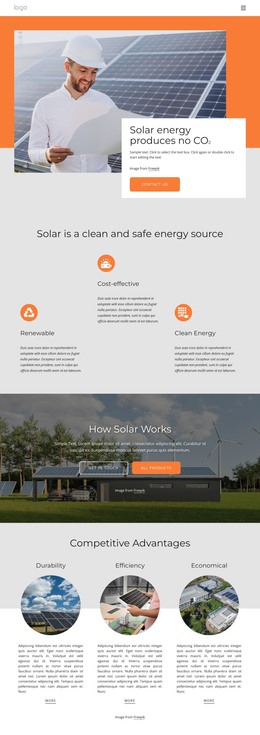
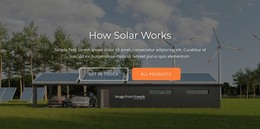
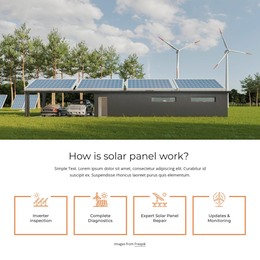
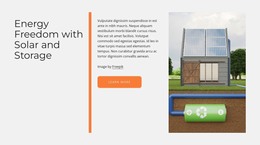
The page separates several kinds of content that can remain visually coordinated in a WordPress-managed site. The solar introduction, benefit columns, How Solar Works section, and science panel provide permanent explanatory areas for visitors who need context about renewable, clean, and carbon-free energy. Their image-led presentation gives those page sections a consistent visual setting without requiring the service information to carry the entire message.
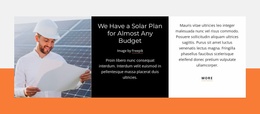
The organization cards offer a different content relationship. About Us, Our Story, and Our Mission are three distinct subjects that can support lasting organizational pages or sections, while the Competitive Advantages cards provide a compact way to present durability, efficiency, and economical value. The four service tiles add practical page content through inverter inspection, complete diagnostics, expert solar panel repair, and updates and monitoring. These categories could be maintained as separate content subjects while retaining the same visual direction.
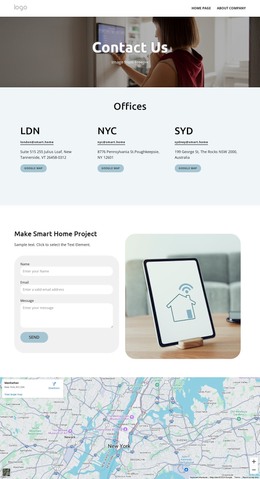
The contact area brings together a form with name, email, and message inputs and an accordion containing three questions. That combination gives the design a clear place for visitor communication and supporting information, while the compact navigation and dark footer remain shared site elements. The template does not prove that blog posts or other WordPress-specific content already exist, but its page sections and repeated content groups provide a coherent theme foundation for managing solar information, organization details, services, and contact content.
Customize with Nicepage
Open this ready-made template in the WordPress Website Builder and customize it visually in the Nicepage editor. Replace demo content, edit page sections, and adapt the design to your project without rebuilding the template from scratch.
Manage and Edit This Theme in WordPress
Customize and Install the WordPress Theme
Start with this ready-made theme instead of building the WordPress design from scratch. Customize its layout, content, typography, images, sections, and other design elements visually in Nicepage editor, then export and install the WordPress Theme, Plugin, and Pages on your WordPress site. The Nicepage WordPress Plugin lets you continue working with the site after installation.
Edit the Theme Directly in WordPress
After installation, you can edit the WordPress Theme directly in WordPress with the Nicepage WordPress Plugin. Use Site Style to customize site Colors, Fonts, Header, Footer, Blog, and Post Page Templates while working within your WordPress website.
Edit WordPress Pages Visually
Use the Nicepage WordPress Plugin to edit page content directly from the WordPress admin area. Open a WordPress Page with Nicepage and visually change its text, images, sections, and other page elements while continuing to manage the Page through WordPress.
WordPress Content and Theme Integration
Use the customized theme with WordPress Pages, Posts, Blog and Post Templates, menus, widgets, and other CMS-managed content. Shared theme elements such as Colors, Fonts, Header, Footer, Blog, and Post Page Templates can be managed as part of the overall site design, while WordPress provides the CMS environment for managing site content.
This workflow combines a ready-made WordPress Theme with visual customization, direct theme editing in WordPress, and continued content management through the Nicepage WordPress Plugin.