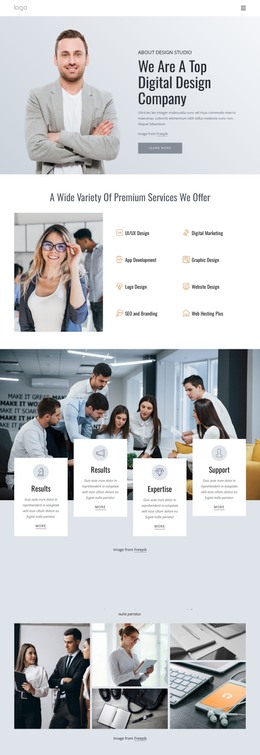
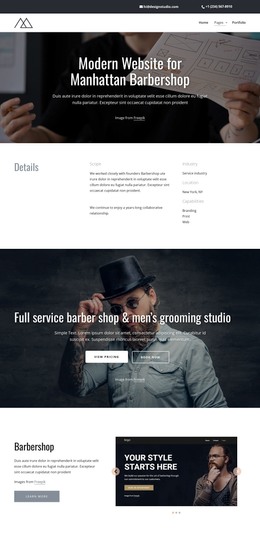
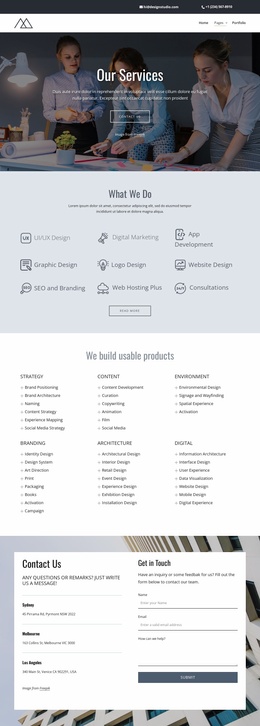
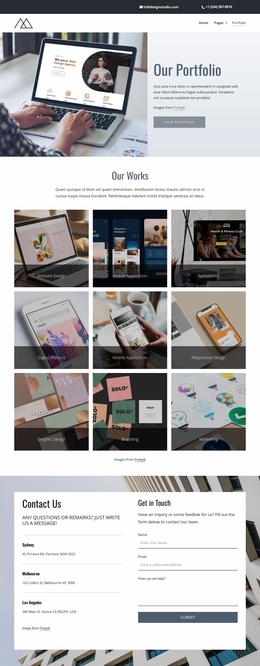
Full potential transformation WordPress Theme


A Reusable Services Section for Consulting Page Content
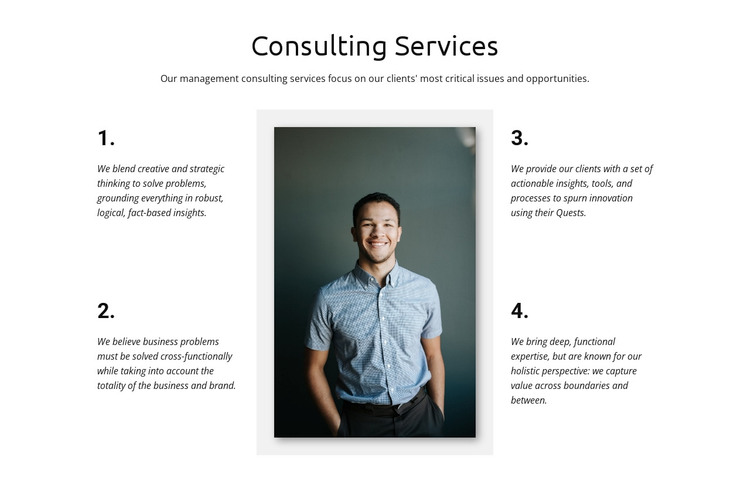
The “Consulting Services” heading and introductory paragraph make the block read as stable page content rather than a time-sensitive announcement. Four numbered principles then provide the section’s main information, arranged around a single portrait image in a three-column layout. The image separates the two text groups visually, while the numbering helps each principle retain its own place in the overall consulting message.
Within a WordPress-managed page, this block can function as a reusable services area for a consulting practice. Its content covers several complementary aspects of the offering: creative and strategic thinking supported by fact-based insights; cross-functional problem solving across the business and brand; actionable insights, tools, processes, and innovation; and functional expertise viewed through a holistic perspective. Together, these statements give the section a durable explanatory role that can remain consistent while other page content changes around it.
The visual treatment supports that role without making claims beyond the section itself. Black typography on white provides a restrained reading field, the italic serif style gives the numbered statements a distinct textual rhythm, and the pale gray image panel sets the portrait apart from the surrounding copy. As one content section in a broader WordPress-managed site, it can sit beside other service, case-study, or contact content while preserving its own consulting-focused structure.
Customize with Nicepage
Open this ready-made template in the WordPress Website Builder and customize it visually in the Nicepage editor. Replace demo content, edit page sections, and adapt the design to your project without rebuilding the template from scratch.
Edit Template Offline
2. Create a new page or select existing
3. Click Add new block, search for id 61218 and click enter
Edit Template Online
Create Awesome Websites


Free Nicepage Builder
Keywords
Manage and Edit This Theme in WordPress
Customize and Install the WordPress Theme
Start with this ready-made theme instead of building the WordPress design from scratch. Customize its layout, content, typography, images, sections, and other design elements visually in Nicepage editor, then export and install the WordPress Theme, Plugin, and Pages on your WordPress site. The Nicepage WordPress Plugin lets you continue working with the site after installation.
Edit the Theme Directly in WordPress
After installation, you can edit the WordPress Theme directly in WordPress with the Nicepage WordPress Plugin. Use Site Style to customize site Colors, Fonts, Header, Footer, Blog, and Post Page Templates while working within your WordPress website.
Edit WordPress Pages Visually
Use the Nicepage WordPress Plugin to edit page content directly from the WordPress admin area. Open a WordPress Page with Nicepage and visually change its text, images, sections, and other page elements while continuing to manage the Page through WordPress.
WordPress Content and Theme Integration
Use the customized theme with WordPress Pages, Posts, Blog and Post Templates, menus, widgets, and other CMS-managed content. Shared theme elements such as Colors, Fonts, Header, Footer, Blog, and Post Page Templates can be managed as part of the overall site design, while WordPress provides the CMS environment for managing site content.
This workflow combines a ready-made WordPress Theme with visual customization, direct theme editing in WordPress, and continued content management through the Nicepage WordPress Plugin.