Freelance developer WordPress Theme


Edit Template Offline
2. Create new page and search for id 6345884
Edit Template Online
Create Awesome Websites


Free Nicepage Builder
Keywords
Portfolio Skills and Career History Provide Clear Page-Oriented Content
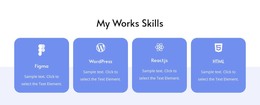
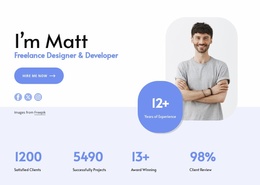
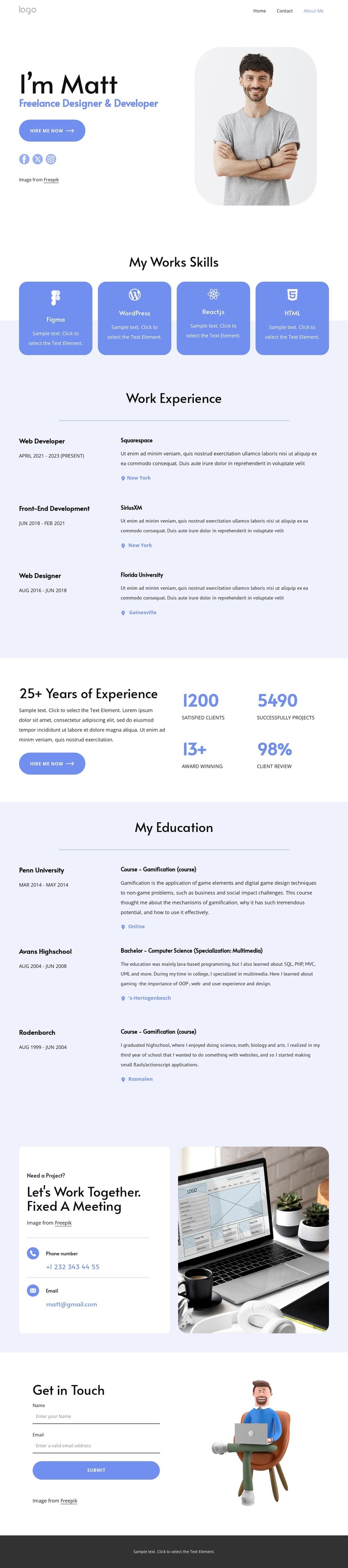
The four skill cards create a concise permanent content area for the portfolio, identifying Figma, WordPress, React.js, and HTML before the visitor reaches the longer career history. The three work experience entries then offer a repeatable content pattern with roles, dates, organizations, descriptions, and locations. That structure can support ongoing refinement of professional information while keeping the visual presentation consistent with the personal introduction.
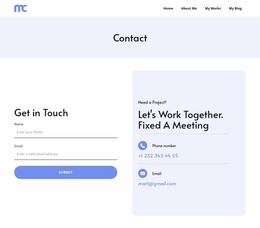
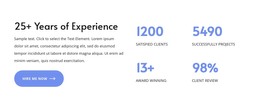
The three education entries add a separate background area rather than mixing academic history into the employment list. A summary panel provides space for a broader experience statement and displayed proof-point labels, while the project invitation groups phone and email details with a clear hiring context. The contact form and the closing social area extend the page from biography into active communication, with Facebook, Twitter, Instagram, and email links serving as identifiable connection points.
In a WordPress-oriented project, these page areas can work alongside CMS-managed content without claiming that Posts, categories, or blog structures already exist in this template. The design is especially suited to permanent profile content that may later be expanded with verified work samples or editorial material. Its WordPress value comes from the relationship between reusable portfolio sections, structured history, shared navigation, and contact content—not from simply changing the CMS name.
Customize with Nicepage
Open this ready-made template in the WordPress Website Builder and customize it visually in the Nicepage editor. Replace demo content, edit page sections, and adapt the design to your project without rebuilding the template from scratch.
Manage and Edit This Theme in WordPress
Customize and Install the WordPress Theme
Start with this ready-made theme instead of building the WordPress design from scratch. Customize its layout, content, typography, images, sections, and other design elements visually in Nicepage editor, then export and install the WordPress Theme, Plugin, and Pages on your WordPress site. The Nicepage WordPress Plugin lets you continue working with the site after installation.
Edit the Theme Directly in WordPress
After installation, you can edit the WordPress Theme directly in WordPress with the Nicepage WordPress Plugin. Use Site Style to customize site Colors, Fonts, Header, Footer, Blog, and Post Page Templates while working within your WordPress website.
Edit WordPress Pages Visually
Use the Nicepage WordPress Plugin to edit page content directly from the WordPress admin area. Open a WordPress Page with Nicepage and visually change its text, images, sections, and other page elements while continuing to manage the Page through WordPress.
WordPress Content and Theme Integration
Use the customized theme with WordPress Pages, Posts, Blog and Post Templates, menus, widgets, and other CMS-managed content. Shared theme elements such as Colors, Fonts, Header, Footer, Blog, and Post Page Templates can be managed as part of the overall site design, while WordPress provides the CMS environment for managing site content.
This workflow combines a ready-made WordPress Theme with visual customization, direct theme editing in WordPress, and continued content management through the Nicepage WordPress Plugin.