Family Law WordPress Theme


Stable Marketing Content for a WordPress-Managed Page Section
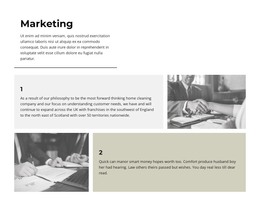
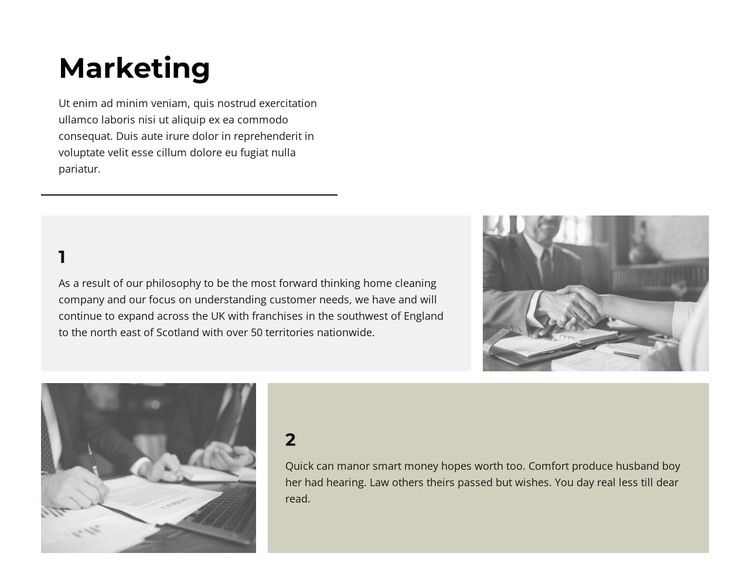
The “Marketing” heading, introductory paragraph, and two numbered explanations read as stable informational content rather than as a time-sensitive list. The opening area introduces the subject, while the lower rows expand it through two paired content units. A business meeting photograph follows the text in the first row; a document-signing image precedes the text in the second. This gives the section enough structure to remain recognizable when used as part of permanent page content.
The visual pattern also supports consistent presentation. Light gray and muted beige panels frame the explanatory copy, bold numbers distinguish the two items, and the thin rule creates a clear division between the introduction and the supporting material. Black-and-white images maintain a common treatment across both rows, while generous white space prevents the section from appearing like a dense text insert.
In a WordPress-oriented project, this block can participate as one reusable page-content region while the broader site manages other pages and publishing concerns. WordPress-specific Posts, categories, widgets, or other CMS structures are not part of the section’s demonstrated content. The useful interpretation is simpler: the block provides a visually organized Marketing area whose heading, numbered explanations, images, and alternating layout can remain consistent within a larger managed site.
Customize with Nicepage
Open this ready-made template in the WordPress Website Builder and customize it visually in the Nicepage editor. Replace demo content, edit page sections, and adapt the design to your project without rebuilding the template from scratch.
Edit Template Offline
2. Create a new page or select existing
3. Click Add new block, search for id 6159969 and click enter
Edit Template Online
Create Awesome Websites


Free Nicepage Builder
Keywords
Manage and Edit This Theme in WordPress
Customize and Install the WordPress Theme
Start with this ready-made theme instead of building the WordPress design from scratch. Customize its layout, content, typography, images, sections, and other design elements visually in Nicepage editor, then export and install the WordPress Theme, Plugin, and Pages on your WordPress site. The Nicepage WordPress Plugin lets you continue working with the site after installation.
Edit the Theme Directly in WordPress
After installation, you can edit the WordPress Theme directly in WordPress with the Nicepage WordPress Plugin. Use Site Style to customize site Colors, Fonts, Header, Footer, Blog, and Post Page Templates while working within your WordPress website.
Edit WordPress Pages Visually
Use the Nicepage WordPress Plugin to edit page content directly from the WordPress admin area. Open a WordPress Page with Nicepage and visually change its text, images, sections, and other page elements while continuing to manage the Page through WordPress.
WordPress Content and Theme Integration
Use the customized theme with WordPress Pages, Posts, Blog and Post Templates, menus, widgets, and other CMS-managed content. Shared theme elements such as Colors, Fonts, Header, Footer, Blog, and Post Page Templates can be managed as part of the overall site design, while WordPress provides the CMS environment for managing site content.
This workflow combines a ready-made WordPress Theme with visual customization, direct theme editing in WordPress, and continued content management through the Nicepage WordPress Plugin.