Our Mission, vision and confession WordPress Theme



Edit Template Offline
2. Create new page and search for id 5587440
Edit Template Online
Create Awesome Websites


Free Nicepage Builder
Keywords
Page Content and Repeated Profiles Support a Church Theme Structure
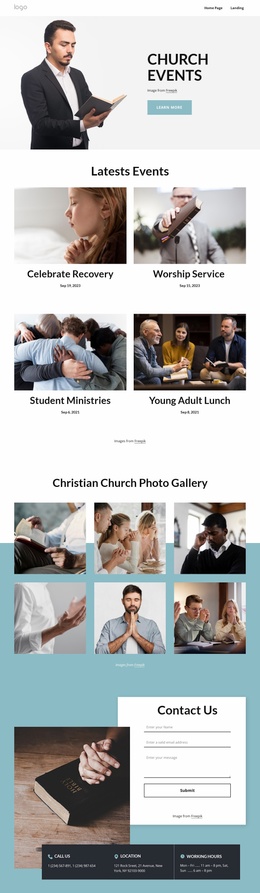
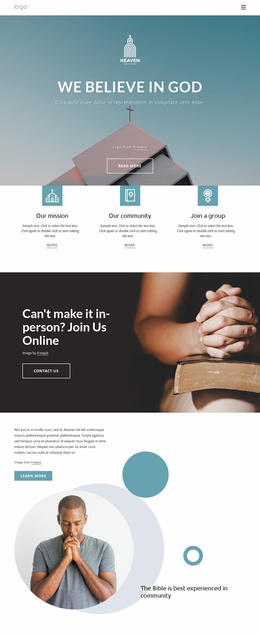
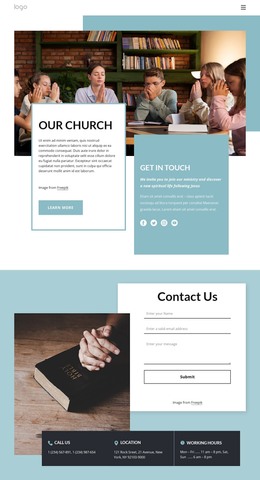
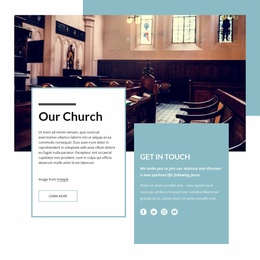
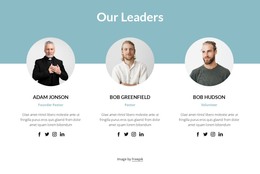
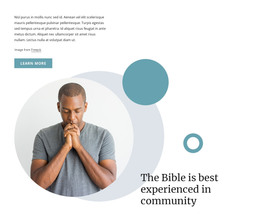
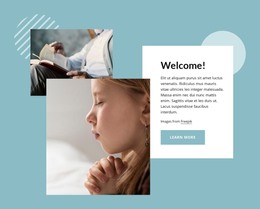
The design separates permanent church information into clear page-oriented areas that can translate naturally into a WordPress-managed content environment. The three cards for The Church, Our Mission, and the Bible provide a stable introductory foundation, while the welcome and online church community sections create room for broader explanatory content and imagery. Their roles differ from the leadership area, which repeats three profile entries with portraits, roles, descriptions, and social links.
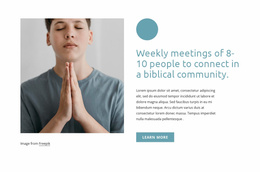
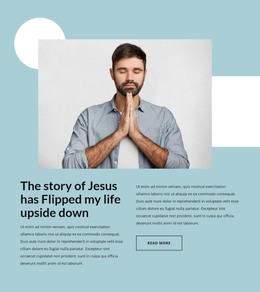
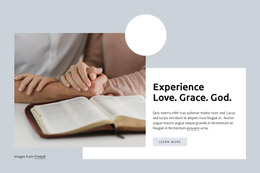
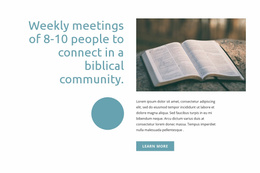
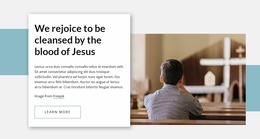
That repeated profile pattern can help a church maintain a consistent presentation when people-focused content changes, without treating the sample names or roles as verified real-world records. The three image panels offer another content relationship: they highlight community visually rather than presenting structured leadership information. The five-question accordion then creates a practical information area where visitors can find answers about worship, parking, small groups, and office hours.
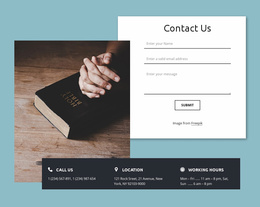
The contact section brings permanent page content together with a contact form and cards for phone, location, and working hours. Navigation, mobile navigation, and the dark footer provide shared site elements around those sections. If the project later adds regularly updated announcements or articles, they could be placed around this existing visual direction, but no blog or post structure is verified in this template. The WordPress interpretation therefore rests on organized page content, reusable people patterns, and a coherent theme presentation rather than on claims about existing CMS records.
Customize with Nicepage
Open this ready-made template in the WordPress Website Builder and customize it visually in the Nicepage editor. Replace demo content, edit page sections, and adapt the design to your project without rebuilding the template from scratch.
Manage and Edit This Theme in WordPress
Customize and Install the WordPress Theme
Start with this ready-made theme instead of building the WordPress design from scratch. Customize its layout, content, typography, images, sections, and other design elements visually in Nicepage editor, then export and install the WordPress Theme, Plugin, and Pages on your WordPress site. The Nicepage WordPress Plugin lets you continue working with the site after installation.
Edit the Theme Directly in WordPress
After installation, you can edit the WordPress Theme directly in WordPress with the Nicepage WordPress Plugin. Use Site Style to customize site Colors, Fonts, Header, Footer, Blog, and Post Page Templates while working within your WordPress website.
Edit WordPress Pages Visually
Use the Nicepage WordPress Plugin to edit page content directly from the WordPress admin area. Open a WordPress Page with Nicepage and visually change its text, images, sections, and other page elements while continuing to manage the Page through WordPress.
WordPress Content and Theme Integration
Use the customized theme with WordPress Pages, Posts, Blog and Post Templates, menus, widgets, and other CMS-managed content. Shared theme elements such as Colors, Fonts, Header, Footer, Blog, and Post Page Templates can be managed as part of the overall site design, while WordPress provides the CMS environment for managing site content.
This workflow combines a ready-made WordPress Theme with visual customization, direct theme editing in WordPress, and continued content management through the Nicepage WordPress Plugin.