Unique design experiences, services, and products WordPress Theme

Edit Template Offline
2. Create new page and search for id 3151793
Edit Template Online
Create Awesome Websites


Free Nicepage Builder
Keywords
Page content and recurring service information in one visual system
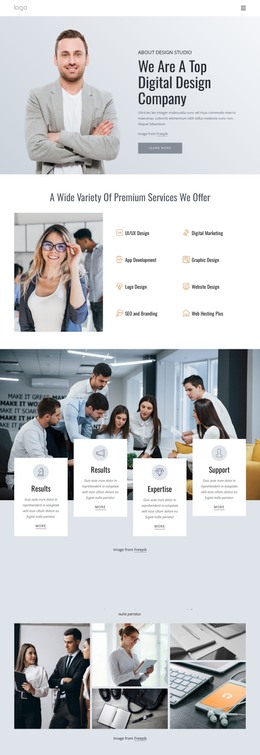
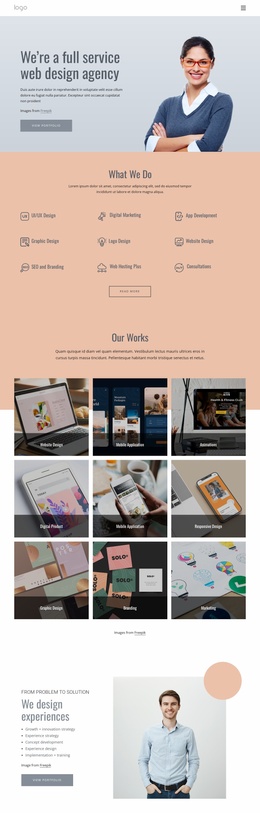
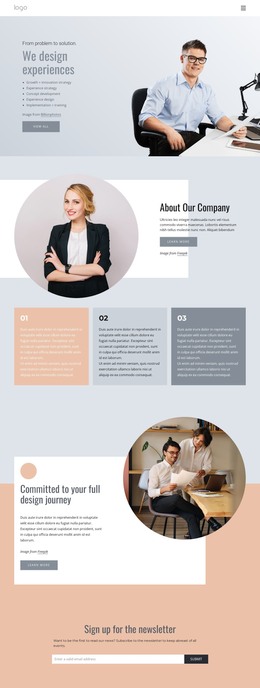
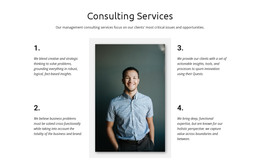
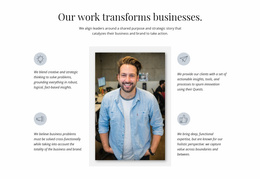
The hero and About Our Company sections establish permanent page-oriented content: an experience-led introduction, a professional image, a company portrait, and explanatory copy. The three numbered capability cards then summarize the organization before the service grid expands the subject into Development, Management, and Support 24/7. In a WordPress-managed project, these areas provide a useful distinction between company information and the recurring service content that may need to be maintained as the site develops.
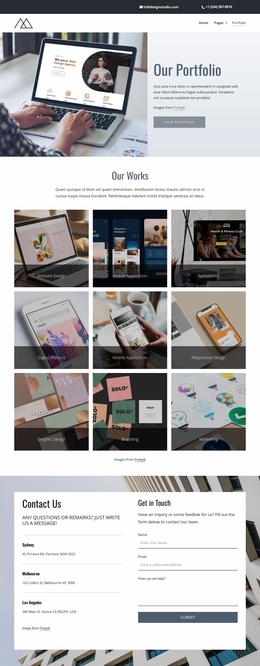
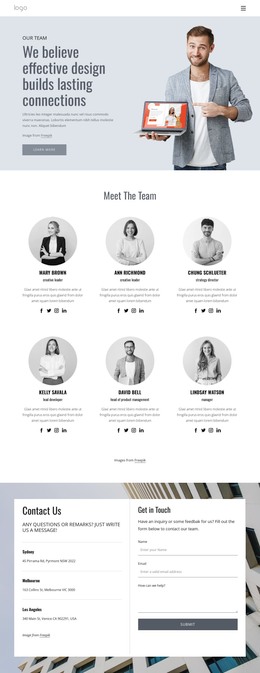
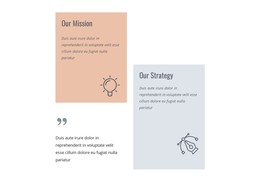
The portfolio section adds three work examples with images, labels, and descriptions, making it a natural home for project-focused content. The testimonial-style block offers another content relationship by surrounding a central portrait with four quote panels. These names and quotations are displayed sample material, so they should not be treated as verified customer records. Together, the portfolio and testimonial structures give the design places for visual examples and supporting business statements without changing its core character.
The newsletter form and Contact Us panel serve different content purposes. The first requests an email subscription through a focused band; the second combines inquiry guidance, contact details, and a message form. The footer supplies recurring site elements through quick links, contact information, and social icons. This separation lets a WordPress project keep permanent page sections and regularly updated service, project, or communication content within the same visual direction, without claiming that posts, categories, or blog structures already exist in the template.
Customize with Nicepage
Open this ready-made template in the WordPress Website Builder and customize it visually in the Nicepage editor. Replace demo content, edit page sections, and adapt the design to your project without rebuilding the template from scratch.
Manage and Edit This Theme in WordPress
Customize and Install the WordPress Theme
Start with this ready-made theme instead of building the WordPress design from scratch. Customize its layout, content, typography, images, sections, and other design elements visually in Nicepage editor, then export and install the WordPress Theme, Plugin, and Pages on your WordPress site. The Nicepage WordPress Plugin lets you continue working with the site after installation.
Edit the Theme Directly in WordPress
After installation, you can edit the WordPress Theme directly in WordPress with the Nicepage WordPress Plugin. Use Site Style to customize site Colors, Fonts, Header, Footer, Blog, and Post Page Templates while working within your WordPress website.
Edit WordPress Pages Visually
Use the Nicepage WordPress Plugin to edit page content directly from the WordPress admin area. Open a WordPress Page with Nicepage and visually change its text, images, sections, and other page elements while continuing to manage the Page through WordPress.
WordPress Content and Theme Integration
Use the customized theme with WordPress Pages, Posts, Blog and Post Templates, menus, widgets, and other CMS-managed content. Shared theme elements such as Colors, Fonts, Header, Footer, Blog, and Post Page Templates can be managed as part of the overall site design, while WordPress provides the CMS environment for managing site content.
This workflow combines a ready-made WordPress Theme with visual customization, direct theme editing in WordPress, and continued content management through the Nicepage WordPress Plugin.