Enjoy pilates and yoga WordPress Theme
Edit Template Offline
2. Create new page and search for id 6037560
Edit Template Online
Create Awesome Websites


Free Nicepage Builder
Keywords
Class Categories and Booking Content Form a Reusable Page Basis
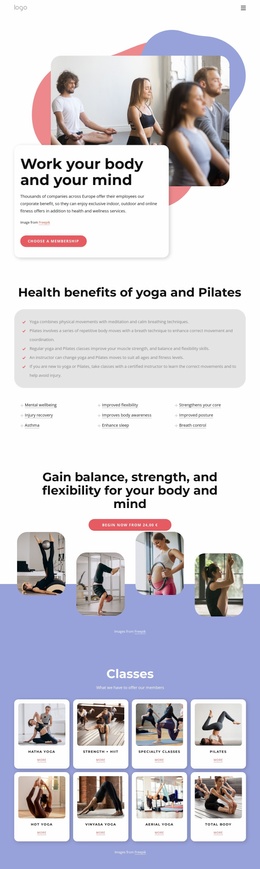
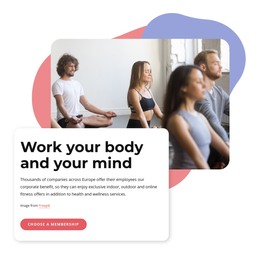
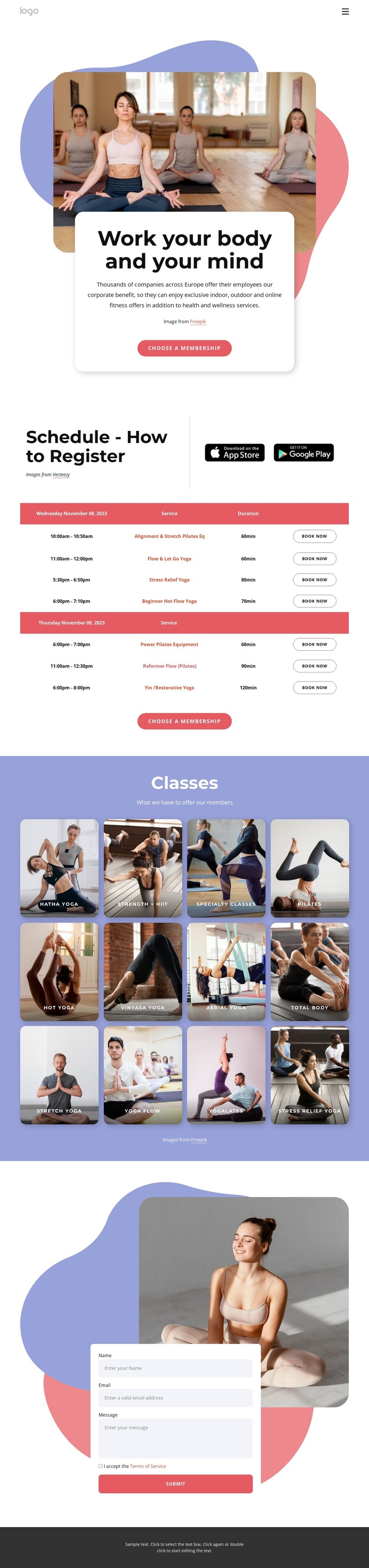
The page’s permanent content areas are clear enough to guide a WordPress-oriented site without claiming that WordPress Posts, categories, or blog structures already exist. The hero can hold the studio’s main fitness message and membership action, while the registration section concentrates practical class information. Its table separates dates, times, services, durations, and booking actions, making it a distinct page area for content that may change more often than the visual introduction.
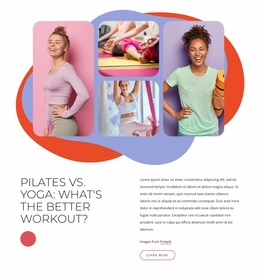
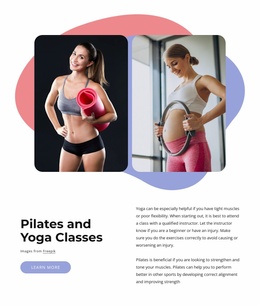
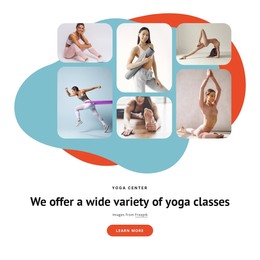
The twelve illustrated class cards support page-oriented content about the program. Hatha Yoga, Pilates, Strength + HIIT, Vinyasa Yoga, Aerial Yoga, and Stress Relief Yoga are presented as recognizable categories, giving a WordPress project a useful pattern for expanding descriptions or related class information. The cards should be treated as verified visual and content structure; the sample schedule dates and durations remain demonstration values rather than confirmed live offerings.
The contact form supplies another stable page area for membership or general inquiries, using name, email, message, terms acceptance, and submit controls. Together with the shared header and footer, these regions create a consistent theme context around changing class information. The design is therefore suited to a WordPress-managed project where permanent page content, recurring class details, and inquiry content need to coexist under one visual system. Its value comes from the separation of those content roles, not from an unsupported claim that CMS elements are already present.
Customize with Nicepage
Open this ready-made template in the WordPress Website Builder and customize it visually in the Nicepage editor. Replace demo content, edit page sections, and adapt the design to your project without rebuilding the template from scratch.
Manage and Edit This Theme in WordPress
Customize and Install the WordPress Theme
Start with this ready-made theme instead of building the WordPress design from scratch. Customize its layout, content, typography, images, sections, and other design elements visually in Nicepage editor, then export and install the WordPress Theme, Plugin, and Pages on your WordPress site. The Nicepage WordPress Plugin lets you continue working with the site after installation.
Edit the Theme Directly in WordPress
After installation, you can edit the WordPress Theme directly in WordPress with the Nicepage WordPress Plugin. Use Site Style to customize site Colors, Fonts, Header, Footer, Blog, and Post Page Templates while working within your WordPress website.
Edit WordPress Pages Visually
Use the Nicepage WordPress Plugin to edit page content directly from the WordPress admin area. Open a WordPress Page with Nicepage and visually change its text, images, sections, and other page elements while continuing to manage the Page through WordPress.
WordPress Content and Theme Integration
Use the customized theme with WordPress Pages, Posts, Blog and Post Templates, menus, widgets, and other CMS-managed content. Shared theme elements such as Colors, Fonts, Header, Footer, Blog, and Post Page Templates can be managed as part of the overall site design, while WordPress provides the CMS environment for managing site content.
This workflow combines a ready-made WordPress Theme with visual customization, direct theme editing in WordPress, and continued content management through the Nicepage WordPress Plugin.