Fitness and pilates wellness center WordPress Theme


Edit Template Offline
2. Create new page and search for id 6557670
Edit Template Online
Create Awesome Websites


Free Nicepage Builder
Keywords
Organizational story and recurring people content fit a CMS-managed theme
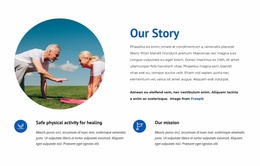
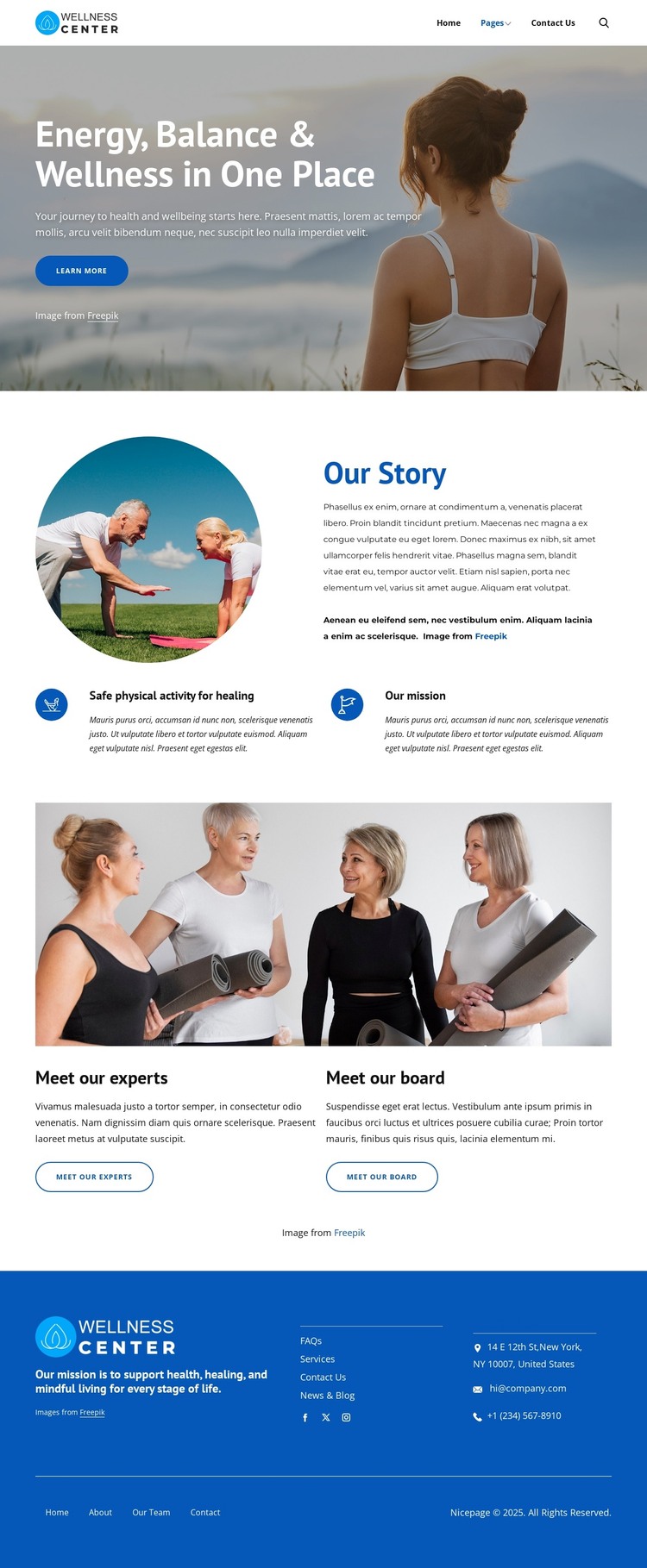
The page’s content areas divide naturally into permanent organizational information and recurring people-focused material. The hero provides the broad introduction through “Energy, Balance & Wellness in One Place,” an image, supporting copy, and a Learn more action. The “Our Story” section then gives the organization a page-oriented area for background and mission content, including “Safe physical activity for healing” and “Our mission.” These are useful as stable informational subjects within a WordPress-managed site, although the analysis does not prove that WordPress Pages or Posts already exist.
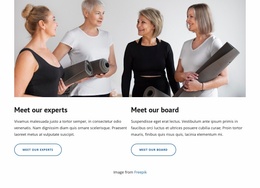
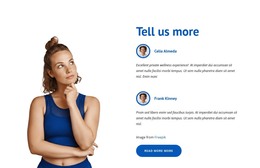
The team section offers a different content relationship. “Meet our experts” and “Meet our board” appear as separate information cards beneath a team photograph, making them suitable conceptual areas for people content that may be revised or expanded over time. Their separation is more useful than treating the team image as one undifferentiated block, because each card can retain its own purpose and action while following the same visual direction.
The blue footer supplies shared site context through mission messaging, help links, email and telephone channels, Facebook, Twitter, Instagram, and secondary navigation. In a WordPress project, these regions can be interpreted as the recurring visual framework around the organization’s managed content. The sample address, email, and phone values should be replaced with verified details. The design therefore supports a theme-oriented reading based on page content, reusable site regions, and people information rather than on unsupported claims about existing blog or post structures.
Customize with Nicepage
Open this ready-made template in the WordPress Website Builder and customize it visually in the Nicepage editor. Replace demo content, edit page sections, and adapt the design to your project without rebuilding the template from scratch.
Manage and Edit This Theme in WordPress
Customize and Install the WordPress Theme
Start with this ready-made theme instead of building the WordPress design from scratch. Customize its layout, content, typography, images, sections, and other design elements visually in Nicepage editor, then export and install the WordPress Theme, Plugin, and Pages on your WordPress site. The Nicepage WordPress Plugin lets you continue working with the site after installation.
Edit the Theme Directly in WordPress
After installation, you can edit the WordPress Theme directly in WordPress with the Nicepage WordPress Plugin. Use Site Style to customize site Colors, Fonts, Header, Footer, Blog, and Post Page Templates while working within your WordPress website.
Edit WordPress Pages Visually
Use the Nicepage WordPress Plugin to edit page content directly from the WordPress admin area. Open a WordPress Page with Nicepage and visually change its text, images, sections, and other page elements while continuing to manage the Page through WordPress.
WordPress Content and Theme Integration
Use the customized theme with WordPress Pages, Posts, Blog and Post Templates, menus, widgets, and other CMS-managed content. Shared theme elements such as Colors, Fonts, Header, Footer, Blog, and Post Page Templates can be managed as part of the overall site design, while WordPress provides the CMS environment for managing site content.
This workflow combines a ready-made WordPress Theme with visual customization, direct theme editing in WordPress, and continued content management through the Nicepage WordPress Plugin.