Run in a group WordPress Theme



Edit Template Offline
2. Create new page and search for id 5776168
Edit Template Online
Create Awesome Websites


Free Nicepage Builder
Keywords
Activity Categories and Event Content Support Ongoing Club Publishing
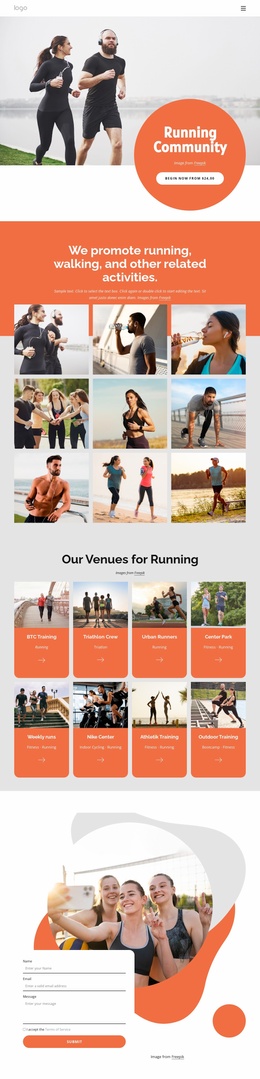
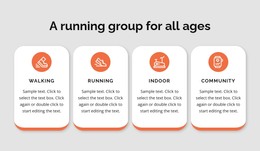
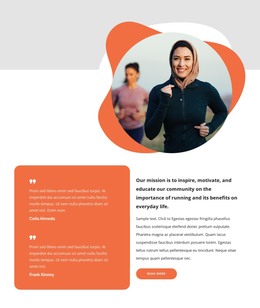
The six repeated activity cards create clear page-oriented content for a running club: Gym Training, Running, Virtual Programs, Urban Events, Seasoned Running, and For Beginners can be read as distinct areas within the same visual system. The venue grid adds another content relationship, connecting eight cards with named groups, locations, weekly runs, and training activities. Together, these sections give a WordPress project more than a decorative homepage; they establish recurring subjects that can be expanded or refreshed while preserving the design’s visual direction.
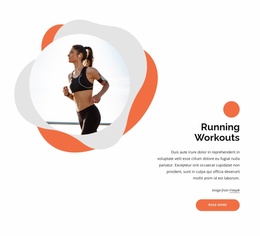
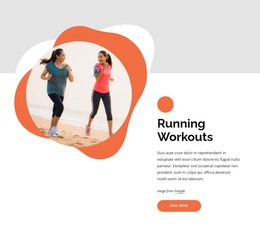
The weekly event panel and Long Runs and Events section provide a natural place for participation information, while Running Events and Club Guidelines actions distinguish practical next steps from the broader activity overview. The “Why Running Makes You Happy” section adds editorial content, and the testimonial carousel creates a separate area for member-oriented statements without treating demo names or sample quotations as verified business facts. Finally, the contact form offers a stable page section for inquiries about joining or club activities. These relationships suit a WordPress-managed content environment where permanent page information and regularly updated club material can coexist around shared navigation, imagery, cards, and calls to action. The interpretation concerns the design’s content areas, not an assertion that WordPress Posts or other CMS structures already exist in the template.
Customize with Nicepage
Open this ready-made template in the WordPress Website Builder and customize it visually in the Nicepage editor. Replace demo content, edit page sections, and adapt the design to your project without rebuilding the template from scratch.
Manage and Edit This Theme in WordPress
Customize and Install the WordPress Theme
Start with this ready-made theme instead of building the WordPress design from scratch. Customize its layout, content, typography, images, sections, and other design elements visually in Nicepage editor, then export and install the WordPress Theme, Plugin, and Pages on your WordPress site. The Nicepage WordPress Plugin lets you continue working with the site after installation.
Edit the Theme Directly in WordPress
After installation, you can edit the WordPress Theme directly in WordPress with the Nicepage WordPress Plugin. Use Site Style to customize site Colors, Fonts, Header, Footer, Blog, and Post Page Templates while working within your WordPress website.
Edit WordPress Pages Visually
Use the Nicepage WordPress Plugin to edit page content directly from the WordPress admin area. Open a WordPress Page with Nicepage and visually change its text, images, sections, and other page elements while continuing to manage the Page through WordPress.
WordPress Content and Theme Integration
Use the customized theme with WordPress Pages, Posts, Blog and Post Templates, menus, widgets, and other CMS-managed content. Shared theme elements such as Colors, Fonts, Header, Footer, Blog, and Post Page Templates can be managed as part of the overall site design, while WordPress provides the CMS environment for managing site content.
This workflow combines a ready-made WordPress Theme with visual customization, direct theme editing in WordPress, and continued content management through the Nicepage WordPress Plugin.