Get moving with our range of classes WordPress Theme


Edit Template Offline
2. Create new page and search for id 6210045
Edit Template Online
Create Awesome Websites


Free Nicepage Builder
Keywords
Activity Tiles and Story Blocks Support Page-Oriented Club Content
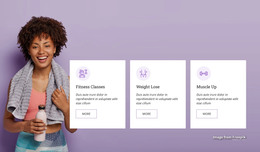
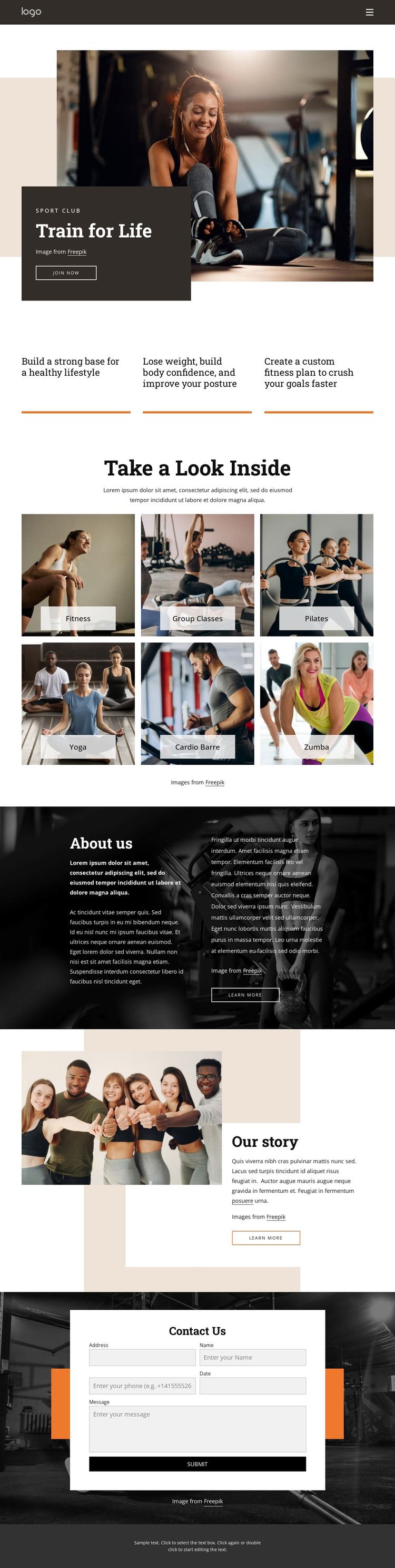
The six labeled activity photographs give the design a natural set of page-oriented content subjects. Fitness, Group Classes, Pilates, Yoga, Cardio Barre, and Zumba can each guide adapted descriptions, images, or links in a WordPress-managed project, while the gallery’s consistent labels and image treatment keep those subjects within one visual system. The three benefit statements provide a separate introductory layer, helping visitors understand the club’s general approach before considering individual activities.
The “About us” and “Our story” sections offer two different content roles that suit a theme structure. The first uses a dark full-width photograph and two text columns for club information; the second combines a group image with a story excerpt and a prominent follow-up action. This distinction can help permanent page content and more narrative or regularly updated material remain visually coordinated without being treated as the same block.
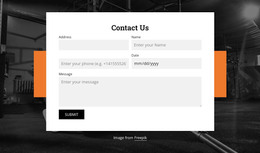
The final Contact Us area adds a direct inquiry destination with a visible submission form. Together with the opening join now action, it gives the design a clear path from club introduction to response. WordPress can manage the adapted page content while the theme preserves the established contrast, photography, and section relationships. No existing posts, blog structure, or WordPress-specific content is assumed; the interpretation is based on the confirmed page areas and repeated content types.
Customize with Nicepage
Open this ready-made template in the WordPress Website Builder and customize it visually in the Nicepage editor. Replace demo content, edit page sections, and adapt the design to your project without rebuilding the template from scratch.
Manage and Edit This Theme in WordPress
Customize and Install the WordPress Theme
Start with this ready-made theme instead of building the WordPress design from scratch. Customize its layout, content, typography, images, sections, and other design elements visually in Nicepage editor, then export and install the WordPress Theme, Plugin, and Pages on your WordPress site. The Nicepage WordPress Plugin lets you continue working with the site after installation.
Edit the Theme Directly in WordPress
After installation, you can edit the WordPress Theme directly in WordPress with the Nicepage WordPress Plugin. Use Site Style to customize site Colors, Fonts, Header, Footer, Blog, and Post Page Templates while working within your WordPress website.
Edit WordPress Pages Visually
Use the Nicepage WordPress Plugin to edit page content directly from the WordPress admin area. Open a WordPress Page with Nicepage and visually change its text, images, sections, and other page elements while continuing to manage the Page through WordPress.
WordPress Content and Theme Integration
Use the customized theme with WordPress Pages, Posts, Blog and Post Templates, menus, widgets, and other CMS-managed content. Shared theme elements such as Colors, Fonts, Header, Footer, Blog, and Post Page Templates can be managed as part of the overall site design, while WordPress provides the CMS environment for managing site content.
This workflow combines a ready-made WordPress Theme with visual customization, direct theme editing in WordPress, and continued content management through the Nicepage WordPress Plugin.