The friendliest running club WordPress Theme



Edit Template Offline
2. Create new page and search for id 2602240
Edit Template Online
Create Awesome Websites


Free Nicepage Builder
Keywords
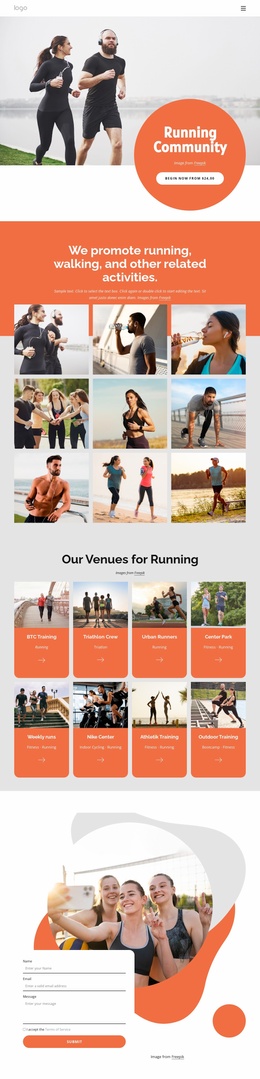
Activity Cards and Team Content Suit a WordPress-Managed Club Site
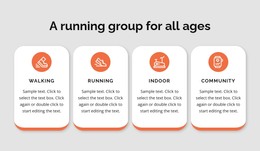
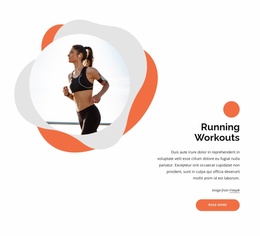
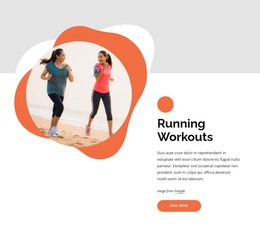
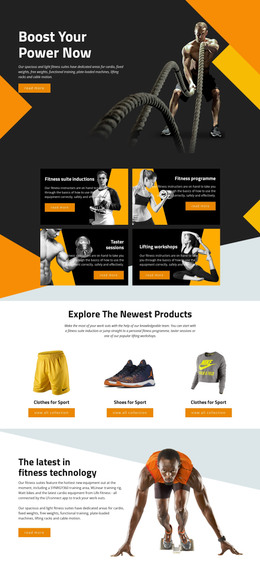
The activity cards give the theme a strong page-oriented starting structure. Walking, Running, Indoor training, and Community are distinct content areas rather than variations of one generic service block, so each can be developed with its own description or supporting material. The training section adds a second editorial layer by addressing runners from beginners through experienced marathoners, while Running Workouts provides a focused subject for additional club information.
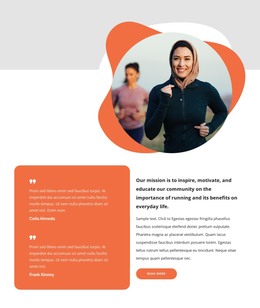
The later sections support recurring content relationships. “Run with a Club” introduces Join Us and Club Guidelines, and the team area links to About Us, Events, Sponsors, and Support over a full-width running photograph. These labels suggest useful destinations for a WordPress-managed project without claiming that separate posts, categories, or pages already exist in the template. They show how permanent club information and regularly updated material could share the same visual direction.
The contact form requests a name, email address, and message, giving the theme a defined communication area beside a group image. Navigation and mobile navigation can connect visitors with the club’s content, while the repeated orange circles, rounded cards, and pill buttons preserve recognition across related sections. A WordPress implementation could therefore use this design as a coordinated setting for activity information, event-related updates, community material, and membership inquiries rather than treating the theme as only a single promotional screen.
Customize with Nicepage
Open this ready-made template in the WordPress Website Builder and customize it visually in the Nicepage editor. Replace demo content, edit page sections, and adapt the design to your project without rebuilding the template from scratch.
Manage and Edit This Theme in WordPress
Customize and Install the WordPress Theme
Start with this ready-made theme instead of building the WordPress design from scratch. Customize its layout, content, typography, images, sections, and other design elements visually in Nicepage editor, then export and install the WordPress Theme, Plugin, and Pages on your WordPress site. The Nicepage WordPress Plugin lets you continue working with the site after installation.
Edit the Theme Directly in WordPress
After installation, you can edit the WordPress Theme directly in WordPress with the Nicepage WordPress Plugin. Use Site Style to customize site Colors, Fonts, Header, Footer, Blog, and Post Page Templates while working within your WordPress website.
Edit WordPress Pages Visually
Use the Nicepage WordPress Plugin to edit page content directly from the WordPress admin area. Open a WordPress Page with Nicepage and visually change its text, images, sections, and other page elements while continuing to manage the Page through WordPress.
WordPress Content and Theme Integration
Use the customized theme with WordPress Pages, Posts, Blog and Post Templates, menus, widgets, and other CMS-managed content. Shared theme elements such as Colors, Fonts, Header, Footer, Blog, and Post Page Templates can be managed as part of the overall site design, while WordPress provides the CMS environment for managing site content.
This workflow combines a ready-made WordPress Theme with visual customization, direct theme editing in WordPress, and continued content management through the Nicepage WordPress Plugin.