Enjoy the most flexible sports and wellness WordPress Theme



Edit Template Offline
2. Create new page and search for id 2602329
Edit Template Online
Create Awesome Websites


Free Nicepage Builder
Keywords
Page Content and Repeatable Classes Fit a Club Theme Structure
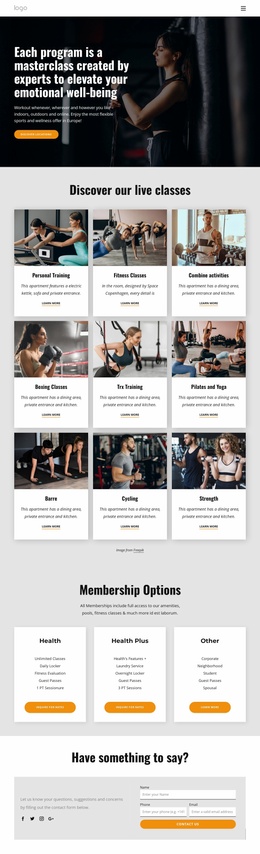
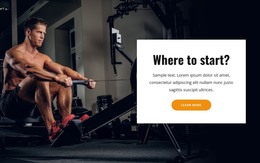
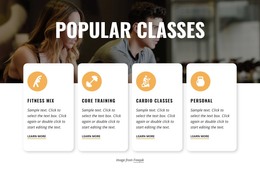
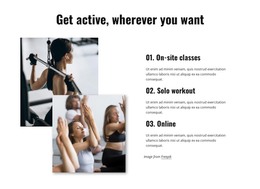
The membership hero and its two actions establish permanent page content for a fitness club, while the six class cards create a repeatable content pattern for offerings such as personal training, boxing, TRX, Pilates, and yoga. Their shared image-and-text treatment is useful for presenting related activities consistently, without claiming that any particular WordPress posts or categories already exist in the template. The separate workout-format section adds page-oriented explanation for on-site, solo, and online participation.
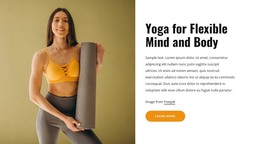
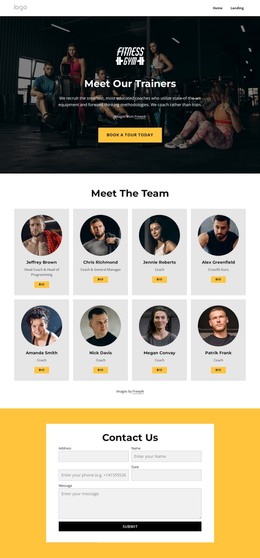
The Popular Classes block can serve as a concise overview of selected activities, while the yoga feature demonstrates how one offering can receive a larger image and supporting text area. The Our Trainers section changes the content relationship again by pairing an introduction with four trainer images. Together, these regions distinguish class information, a featured activity, and people-focused content that a club may want to maintain separately as its site develops.
Newsletter signup, the workout-booking phone contact, social links, and the question form provide recurring communication points around the main page content. In a WordPress-oriented project, those areas can remain visually coordinated with the shared navigation and footer while the club’s page content is updated over time. The design therefore suits a theme interpretation based on permanent club information, repeatable offerings, trainer presentation, and ongoing visitor communication rather than on CMS terminology alone.
Customize with Nicepage
Open this ready-made template in the WordPress Website Builder and customize it visually in the Nicepage editor. Replace demo content, edit page sections, and adapt the design to your project without rebuilding the template from scratch.
Manage and Edit This Theme in WordPress
Customize and Install the WordPress Theme
Start with this ready-made theme instead of building the WordPress design from scratch. Customize its layout, content, typography, images, sections, and other design elements visually in Nicepage editor, then export and install the WordPress Theme, Plugin, and Pages on your WordPress site. The Nicepage WordPress Plugin lets you continue working with the site after installation.
Edit the Theme Directly in WordPress
After installation, you can edit the WordPress Theme directly in WordPress with the Nicepage WordPress Plugin. Use Site Style to customize site Colors, Fonts, Header, Footer, Blog, and Post Page Templates while working within your WordPress website.
Edit WordPress Pages Visually
Use the Nicepage WordPress Plugin to edit page content directly from the WordPress admin area. Open a WordPress Page with Nicepage and visually change its text, images, sections, and other page elements while continuing to manage the Page through WordPress.
WordPress Content and Theme Integration
Use the customized theme with WordPress Pages, Posts, Blog and Post Templates, menus, widgets, and other CMS-managed content. Shared theme elements such as Colors, Fonts, Header, Footer, Blog, and Post Page Templates can be managed as part of the overall site design, while WordPress provides the CMS environment for managing site content.
This workflow combines a ready-made WordPress Theme with visual customization, direct theme editing in WordPress, and continued content management through the Nicepage WordPress Plugin.