Meet our trainers WordPress Theme


Edit Template Offline
2. Create new page and search for id 4919015
Edit Template Online
Create Awesome Websites


Free Nicepage Builder
Keywords
Eight Repeated Profiles Give the Team Page a Clear Content Model
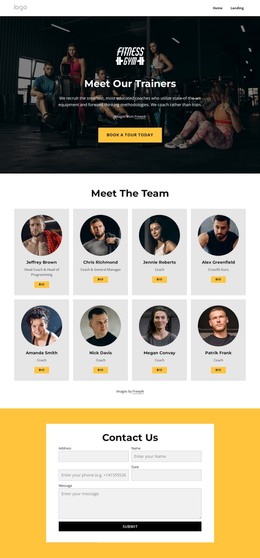
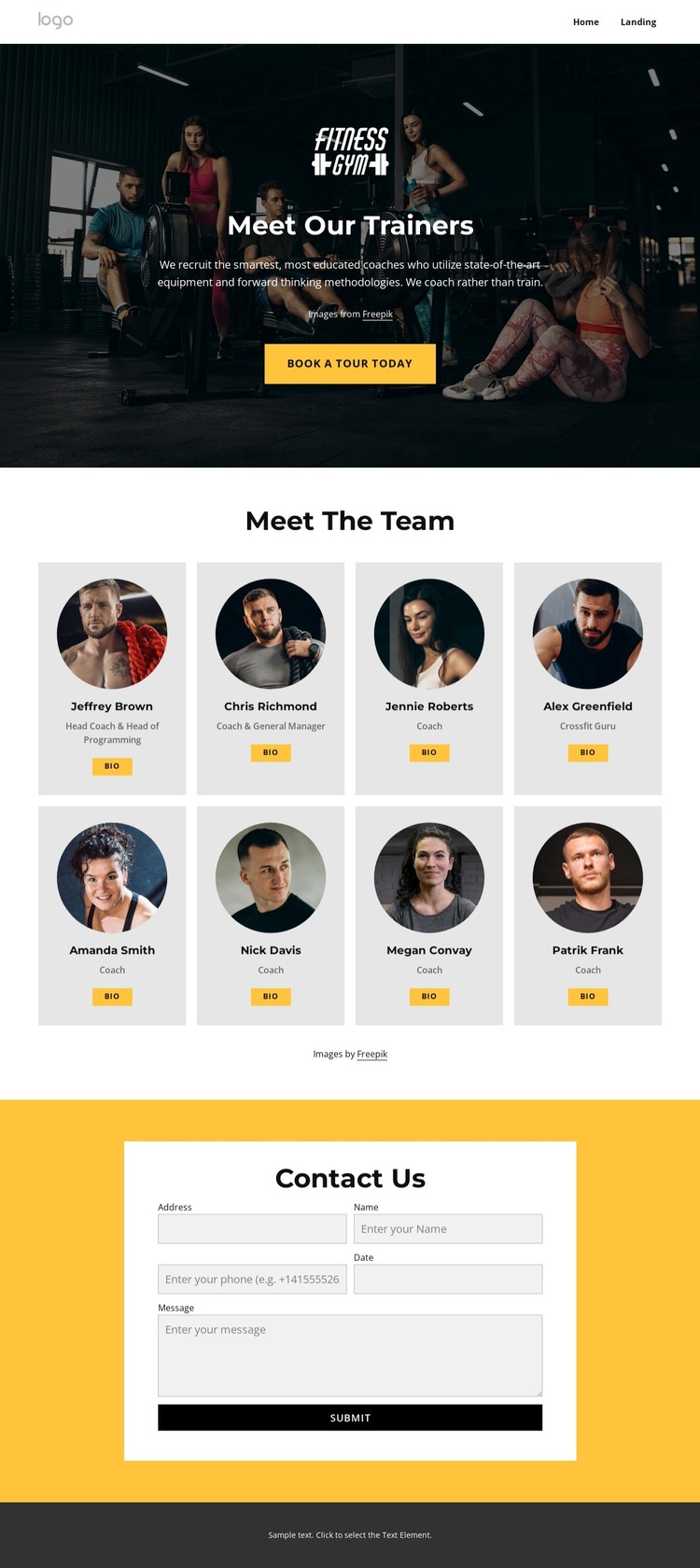
The eight trainer cards form the page’s primary content model. Each entry follows a repeated relationship between circular profile imagery, a trainer name area, a role label, and a Bio button, making the directory easier to interpret as managed page content rather than as a single promotional image. The shared pattern also leaves room for individual profile information to vary while keeping the presentation coordinated. Labels such as Head Coach, General Manager, Coach, and Crossfit Guru provide meaningful distinctions within the same team structure.
The surrounding sections give that directory a clear place in the wider site. The dark hero introduces the fitness coaching subject and places Book A Tour Today before the profiles, while the navigation bar establishes the page’s connection to Home and Landing content. The mobile navigation found in the HTML adds a separate navigation consideration for smaller-screen presentation without changing the underlying team information.
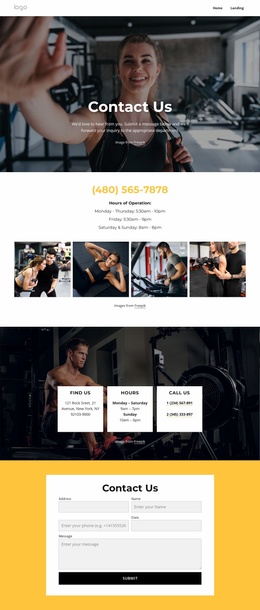
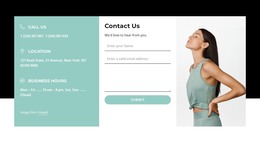
The contact area supplies a second, clearly bounded content region for the project. Its vivid yellow background frames a centered white panel containing name, email, phone, date, and message inputs, followed by a Submit button. This makes the page suitable for permanent team information alongside a direct inquiry area for tours or coaching questions. Within a WordPress theme, the page content can remain organized around these distinct regions while the design continues to present the team, roles, and contact response as one connected fitness page.
Customize with Nicepage
Open this ready-made template in the WordPress Website Builder and customize it visually in the Nicepage editor. Replace demo content, edit page sections, and adapt the design to your project without rebuilding the template from scratch.
Manage and Edit This Theme in WordPress
Customize and Install the WordPress Theme
Start with this ready-made theme instead of building the WordPress design from scratch. Customize its layout, content, typography, images, sections, and other design elements visually in Nicepage editor, then export and install the WordPress Theme, Plugin, and Pages on your WordPress site. The Nicepage WordPress Plugin lets you continue working with the site after installation.
Edit the Theme Directly in WordPress
After installation, you can edit the WordPress Theme directly in WordPress with the Nicepage WordPress Plugin. Use Site Style to customize site Colors, Fonts, Header, Footer, Blog, and Post Page Templates while working within your WordPress website.
Edit WordPress Pages Visually
Use the Nicepage WordPress Plugin to edit page content directly from the WordPress admin area. Open a WordPress Page with Nicepage and visually change its text, images, sections, and other page elements while continuing to manage the Page through WordPress.
WordPress Content and Theme Integration
Use the customized theme with WordPress Pages, Posts, Blog and Post Templates, menus, widgets, and other CMS-managed content. Shared theme elements such as Colors, Fonts, Header, Footer, Blog, and Post Page Templates can be managed as part of the overall site design, while WordPress provides the CMS environment for managing site content.
This workflow combines a ready-made WordPress Theme with visual customization, direct theme editing in WordPress, and continued content management through the Nicepage WordPress Plugin.