About Running Club WordPress Theme



Edit Template Offline
2. Create new page and search for id 5769568
Edit Template Online
Create Awesome Websites


Free Nicepage Builder
Keywords
Activity Cards and Community Proof Suit WordPress-Managed Content
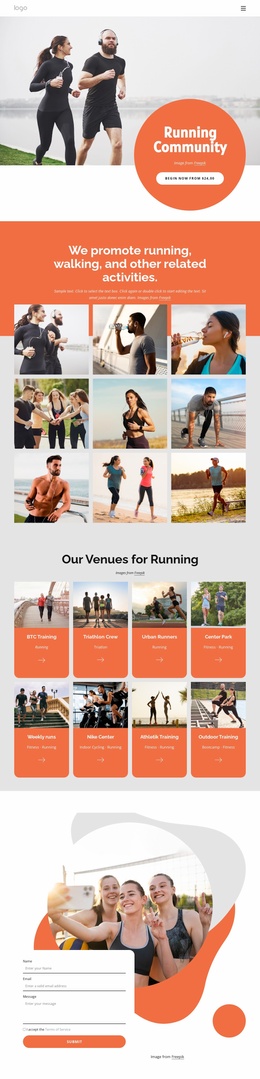
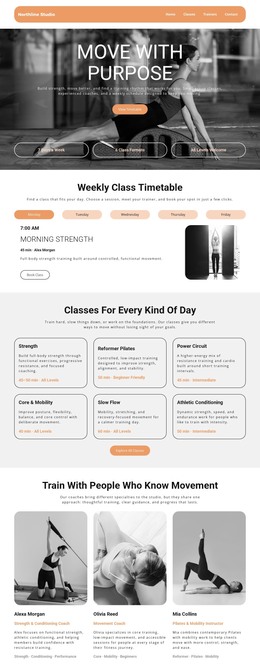
The eight venue or activity cards provide the clearest page-oriented content structure in this design. Each repeated card represents a recognizable subject within the running club’s offering, including running, triathlon, fitness, indoor cycling, bootcamp, and outdoor training. In a WordPress-managed project, these areas can be interpreted as permanent page content that explains the club’s activities, while the repeated visual treatment keeps related information within one recognizable theme. The analysis confirms the cards themselves, not an existing WordPress taxonomy or post structure.
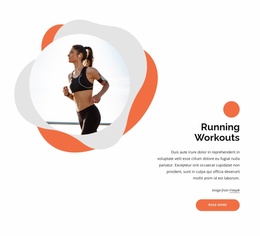
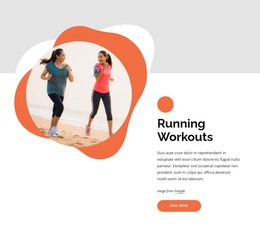
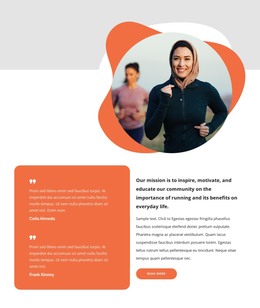
The page also contains content that supports editorial or community updates. Running Workouts has a dedicated explanatory section, the Long Runs and Events block creates a focused area for participation information, and the six-image gallery provides visual material for the club’s activity story. Two testimonials sit beside the mission statement, creating a separate community-proof relationship rather than another service list. This mix gives a WordPress project clear material to maintain as pages, announcements, or other content are developed, without claiming that posts or blog templates already exist.
The contact form and navigation complete the content environment. Visitors can move from the club introduction through activities, events, imagery, and member perspectives before reaching the inquiry area. A WordPress implementation can preserve that sequence while adding regularly updated content around the established page design. The result is a theme-oriented foundation in which permanent club information and future publishing can share the same orange, charcoal, photographic, and rounded visual direction.
Customize with Nicepage
Open this ready-made template in the WordPress Website Builder and customize it visually in the Nicepage editor. Replace demo content, edit page sections, and adapt the design to your project without rebuilding the template from scratch.
Manage and Edit This Theme in WordPress
Customize and Install the WordPress Theme
Start with this ready-made theme instead of building the WordPress design from scratch. Customize its layout, content, typography, images, sections, and other design elements visually in Nicepage editor, then export and install the WordPress Theme, Plugin, and Pages on your WordPress site. The Nicepage WordPress Plugin lets you continue working with the site after installation.
Edit the Theme Directly in WordPress
After installation, you can edit the WordPress Theme directly in WordPress with the Nicepage WordPress Plugin. Use Site Style to customize site Colors, Fonts, Header, Footer, Blog, and Post Page Templates while working within your WordPress website.
Edit WordPress Pages Visually
Use the Nicepage WordPress Plugin to edit page content directly from the WordPress admin area. Open a WordPress Page with Nicepage and visually change its text, images, sections, and other page elements while continuing to manage the Page through WordPress.
WordPress Content and Theme Integration
Use the customized theme with WordPress Pages, Posts, Blog and Post Templates, menus, widgets, and other CMS-managed content. Shared theme elements such as Colors, Fonts, Header, Footer, Blog, and Post Page Templates can be managed as part of the overall site design, while WordPress provides the CMS environment for managing site content.
This workflow combines a ready-made WordPress Theme with visual customization, direct theme editing in WordPress, and continued content management through the Nicepage WordPress Plugin.