We offer over 80 classes a week WordPress Theme



Edit Template Offline
2. Create new page and search for id 2391115
Edit Template Online
Create Awesome Websites


Free Nicepage Builder
Keywords
Activity Categories and Repeatable Benefits Suit Club Content
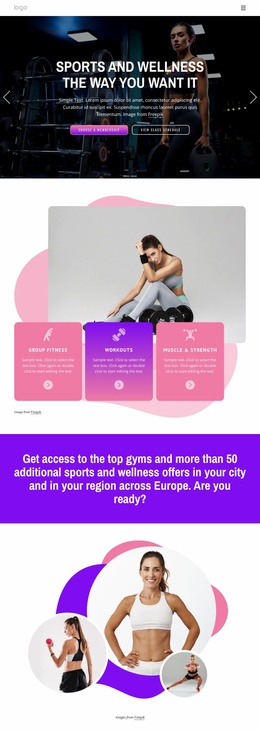
The Yoga, Pilates, Fitness, and Gym 24/7 cards create distinct page-oriented content areas for a fitness club theme. They give the design a useful foundation for presenting activities and access options without treating the entire page as one undifferentiated promotion. The introductory FIT CLUB hero can carry the main club message, while the category section provides separate subjects that could lead to expanded descriptions, schedules, or membership information when the project adds more content.
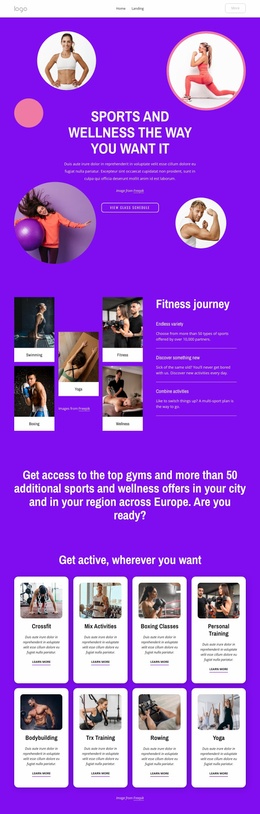
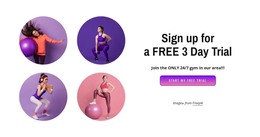
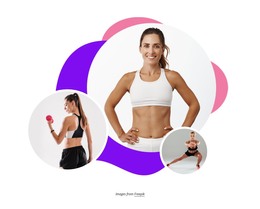
Other sections support recurring editorial and promotional needs. The body-shaping block combines an explanatory heading with a fitness portrait, making it suitable for educational or wellness-focused page content. The sports and wellness membership area presents a broader club proposition through an overlapping image and text card, while the two benefit cards create compact units for messages about discovering activities and combining exercise options. The Functional Fitness Classes collage offers another reusable pattern for highlighting a specific class or program with supporting imagery.
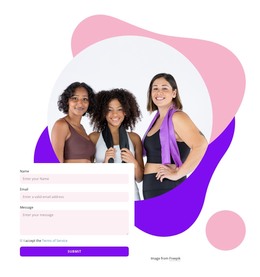
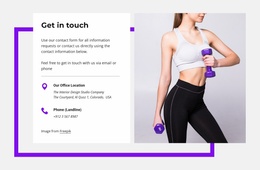
The contact form near the bottom gives the theme a defined inquiry area, and the adjacent group fitness photograph reinforces the club context without relying on sample personal details. The three numbered cards can also hold verified program information once their placeholder wording is replaced. In a WordPress-managed project, these page areas can remain visually coordinated while permanent club information and future content are organized around the theme’s structure.
Customize with Nicepage
Open this ready-made template in the WordPress Website Builder and customize it visually in the Nicepage editor. Replace demo content, edit page sections, and adapt the design to your project without rebuilding the template from scratch.
Manage and Edit This Theme in WordPress
Customize and Install the WordPress Theme
Start with this ready-made theme instead of building the WordPress design from scratch. Customize its layout, content, typography, images, sections, and other design elements visually in Nicepage editor, then export and install the WordPress Theme, Plugin, and Pages on your WordPress site. The Nicepage WordPress Plugin lets you continue working with the site after installation.
Edit the Theme Directly in WordPress
After installation, you can edit the WordPress Theme directly in WordPress with the Nicepage WordPress Plugin. Use Site Style to customize site Colors, Fonts, Header, Footer, Blog, and Post Page Templates while working within your WordPress website.
Edit WordPress Pages Visually
Use the Nicepage WordPress Plugin to edit page content directly from the WordPress admin area. Open a WordPress Page with Nicepage and visually change its text, images, sections, and other page elements while continuing to manage the Page through WordPress.
WordPress Content and Theme Integration
Use the customized theme with WordPress Pages, Posts, Blog and Post Templates, menus, widgets, and other CMS-managed content. Shared theme elements such as Colors, Fonts, Header, Footer, Blog, and Post Page Templates can be managed as part of the overall site design, while WordPress provides the CMS environment for managing site content.
This workflow combines a ready-made WordPress Theme with visual customization, direct theme editing in WordPress, and continued content management through the Nicepage WordPress Plugin.