Skill Development Opportunities WordPress Theme


Edit Template Offline
2. Create new page and search for id 6431545
Edit Template Online
Create Awesome Websites


Free Nicepage Builder
Keywords
Coaching navigation and inquiry content create a focused WordPress theme foundation
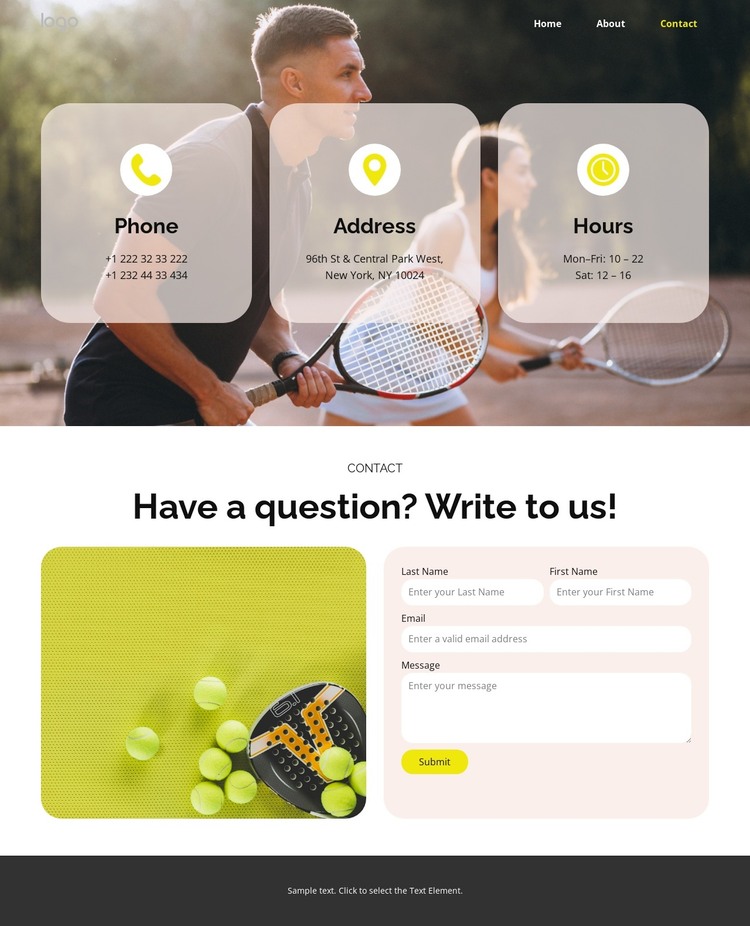
The navigation gives the design a clear page-oriented content model. Home, About, Coaches, Pricing, and Contact identify distinct areas of a tennis coaching site, while the Request a call action keeps communication visible in the shared header. This structure provides a natural context for WordPress Pages without claiming that those page records already exist in the template.
The contact content adds two different kinds of information. Three rounded cards separate phone, address, and hours, allowing practical details to remain easy to scan. Below them, the “Have a question? Write to us!” heading introduces a more substantial inquiry area, where a decorative sports image shares the panel with the contact form and Submit action. That combination can support permanent contact information alongside visitor messages within one consistent theme presentation.
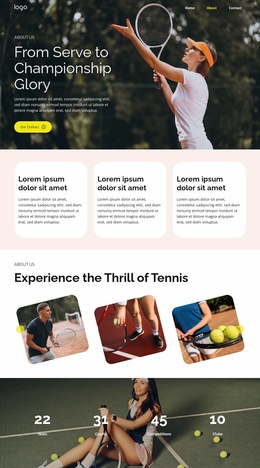
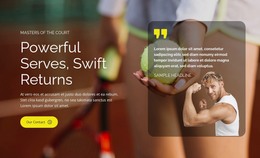
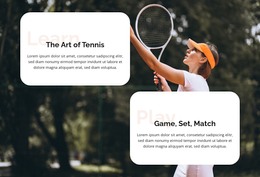
The sports photography, dark navigation and footer, light panels, bold typography, spacious alignment, and yellow-green accents provide recurring visual cues for related coaching content. If a project later adds regularly updated material, the same design direction could frame that content without changing the established contact page character. The verified structure is therefore useful for a WordPress-managed site because it connects page-like navigation, reusable contact information, and an inquiry-focused section, while leaving the CMS content model open rather than inventing posts, categories, or blog features.
Customize with Nicepage
Open this ready-made template in the WordPress Website Builder and customize it visually in the Nicepage editor. Replace demo content, edit page sections, and adapt the design to your project without rebuilding the template from scratch.
Manage and Edit This Theme in WordPress
Customize and Install the WordPress Theme
Start with this ready-made theme instead of building the WordPress design from scratch. Customize its layout, content, typography, images, sections, and other design elements visually in Nicepage editor, then export and install the WordPress Theme, Plugin, and Pages on your WordPress site. The Nicepage WordPress Plugin lets you continue working with the site after installation.
Edit the Theme Directly in WordPress
After installation, you can edit the WordPress Theme directly in WordPress with the Nicepage WordPress Plugin. Use Site Style to customize site Colors, Fonts, Header, Footer, Blog, and Post Page Templates while working within your WordPress website.
Edit WordPress Pages Visually
Use the Nicepage WordPress Plugin to edit page content directly from the WordPress admin area. Open a WordPress Page with Nicepage and visually change its text, images, sections, and other page elements while continuing to manage the Page through WordPress.
WordPress Content and Theme Integration
Use the customized theme with WordPress Pages, Posts, Blog and Post Templates, menus, widgets, and other CMS-managed content. Shared theme elements such as Colors, Fonts, Header, Footer, Blog, and Post Page Templates can be managed as part of the overall site design, while WordPress provides the CMS environment for managing site content.
This workflow combines a ready-made WordPress Theme with visual customization, direct theme editing in WordPress, and continued content management through the Nicepage WordPress Plugin.