All sport levels WordPress Theme


Edit Template Offline
2. Create new page and search for id 4751585
Edit Template Online
Create Awesome Websites


Free Nicepage Builder
Keywords
Activity Cards and Gallery Content Support a WordPress Fitness Theme
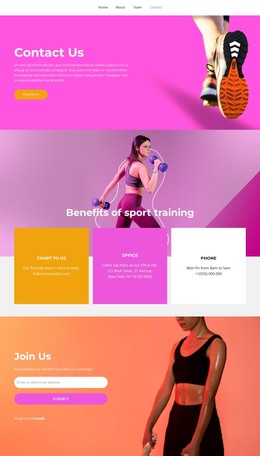
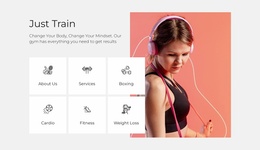
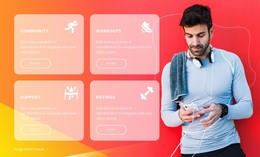
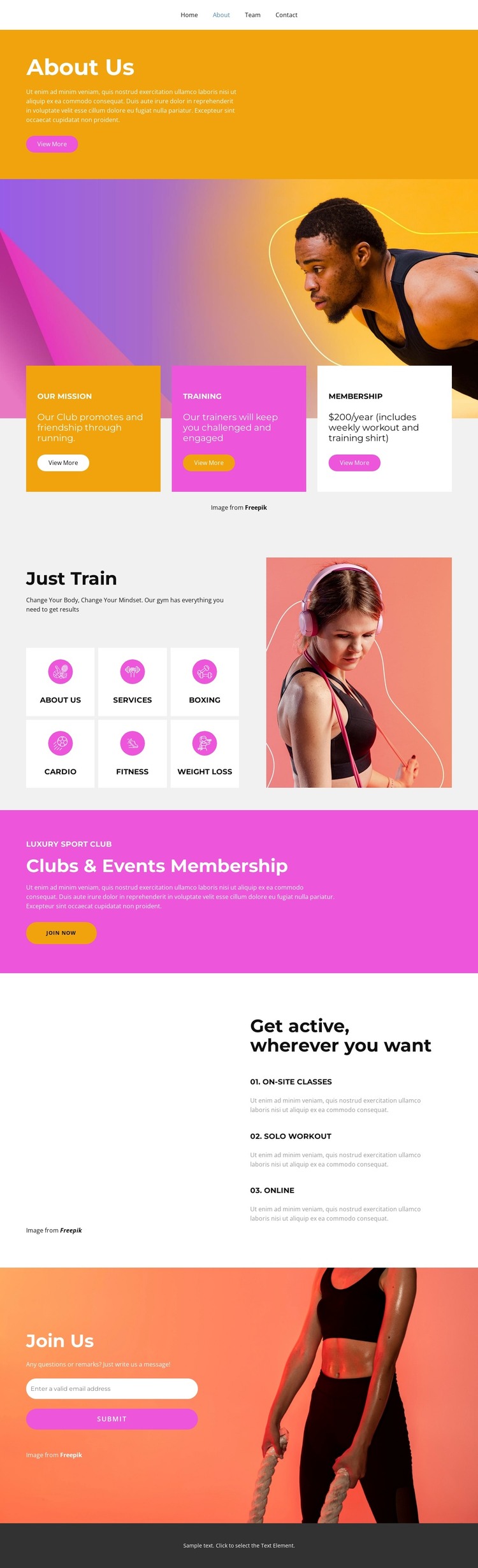
The page’s recurring content is organized into areas that suit a WordPress-oriented site without requiring unsupported assumptions about existing posts or blog structures. The three cards beneath the opening running image separate the club mission, training, and membership highlights. The Just Train section then groups six activity categories, including Boxing, Cardio, Fitness, and Weight Loss, giving permanent page content a clear subject hierarchy that can remain part of the theme’s visual direction.
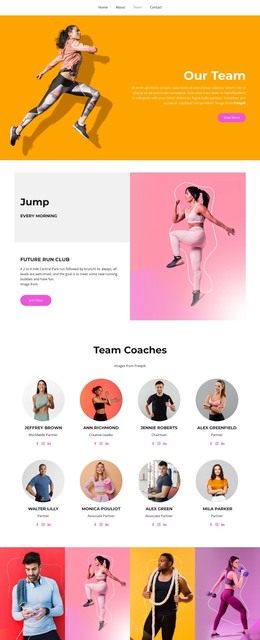
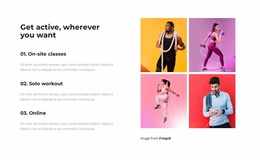
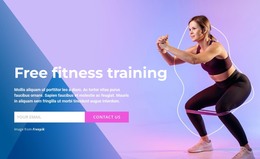
The navigation links—Home, About, Team, and Contact—connect those subjects to broader page-oriented content. The membership promotion adds a strong editorial emphasis for the club, with Clubs & Events Membership text and a Join now button that can remain prominent when the page content is adapted. Unlike the activity cards, the four-image gallery communicates the club through photography, and the adjacent On-site classes, Solo workout, and Online list explains participation formats in concise terms.
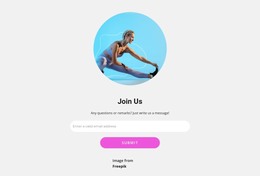
The Join Us section completes the content model with an email input and submit action over a fitness image. That area can remain a permanent contact region while the surrounding activity and membership information is maintained as the site’s core page content. In a WordPress project, this design is therefore useful because it combines navigable club information, repeated content cards, visual gallery material, and a defined inquiry area within one consistent theme direction. The facts support a page-based fitness site foundation, but they do not establish that posts, categories, or blog templates already exist.
Customize with Nicepage
Open this ready-made template in the WordPress Website Builder and customize it visually in the Nicepage editor. Replace demo content, edit page sections, and adapt the design to your project without rebuilding the template from scratch.
Manage and Edit This Theme in WordPress
Customize and Install the WordPress Theme
Start with this ready-made theme instead of building the WordPress design from scratch. Customize its layout, content, typography, images, sections, and other design elements visually in Nicepage editor, then export and install the WordPress Theme, Plugin, and Pages on your WordPress site. The Nicepage WordPress Plugin lets you continue working with the site after installation.
Edit the Theme Directly in WordPress
After installation, you can edit the WordPress Theme directly in WordPress with the Nicepage WordPress Plugin. Use Site Style to customize site Colors, Fonts, Header, Footer, Blog, and Post Page Templates while working within your WordPress website.
Edit WordPress Pages Visually
Use the Nicepage WordPress Plugin to edit page content directly from the WordPress admin area. Open a WordPress Page with Nicepage and visually change its text, images, sections, and other page elements while continuing to manage the Page through WordPress.
WordPress Content and Theme Integration
Use the customized theme with WordPress Pages, Posts, Blog and Post Templates, menus, widgets, and other CMS-managed content. Shared theme elements such as Colors, Fonts, Header, Footer, Blog, and Post Page Templates can be managed as part of the overall site design, while WordPress provides the CMS environment for managing site content.
This workflow combines a ready-made WordPress Theme with visual customization, direct theme editing in WordPress, and continued content management through the Nicepage WordPress Plugin.