Explore New Heights WordPress Theme


Captioned Trail Photography as Reusable WordPress Page Content
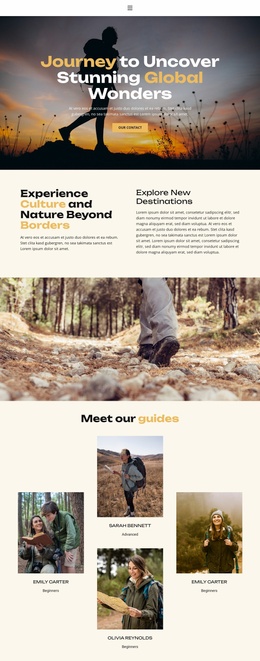
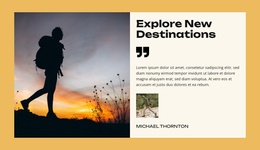
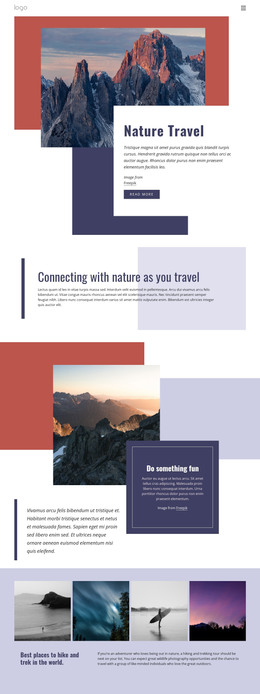
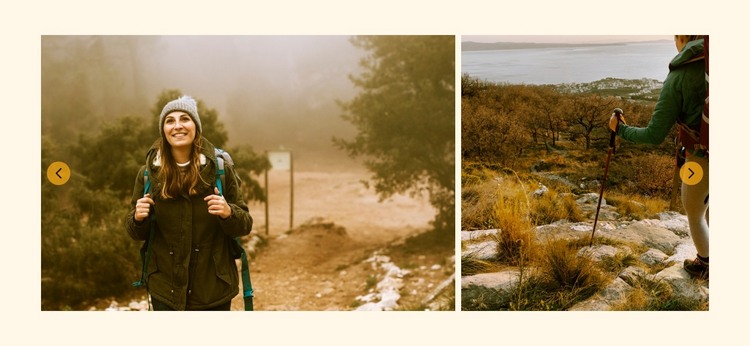
The four-image gallery can function as a stable visual content section on a WordPress-managed page, especially where a project needs to present outdoor scenery, hiking routes, or travel experiences through photography. Its content is organized around a defined image set rather than time-sensitive entries: three items include titled descriptions, while a fourth image is shown without caption text. This makes the block suitable for a lasting gallery area that can sit alongside other page content.
The wide layout displays two large panels within the viewport and uses previous and next controls to move through the remaining photographs. Visitors can also open an image through lightbox viewing for a closer look. These relationships keep the section visually focused while giving the gallery more depth than a static row of images. The darkened caption overlays reveal titles such as “Conquer the Peaks, Embrace Nature” on hover without covering the photographs at rest.
The warm cream background and earthy brown, green, and amber imagery give the section a recognizable visual direction that can remain consistent as surrounding page content grows. In a WordPress-oriented project, this block can occupy a permanent gallery or destination section while the wider site manages its other content separately. Its role is therefore reusable page presentation, not a standalone theme or complete site.
Customize with Nicepage
Open this ready-made template in the WordPress Website Builder and customize it visually in the Nicepage editor. Replace demo content, edit page sections, and adapt the design to your project without rebuilding the template from scratch.
Edit Template Offline
2. Create a new page or select existing
3. Click Add new block, search for id 6372275 and click enter
Edit Template Online
Create Awesome Websites


Free Nicepage Builder
Keywords
Manage and Edit This Theme in WordPress
Customize and Install the WordPress Theme
Start with this ready-made theme instead of building the WordPress design from scratch. Customize its layout, content, typography, images, sections, and other design elements visually in Nicepage editor, then export and install the WordPress Theme, Plugin, and Pages on your WordPress site. The Nicepage WordPress Plugin lets you continue working with the site after installation.
Edit the Theme Directly in WordPress
After installation, you can edit the WordPress Theme directly in WordPress with the Nicepage WordPress Plugin. Use Site Style to customize site Colors, Fonts, Header, Footer, Blog, and Post Page Templates while working within your WordPress website.
Edit WordPress Pages Visually
Use the Nicepage WordPress Plugin to edit page content directly from the WordPress admin area. Open a WordPress Page with Nicepage and visually change its text, images, sections, and other page elements while continuing to manage the Page through WordPress.
WordPress Content and Theme Integration
Use the customized theme with WordPress Pages, Posts, Blog and Post Templates, menus, widgets, and other CMS-managed content. Shared theme elements such as Colors, Fonts, Header, Footer, Blog, and Post Page Templates can be managed as part of the overall site design, while WordPress provides the CMS environment for managing site content.
This workflow combines a ready-made WordPress Theme with visual customization, direct theme editing in WordPress, and continued content management through the Nicepage WordPress Plugin.