We offer running courses WordPress Theme


Edit Template Offline
2. Create new page and search for id 6333705
Edit Template Online
Create Awesome Websites


Free Nicepage Builder
Keywords
Runner Imagery and Repeated Questions Shape WordPress Content
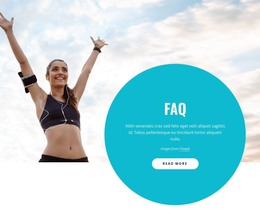
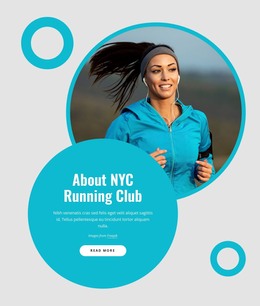
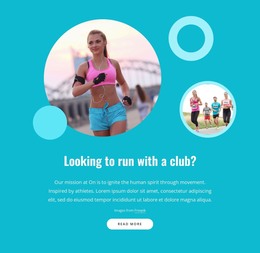
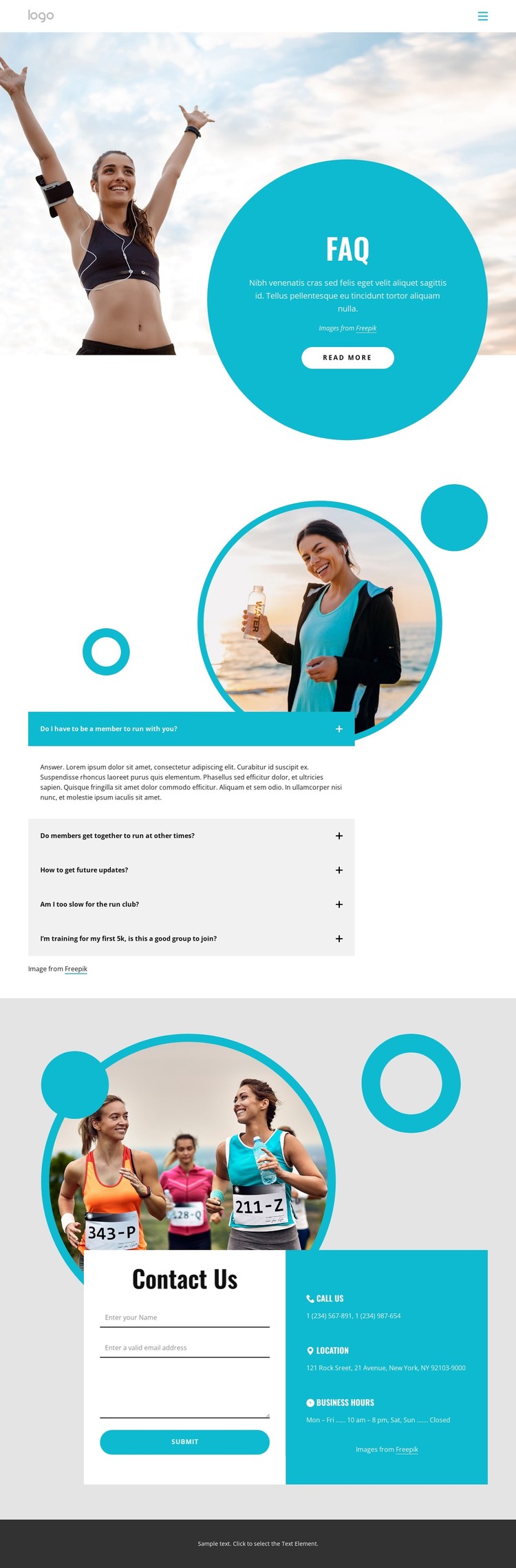
The large runner photograph gives the page an immediate visual subject, while the turquoise circular panel establishes the FAQ heading as the first focused content area. Beneath that introduction, five expandable questions create a repeatable pattern for presenting information about group running activities. This combination suits a WordPress-oriented content environment because the design can keep permanent page information visually distinct from other content that a club may publish or update over time, without claiming that posts or blog sections already exist.
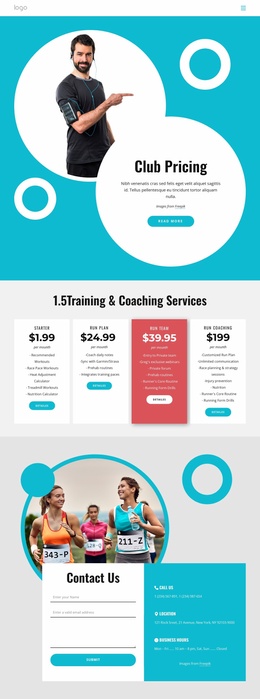
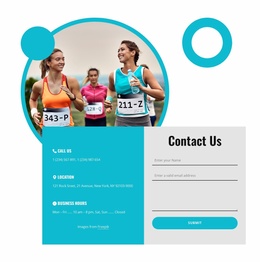
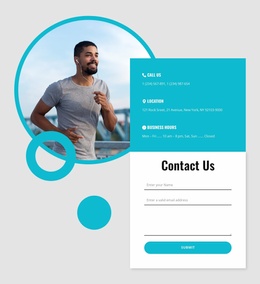
The Contact Us section offers a different kind of content relationship. A form sits beside three stacked information groups covering phone, location, and business hours, so visitors have both a direct inquiry route and reference details in the same block. In a WordPress project, these page-oriented areas could remain part of the theme’s visual system while additional club material is developed around them. The compact header and Home link provide a simple shared navigation starting point, and the dark footer closes the page without competing with the form.
The turquoise, white, and gray palette, rounded forms, and bold sans-serif typography give the content a consistent presentation across these areas. Demo answers, contact details, and sample copy are structural placeholders, not verified club information. Replacing them with accurate content would preserve the relationship between questions, runner imagery, and member inquiries while adapting the design to a real WordPress-managed running club site.
Customize with Nicepage
Open this ready-made template in the WordPress Website Builder and customize it visually in the Nicepage editor. Replace demo content, edit page sections, and adapt the design to your project without rebuilding the template from scratch.
Manage and Edit This Theme in WordPress
Customize and Install the WordPress Theme
Start with this ready-made theme instead of building the WordPress design from scratch. Customize its layout, content, typography, images, sections, and other design elements visually in Nicepage editor, then export and install the WordPress Theme, Plugin, and Pages on your WordPress site. The Nicepage WordPress Plugin lets you continue working with the site after installation.
Edit the Theme Directly in WordPress
After installation, you can edit the WordPress Theme directly in WordPress with the Nicepage WordPress Plugin. Use Site Style to customize site Colors, Fonts, Header, Footer, Blog, and Post Page Templates while working within your WordPress website.
Edit WordPress Pages Visually
Use the Nicepage WordPress Plugin to edit page content directly from the WordPress admin area. Open a WordPress Page with Nicepage and visually change its text, images, sections, and other page elements while continuing to manage the Page through WordPress.
WordPress Content and Theme Integration
Use the customized theme with WordPress Pages, Posts, Blog and Post Templates, menus, widgets, and other CMS-managed content. Shared theme elements such as Colors, Fonts, Header, Footer, Blog, and Post Page Templates can be managed as part of the overall site design, while WordPress provides the CMS environment for managing site content.
This workflow combines a ready-made WordPress Theme with visual customization, direct theme editing in WordPress, and continued content management through the Nicepage WordPress Plugin.