We can create, collaborate, and grow WordPress Theme


Edit Template Offline
2. Create new page and search for id 4658308
Edit Template Online
Create Awesome Websites


Free Nicepage Builder
Keywords
Contact Categories Give the Running Theme Manageable Content Areas
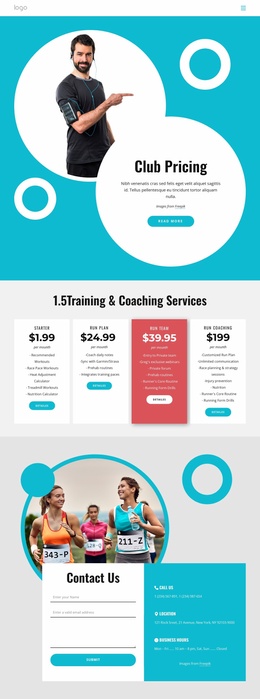
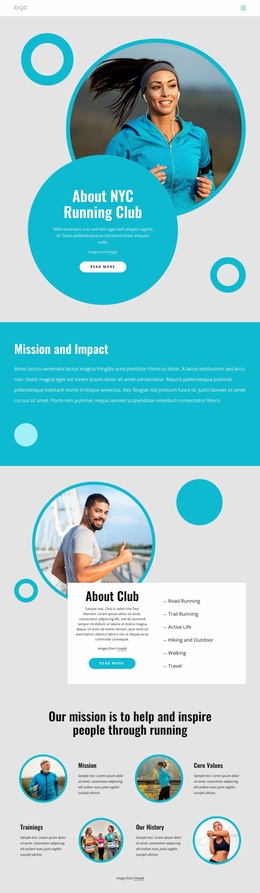
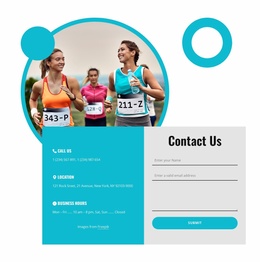
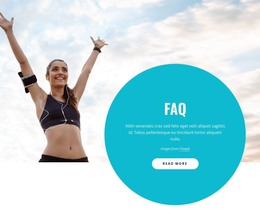
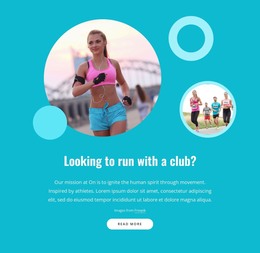
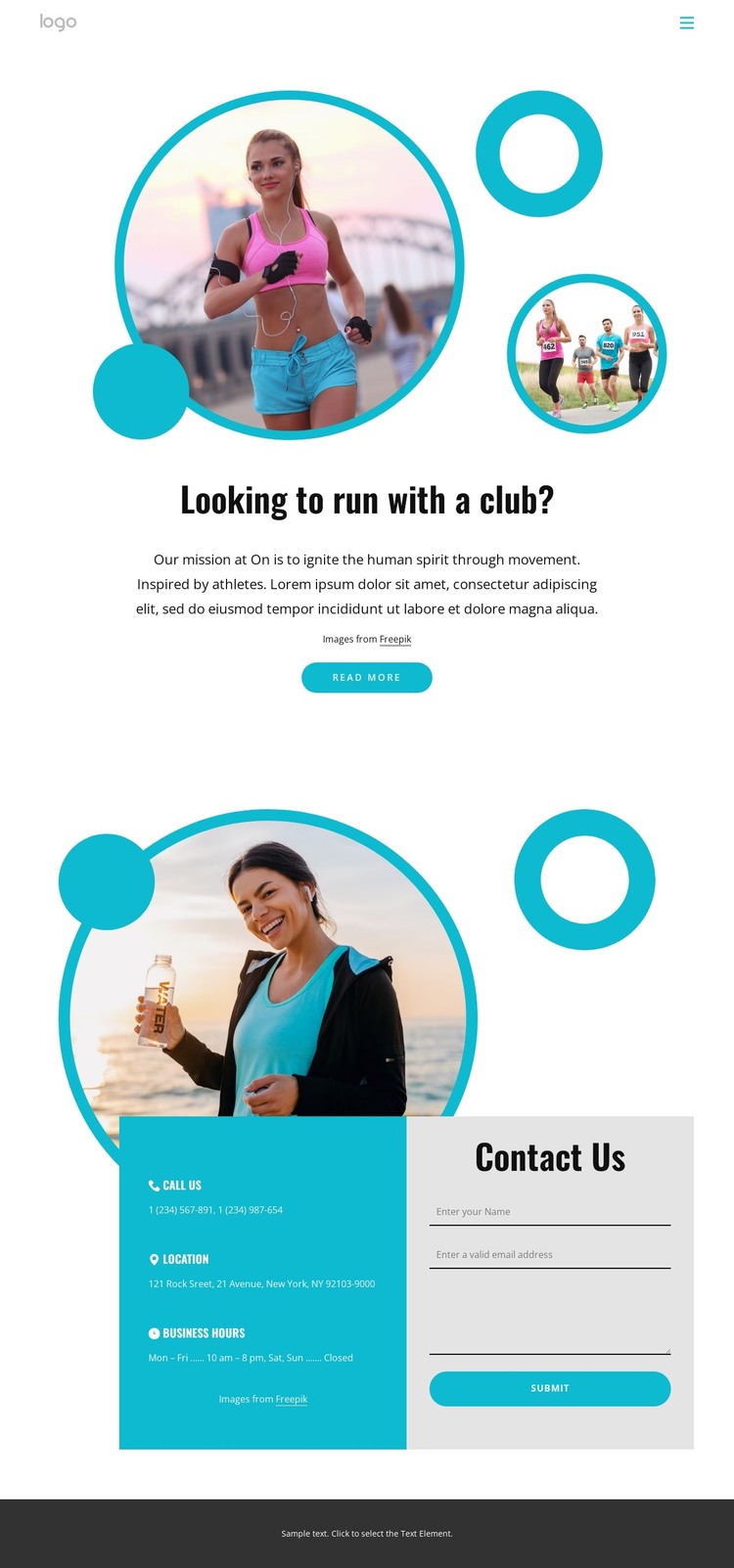
The page separates its information into clear areas that can be understood as distinct pieces of site content. The opening section introduces the running club with the question “Looking to run with a club?”, a mission-oriented message, circular runner imagery, and a Read more button. This gives the page-oriented content a subject and a natural place for introductory copy without treating the sample wording as a verified organization statement.
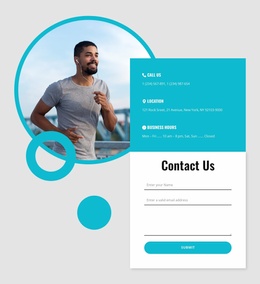
The contact section provides a different content role. Phone, location, and business hours form three practical categories, while the neighboring form collects a name, email, and message. In a WordPress-managed project, these areas offer a clear division between stable contact information and visitor-submitted inquiries. The Home link and compact menu control add a basic navigation relationship, connecting this focused page to the wider site context without claiming that additional pages are already present.
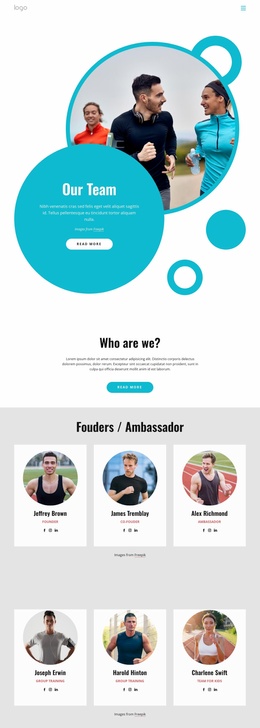
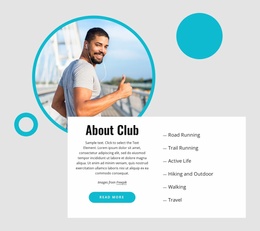
The white, turquoise, and black visual direction, together with the circular athletic imagery, gives these content areas a consistent theme character. New club text or updated contact details can occupy the same roles while the design continues to identify the project as running-focused. The page therefore works as a theme starting point where permanent contact content, introductory page content, navigation, and form interaction remain visually coordinated.
Customize with Nicepage
Open this ready-made template in the WordPress Website Builder and customize it visually in the Nicepage editor. Replace demo content, edit page sections, and adapt the design to your project without rebuilding the template from scratch.
Manage and Edit This Theme in WordPress
Customize and Install the WordPress Theme
Start with this ready-made theme instead of building the WordPress design from scratch. Customize its layout, content, typography, images, sections, and other design elements visually in Nicepage editor, then export and install the WordPress Theme, Plugin, and Pages on your WordPress site. The Nicepage WordPress Plugin lets you continue working with the site after installation.
Edit the Theme Directly in WordPress
After installation, you can edit the WordPress Theme directly in WordPress with the Nicepage WordPress Plugin. Use Site Style to customize site Colors, Fonts, Header, Footer, Blog, and Post Page Templates while working within your WordPress website.
Edit WordPress Pages Visually
Use the Nicepage WordPress Plugin to edit page content directly from the WordPress admin area. Open a WordPress Page with Nicepage and visually change its text, images, sections, and other page elements while continuing to manage the Page through WordPress.
WordPress Content and Theme Integration
Use the customized theme with WordPress Pages, Posts, Blog and Post Templates, menus, widgets, and other CMS-managed content. Shared theme elements such as Colors, Fonts, Header, Footer, Blog, and Post Page Templates can be managed as part of the overall site design, while WordPress provides the CMS environment for managing site content.
This workflow combines a ready-made WordPress Theme with visual customization, direct theme editing in WordPress, and continued content management through the Nicepage WordPress Plugin.