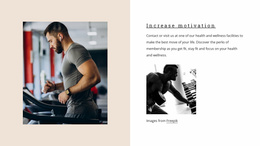
Convenient personal training programs WordPress Theme


Edit Template Offline
2. Create new page and search for id 179082
Edit Template Online
Create Awesome Websites


Free Nicepage Builder
Keywords
Page Content and Repeated Training Areas Fit a Managed Fitness Theme
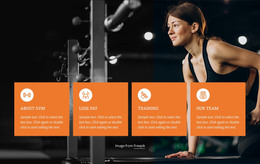
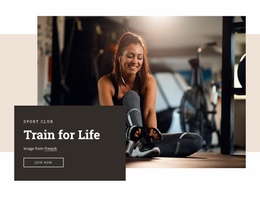
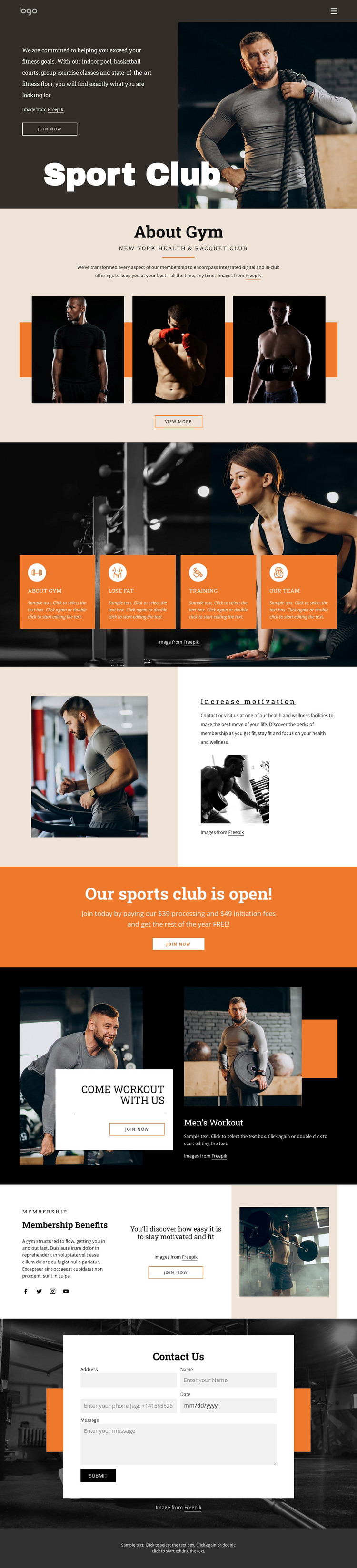
The permanent page content is divided into recognizable areas that suit a fitness site managed through WordPress. Sport Club establishes the main membership subject, while About Gym gives the organization an explanatory section supported by three related images. The four feature cards create a repeatable content pattern around Lose fat, Training, and Our team, making the activity information distinct from the broader club introduction. This separation can help a WordPress-oriented project keep page content clear as the site develops.
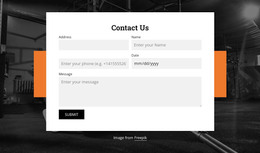
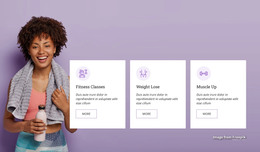
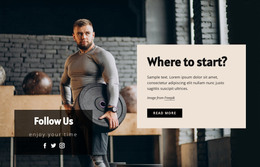
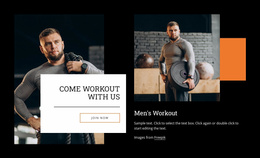
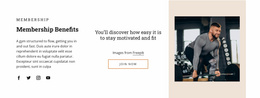
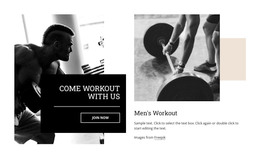
The workout and Membership Benefits sections provide additional page areas with different editorial roles. Come workout with us combines an invitation card, photographs, and Men's Workout content, while the benefits section places membership copy, a motivational statement, an action, and an image into a three-part composition. Repeated Join now actions connect these areas without making every section identical. Social links and navigation extend the page toward a wider content environment, and the Contact Us form gives visitors a defined inquiry destination. The verified design does not establish existing WordPress Posts, categories, or widgets, so those should not be treated as present template elements. Its WordPress theme value instead comes from the way its club information, activity groups, membership content, and contact area can remain within one coordinated visual system.
Customize with Nicepage
Open this ready-made template in the WordPress Website Builder and customize it visually in the Nicepage editor. Replace demo content, edit page sections, and adapt the design to your project without rebuilding the template from scratch.
Manage and Edit This Theme in WordPress
Customize and Install the WordPress Theme
Start with this ready-made theme instead of building the WordPress design from scratch. Customize its layout, content, typography, images, sections, and other design elements visually in Nicepage editor, then export and install the WordPress Theme, Plugin, and Pages on your WordPress site. The Nicepage WordPress Plugin lets you continue working with the site after installation.
Edit the Theme Directly in WordPress
After installation, you can edit the WordPress Theme directly in WordPress with the Nicepage WordPress Plugin. Use Site Style to customize site Colors, Fonts, Header, Footer, Blog, and Post Page Templates while working within your WordPress website.
Edit WordPress Pages Visually
Use the Nicepage WordPress Plugin to edit page content directly from the WordPress admin area. Open a WordPress Page with Nicepage and visually change its text, images, sections, and other page elements while continuing to manage the Page through WordPress.
WordPress Content and Theme Integration
Use the customized theme with WordPress Pages, Posts, Blog and Post Templates, menus, widgets, and other CMS-managed content. Shared theme elements such as Colors, Fonts, Header, Footer, Blog, and Post Page Templates can be managed as part of the overall site design, while WordPress provides the CMS environment for managing site content.
This workflow combines a ready-made WordPress Theme with visual customization, direct theme editing in WordPress, and continued content management through the Nicepage WordPress Plugin.