We are a sport club WordPress Theme



Edit Template Offline
2. Create new page and search for id 4751488
Edit Template Online
Create Awesome Websites


Free Nicepage Builder
Keywords
Training Categories and Repeated Membership Content Suit a WordPress Theme
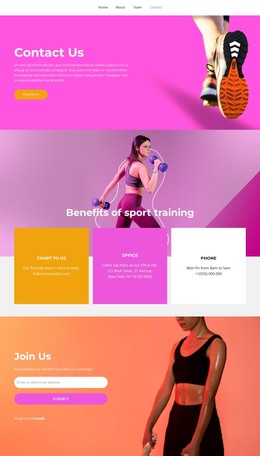
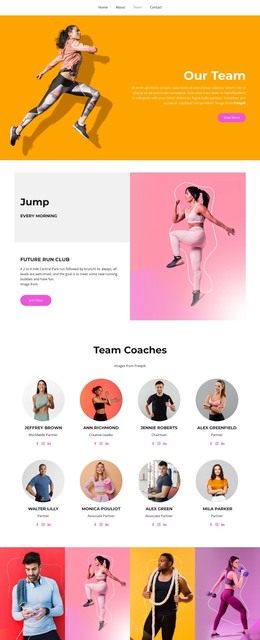
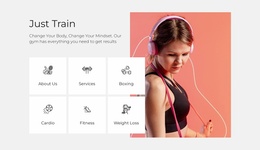
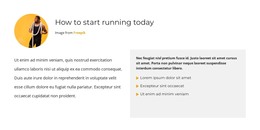
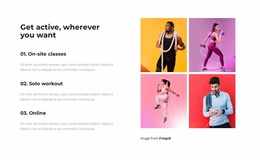
The page separates permanent membership information into recognizable content areas. The running guidance section can serve as an editorial-style explanation of the subject, while the four feature labels—community, workouts, support, and ratings—organize the reasons presented for joining. The three training options provide a different content relationship: one-on-one classes, solo workout, and online are shown as alternatives within the same fitness offer rather than as unrelated cards.
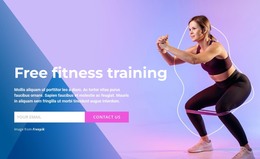
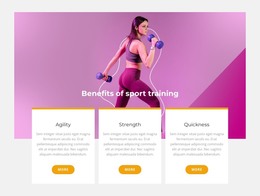
The repeated $59.99-per-month membership message and JOIN NOW buttons keep the central subject visible as visitors move through the page. Between those repeated promotional points, the activity image strip, athlete photography, Clubs & Events Membership band, testimonial-style quotation, and Benefits of sport training section provide varied material for a page-oriented content environment. These sections can remain visually connected while their copy and images are adapted for the actual sports organization.
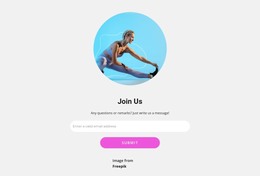
The closing Join Us area is especially relevant to the page’s membership purpose because it includes an email input and submit button rather than only a decorative call to action. Navigation and the dark footer frame the content as shared site elements. The analysis confirms the design’s page sections, not existing WordPress Posts, Pages, widgets, or categories, so those CMS structures should be treated as possible implementation choices rather than claims about the current template.
Customize with Nicepage
Open this ready-made template in the WordPress Website Builder and customize it visually in the Nicepage editor. Replace demo content, edit page sections, and adapt the design to your project without rebuilding the template from scratch.
Manage and Edit This Theme in WordPress
Customize and Install the WordPress Theme
Start with this ready-made theme instead of building the WordPress design from scratch. Customize its layout, content, typography, images, sections, and other design elements visually in Nicepage editor, then export and install the WordPress Theme, Plugin, and Pages on your WordPress site. The Nicepage WordPress Plugin lets you continue working with the site after installation.
Edit the Theme Directly in WordPress
After installation, you can edit the WordPress Theme directly in WordPress with the Nicepage WordPress Plugin. Use Site Style to customize site Colors, Fonts, Header, Footer, Blog, and Post Page Templates while working within your WordPress website.
Edit WordPress Pages Visually
Use the Nicepage WordPress Plugin to edit page content directly from the WordPress admin area. Open a WordPress Page with Nicepage and visually change its text, images, sections, and other page elements while continuing to manage the Page through WordPress.
WordPress Content and Theme Integration
Use the customized theme with WordPress Pages, Posts, Blog and Post Templates, menus, widgets, and other CMS-managed content. Shared theme elements such as Colors, Fonts, Header, Footer, Blog, and Post Page Templates can be managed as part of the overall site design, while WordPress provides the CMS environment for managing site content.
This workflow combines a ready-made WordPress Theme with visual customization, direct theme editing in WordPress, and continued content management through the Nicepage WordPress Plugin.