Team coaches WordPress Theme


Edit Template Offline
2. Create new page and search for id 4782011
Edit Template Online
Create Awesome Websites


Free Nicepage Builder
Keywords
Coach Content and Run Club Information Form the Theme’s Core
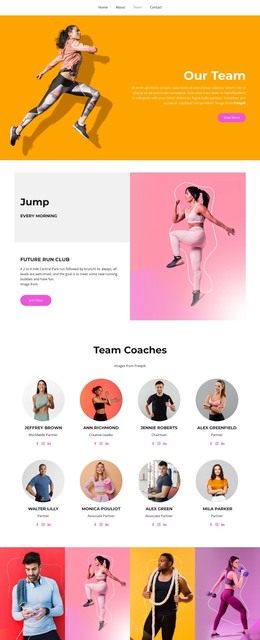
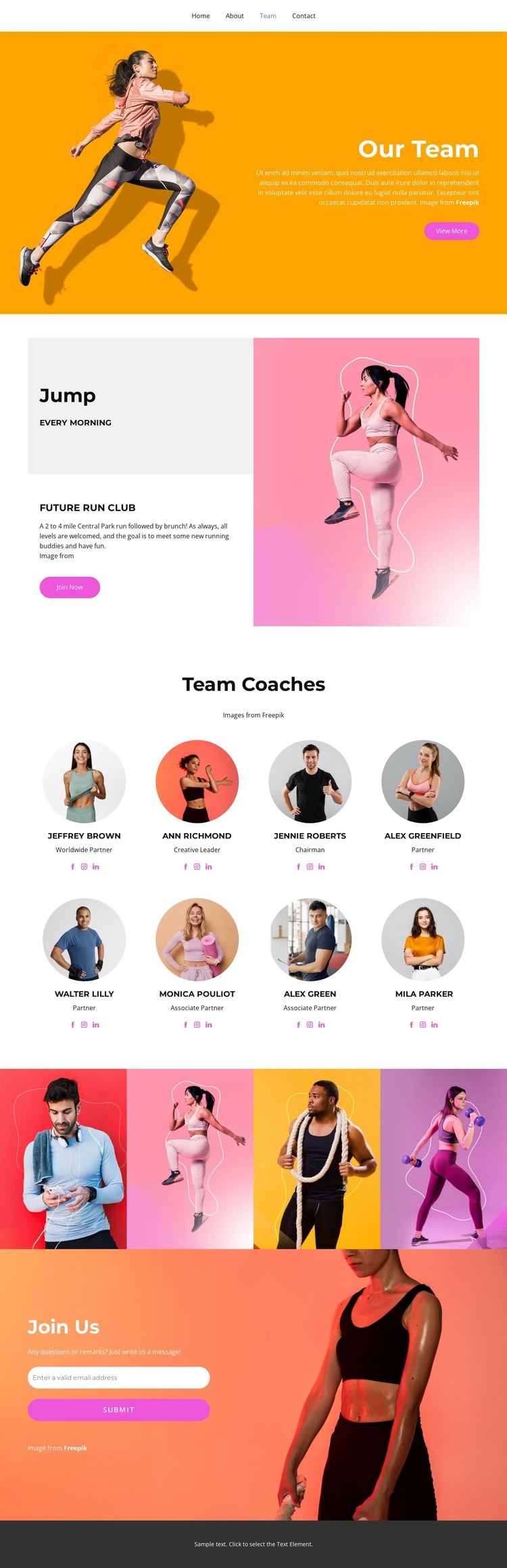
The eight coach profiles create a strong set of permanent page content for a WordPress-managed running community. Their circular portraits, role labels, and social links distinguish people within one coordinated visual system, while the surrounding navigation can direct visitors toward the team and its activities. The profiles should be treated as structural evidence of a coach section; the supplied demo names and roles are not presented as independently verified business information.
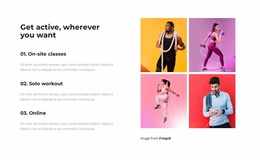
The Future Run Club block offers a different content relationship. Its 2 to 4 mile run followed by brunch and association with Central Park provide activity information that can sit alongside the more stable team presentation. The Join Now button marks the activity as an important visitor-facing action, while the four-image fitness gallery can support the community story with visual material. These areas give a WordPress project both page-oriented content and repeated visual subjects without requiring unsupported claims about posts or categories.
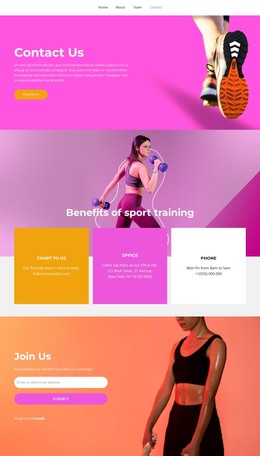
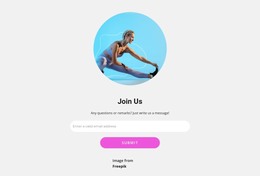
The Join Us section completes the content path with an invitation, an email address field, and a Submit button over a fitness image. That contact area can remain visually connected to the coach and activity sections as the site content develops. The bright orange, pink, and coral blocks, high-contrast white text, and bold sans-serif typography provide the theme’s consistent presentation, while the actual people, activities, and contact content remain the parts most likely to be maintained over time.
Customize with Nicepage
Open this ready-made template in the WordPress Website Builder and customize it visually in the Nicepage editor. Replace demo content, edit page sections, and adapt the design to your project without rebuilding the template from scratch.
Manage and Edit This Theme in WordPress
Customize and Install the WordPress Theme
Start with this ready-made theme instead of building the WordPress design from scratch. Customize its layout, content, typography, images, sections, and other design elements visually in Nicepage editor, then export and install the WordPress Theme, Plugin, and Pages on your WordPress site. The Nicepage WordPress Plugin lets you continue working with the site after installation.
Edit the Theme Directly in WordPress
After installation, you can edit the WordPress Theme directly in WordPress with the Nicepage WordPress Plugin. Use Site Style to customize site Colors, Fonts, Header, Footer, Blog, and Post Page Templates while working within your WordPress website.
Edit WordPress Pages Visually
Use the Nicepage WordPress Plugin to edit page content directly from the WordPress admin area. Open a WordPress Page with Nicepage and visually change its text, images, sections, and other page elements while continuing to manage the Page through WordPress.
WordPress Content and Theme Integration
Use the customized theme with WordPress Pages, Posts, Blog and Post Templates, menus, widgets, and other CMS-managed content. Shared theme elements such as Colors, Fonts, Header, Footer, Blog, and Post Page Templates can be managed as part of the overall site design, while WordPress provides the CMS environment for managing site content.
This workflow combines a ready-made WordPress Theme with visual customization, direct theme editing in WordPress, and continued content management through the Nicepage WordPress Plugin.