We build amazing experiences WordPress Theme


A Three-Part Feature Sequence for Stable Page Content
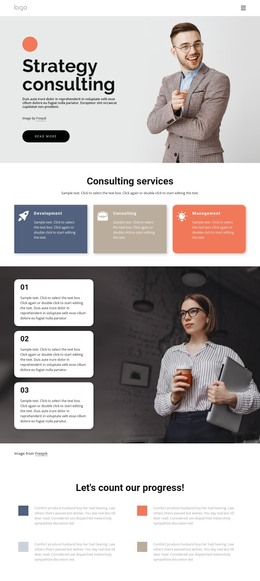
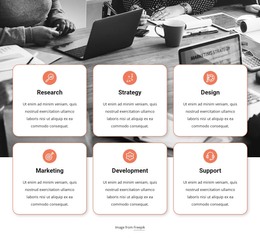
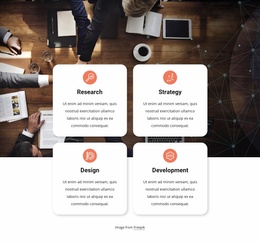
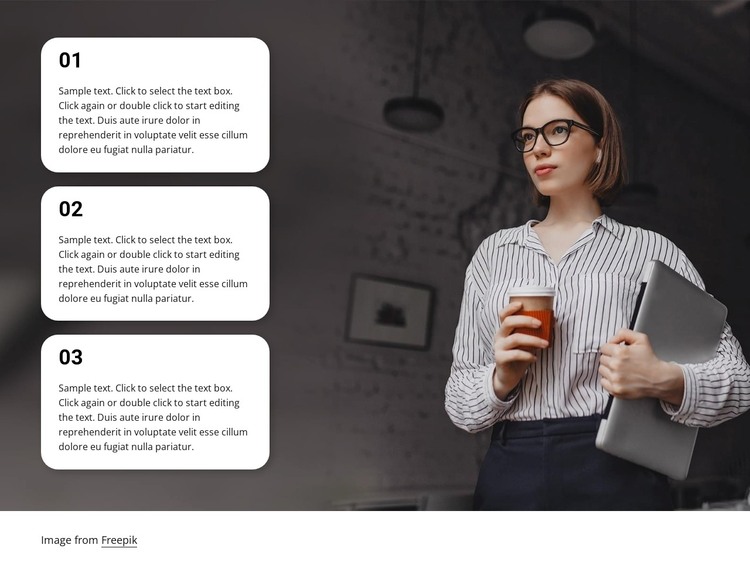
The 01, 02, and 03 cards give this section a clear page-content role for a WordPress-managed site. Each repeated unit combines a prominent number with supporting paragraph text, so the content can be organized as three related features or stages rather than as one uninterrupted text area. The shared white card style keeps the units visually consistent, while the rounded corners provide separation between the entries.
The visual structure reinforces that content model. A wide professional office image fills the background, its darkened treatment creating contrast for the cards. The stack remains on the left, where visitors encounter the numbered sequence, and the person holding a laptop occupies the right side as a supporting visual anchor. This arrangement gives the section enough identity to remain recognizable as a feature area within a broader page.
For WordPress-oriented use, the block can function as permanent or reusable page content while other CMS-managed material surrounds it. It is not a complete theme; it is one prepared section whose three explanatory paragraphs and image relationship can be adapted to the containing site. The sample wording can be replaced without changing the structure. If the wider project uses Nicepage for WordPress, the WordPress Theme, Plugin, and Pages workflow provides product context for placing designed content within the broader site.
Customize with Nicepage
Open this ready-made template in the WordPress Website Builder and customize it visually in the Nicepage editor. Replace demo content, edit page sections, and adapt the design to your project without rebuilding the template from scratch.
Edit Template Offline
2. Create a new page or select existing
3. Click Add new block, search for id 2695413 and click enter
Edit Template Online
Create Awesome Websites


Free Nicepage Builder
Keywords
Manage and Edit This Theme in WordPress
Customize and Install the WordPress Theme
Start with this ready-made theme instead of building the WordPress design from scratch. Customize its layout, content, typography, images, sections, and other design elements visually in Nicepage editor, then export and install the WordPress Theme, Plugin, and Pages on your WordPress site. The Nicepage WordPress Plugin lets you continue working with the site after installation.
Edit the Theme Directly in WordPress
After installation, you can edit the WordPress Theme directly in WordPress with the Nicepage WordPress Plugin. Use Site Style to customize site Colors, Fonts, Header, Footer, Blog, and Post Page Templates while working within your WordPress website.
Edit WordPress Pages Visually
Use the Nicepage WordPress Plugin to edit page content directly from the WordPress admin area. Open a WordPress Page with Nicepage and visually change its text, images, sections, and other page elements while continuing to manage the Page through WordPress.
WordPress Content and Theme Integration
Use the customized theme with WordPress Pages, Posts, Blog and Post Templates, menus, widgets, and other CMS-managed content. Shared theme elements such as Colors, Fonts, Header, Footer, Blog, and Post Page Templates can be managed as part of the overall site design, while WordPress provides the CMS environment for managing site content.
This workflow combines a ready-made WordPress Theme with visual customization, direct theme editing in WordPress, and continued content management through the Nicepage WordPress Plugin.