The HR company team WordPress Theme


Edit Template Offline
2. Create new page and search for id 6400388
Edit Template Online
Create Awesome Websites


Free Nicepage Builder
Keywords
Profile content and service topics support a people-focused theme structure
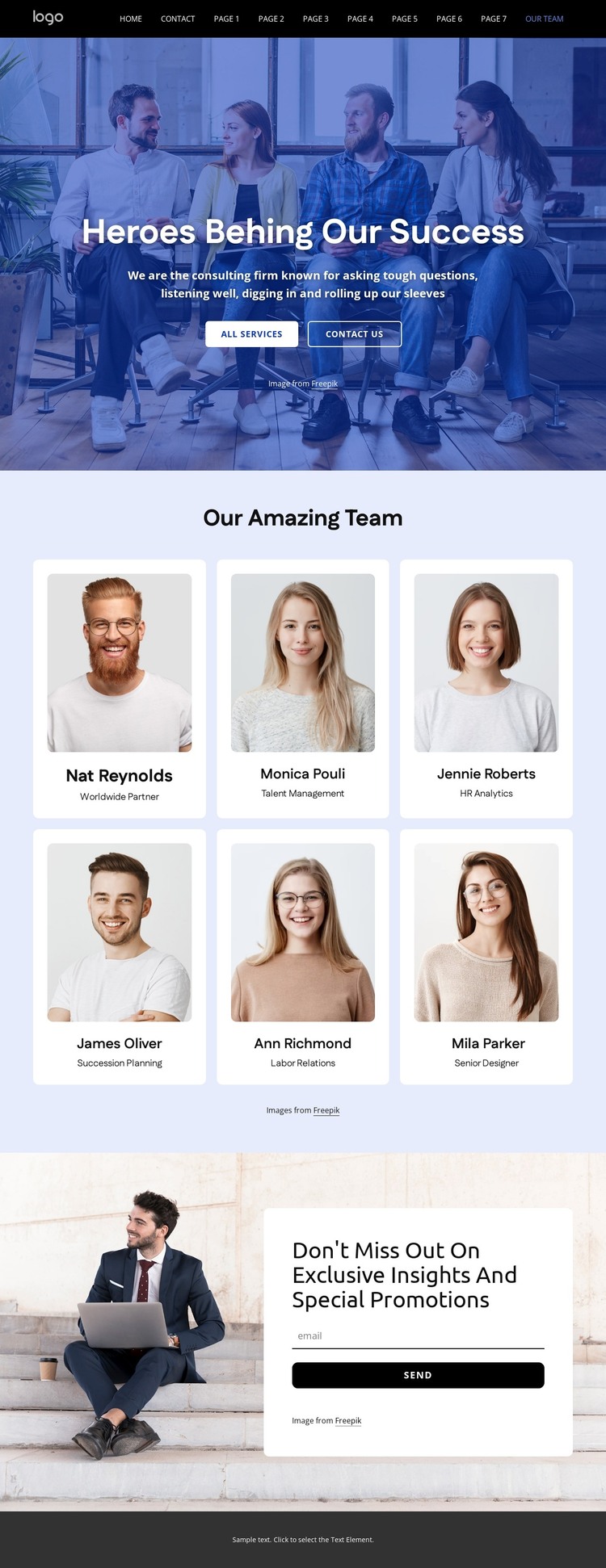
The central six-card gallery is the clearest permanent page content in this design. Each repeated unit combines a portrait with a name and role, allowing a WordPress-oriented project to present team information in a consistent visual structure. The surrounding service topics broaden the content relationship: recruiting, engagement, development, retention, HR analytics, talent management, succession planning, and labor relations show the areas that the consulting group addresses without claiming that any specific posts or categories already exist.
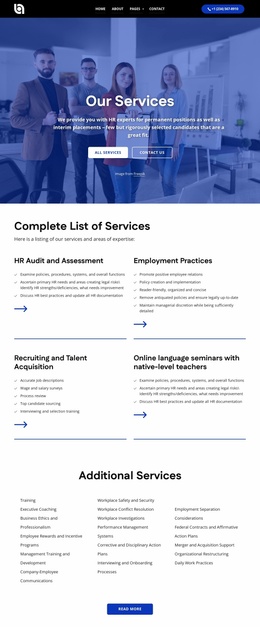
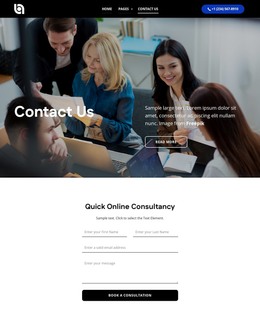
The hero and footer provide shared site context. The opening team photograph, centered introduction, and All services and Contact Us actions can anchor a page-oriented presentation, while the footer collects phone, email, office details, quick links, support references, and social connections. These regions are useful when permanent organizational information needs to remain visually connected with the main team content.
The email subscription area adds an editorial or communication-oriented possibility through its invitation to receive insights and promotions. Together, the team profiles, service subjects, subscription prompt, and contact regions create a theme content pattern that can accommodate both stable information and future updates. The design’s value in a WordPress project comes from this relationship between people-led page content and reusable communication areas, not from simply relabeling the existing layout as a CMS theme.
Customize with Nicepage
Open this ready-made template in the WordPress Website Builder and customize it visually in the Nicepage editor. Replace demo content, edit page sections, and adapt the design to your project without rebuilding the template from scratch.
Manage and Edit This Theme in WordPress
Customize and Install the WordPress Theme
Start with this ready-made theme instead of building the WordPress design from scratch. Customize its layout, content, typography, images, sections, and other design elements visually in Nicepage editor, then export and install the WordPress Theme, Plugin, and Pages on your WordPress site. The Nicepage WordPress Plugin lets you continue working with the site after installation.
Edit the Theme Directly in WordPress
After installation, you can edit the WordPress Theme directly in WordPress with the Nicepage WordPress Plugin. Use Site Style to customize site Colors, Fonts, Header, Footer, Blog, and Post Page Templates while working within your WordPress website.
Edit WordPress Pages Visually
Use the Nicepage WordPress Plugin to edit page content directly from the WordPress admin area. Open a WordPress Page with Nicepage and visually change its text, images, sections, and other page elements while continuing to manage the Page through WordPress.
WordPress Content and Theme Integration
Use the customized theme with WordPress Pages, Posts, Blog and Post Templates, menus, widgets, and other CMS-managed content. Shared theme elements such as Colors, Fonts, Header, Footer, Blog, and Post Page Templates can be managed as part of the overall site design, while WordPress provides the CMS environment for managing site content.
This workflow combines a ready-made WordPress Theme with visual customization, direct theme editing in WordPress, and continued content management through the Nicepage WordPress Plugin.