Innovative solutions and support WordPress Theme



Edit Template Offline
2. Create new page and search for id 518901
Edit Template Online
Create Awesome Websites


Free Nicepage Builder
Keywords
Service and people content provide clear WordPress page relationships
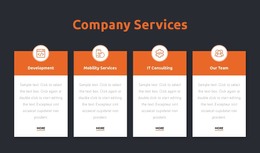
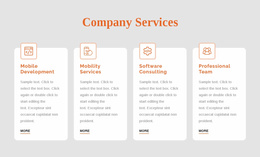
The four service cards give the design a strong page-oriented starting point. Mobile Development, Mobility Services, Software Consulting, and Professional Team are presented as distinct content areas, so each can be adapted into more detailed permanent information while the home page retains a concise overview. The opening “Innovative Solutions” block and its contact action can continue to introduce those areas without turning the page into a list of unrelated links.
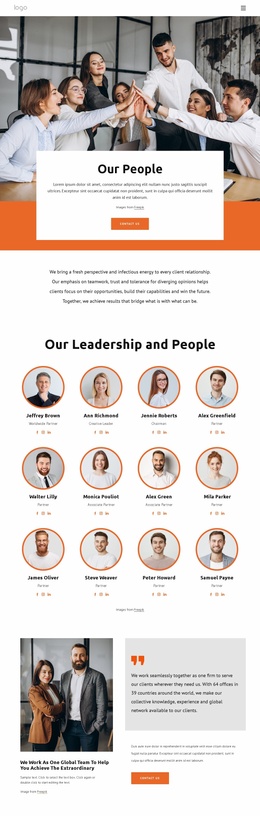
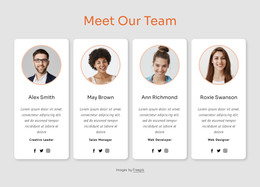
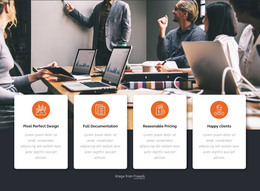
The capability section offers another useful content relationship. Design, Web Design, Development, and Branding appear as four grouped categories over a shared photographic background, making them suitable for explaining related areas of agency work. The “What we do” collage can support project or portfolio-oriented content, while the four repeated team cards create a consistent place for profiles, roles, and social links. These page and content relationships are different from the sample names or counter values, which should be replaced with verified information before publication.
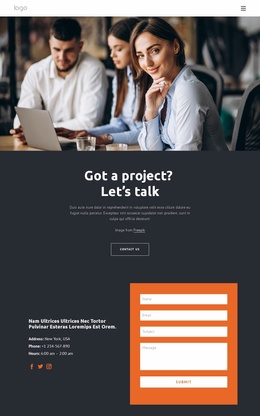
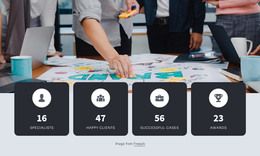
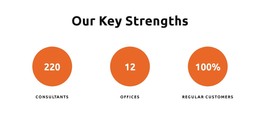
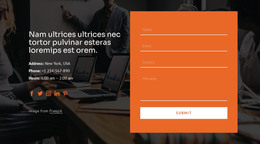
The lower portion connects permanent agency content with an inquiry path. Four displayed counters can represent confirmed organizational metrics, followed by the project prompt and the final contact region. That region combines address, phone, hours, social links, and a form containing name, email, subject, and message inputs. In a WordPress-managed environment, this combination gives permanent service, capability, team, and contact content a shared visual system, while later editorial or announcement content could be added around the established design rather than requiring a new visual direction.
Customize with Nicepage
Open this ready-made template in the WordPress Website Builder and customize it visually in the Nicepage editor. Replace demo content, edit page sections, and adapt the design to your project without rebuilding the template from scratch.
Manage and Edit This Theme in WordPress
Customize and Install the WordPress Theme
Start with this ready-made theme instead of building the WordPress design from scratch. Customize its layout, content, typography, images, sections, and other design elements visually in Nicepage editor, then export and install the WordPress Theme, Plugin, and Pages on your WordPress site. The Nicepage WordPress Plugin lets you continue working with the site after installation.
Edit the Theme Directly in WordPress
After installation, you can edit the WordPress Theme directly in WordPress with the Nicepage WordPress Plugin. Use Site Style to customize site Colors, Fonts, Header, Footer, Blog, and Post Page Templates while working within your WordPress website.
Edit WordPress Pages Visually
Use the Nicepage WordPress Plugin to edit page content directly from the WordPress admin area. Open a WordPress Page with Nicepage and visually change its text, images, sections, and other page elements while continuing to manage the Page through WordPress.
WordPress Content and Theme Integration
Use the customized theme with WordPress Pages, Posts, Blog and Post Templates, menus, widgets, and other CMS-managed content. Shared theme elements such as Colors, Fonts, Header, Footer, Blog, and Post Page Templates can be managed as part of the overall site design, while WordPress provides the CMS environment for managing site content.
This workflow combines a ready-made WordPress Theme with visual customization, direct theme editing in WordPress, and continued content management through the Nicepage WordPress Plugin.