Align your technology strategy WordPress Theme



Edit Template Offline
2. Create new page and search for id 4502789
Edit Template Online
Create Awesome Websites


Free Nicepage Builder
Keywords
Capability Cards and Testimonials Create Reusable WordPress Content Areas
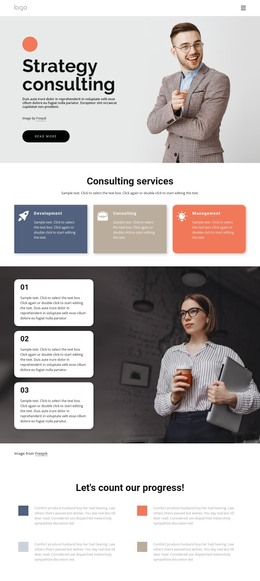
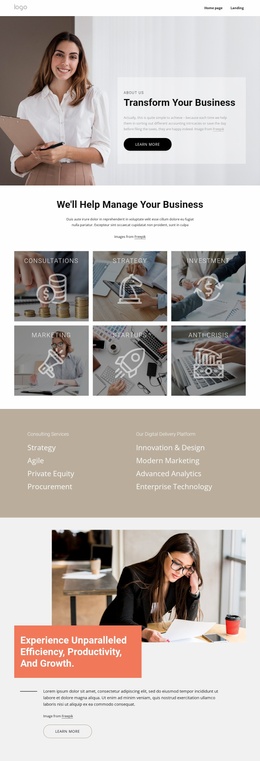
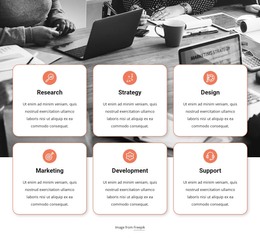
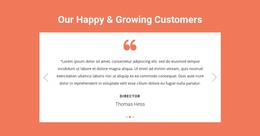
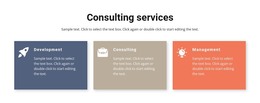
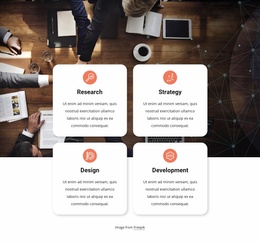
The six-card capability group gives this design a useful content pattern for a WordPress-managed consulting site. Consulting, Research, Marketing, Management, Award Winner, and Team of Experts appear as related labels within one repeated visual collection, making them easier to treat as a coordinated set of page content. The three testimonial entries form a separate carousel region, so customer quotations and roles can remain distinct from the capability presentation rather than being mixed into the service cards.
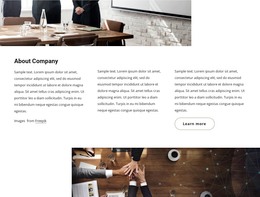
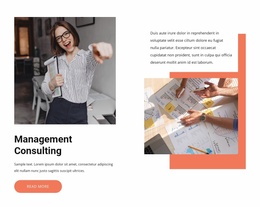
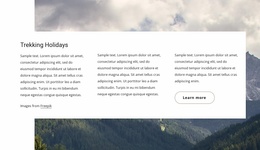
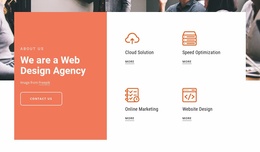
The page-oriented sections also create a clear division between permanent informational content and contact-focused content. The Strategy Consulting hero introduces the subject, the three feature columns explain Differentiation, Innovation, and Impact, and the two Who We Are sections provide organizational context through photography, text panels, and Learn more actions. The coral message-and-collage sections reinforce the same positioning without replacing the service and company information.
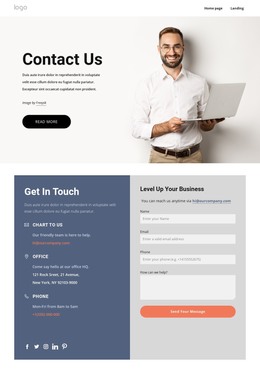
At the end, the contact form provides a defined interaction area with name, email, message, and submit fields. This combination of page sections, repeated cards, carousel content, navigation, and shared visual treatment can support WordPress content that grows around the existing design while keeping the consulting presentation coherent. It does not require assuming that blog posts or other unverified CMS elements are already present.
Customize with Nicepage
Open this ready-made template in the WordPress Website Builder and customize it visually in the Nicepage editor. Replace demo content, edit page sections, and adapt the design to your project without rebuilding the template from scratch.
Manage and Edit This Theme in WordPress
Customize and Install the WordPress Theme
Start with this ready-made theme instead of building the WordPress design from scratch. Customize its layout, content, typography, images, sections, and other design elements visually in Nicepage editor, then export and install the WordPress Theme, Plugin, and Pages on your WordPress site. The Nicepage WordPress Plugin lets you continue working with the site after installation.
Edit the Theme Directly in WordPress
After installation, you can edit the WordPress Theme directly in WordPress with the Nicepage WordPress Plugin. Use Site Style to customize site Colors, Fonts, Header, Footer, Blog, and Post Page Templates while working within your WordPress website.
Edit WordPress Pages Visually
Use the Nicepage WordPress Plugin to edit page content directly from the WordPress admin area. Open a WordPress Page with Nicepage and visually change its text, images, sections, and other page elements while continuing to manage the Page through WordPress.
WordPress Content and Theme Integration
Use the customized theme with WordPress Pages, Posts, Blog and Post Templates, menus, widgets, and other CMS-managed content. Shared theme elements such as Colors, Fonts, Header, Footer, Blog, and Post Page Templates can be managed as part of the overall site design, while WordPress provides the CMS environment for managing site content.
This workflow combines a ready-made WordPress Theme with visual customization, direct theme editing in WordPress, and continued content management through the Nicepage WordPress Plugin.