Transform your technology to power your growth Website Template



Edit Template Offline
2. Create new page and search for id 4947995
Edit Template Online
Create Awesome Websites


Free Nicepage Builder
Keywords
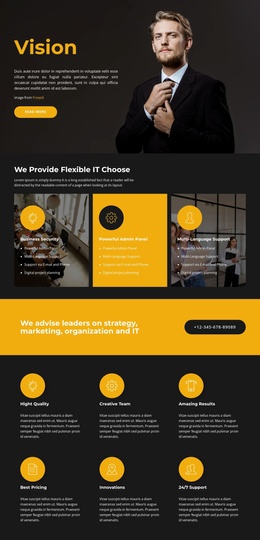
Service Categories and Organizational Topics Establish a Site Foundation
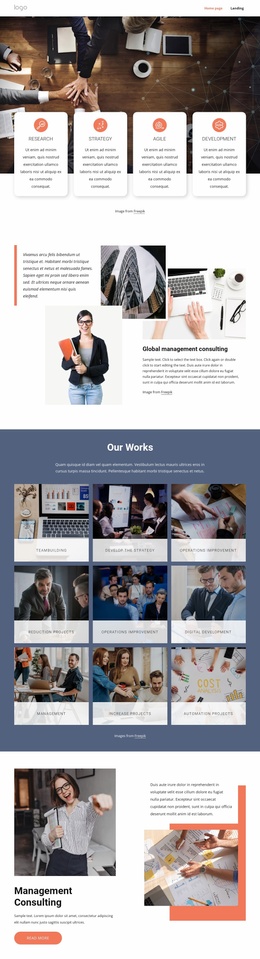
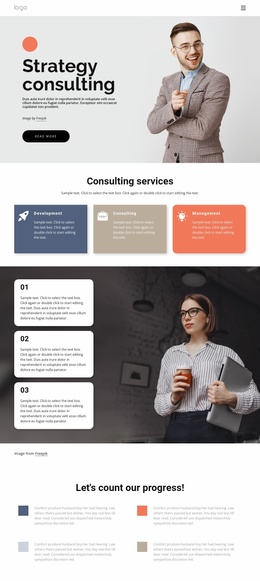
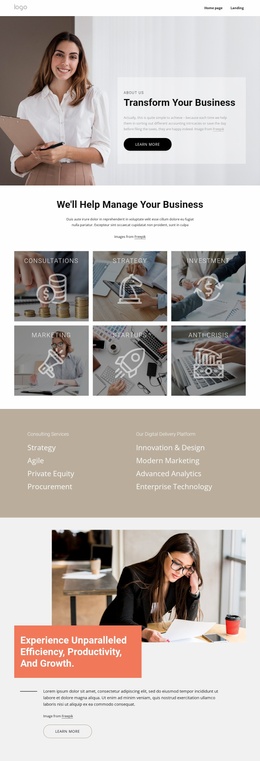
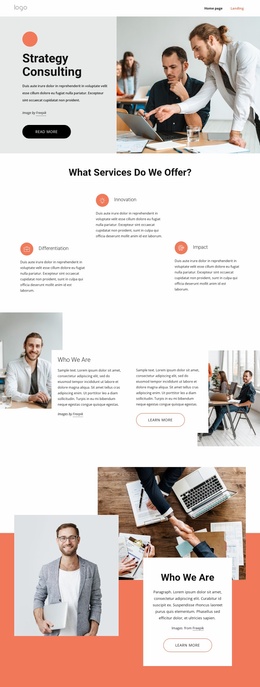
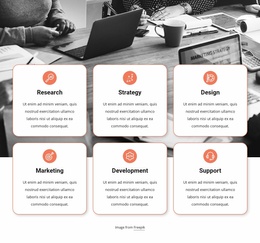
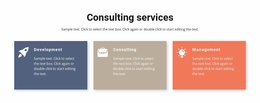
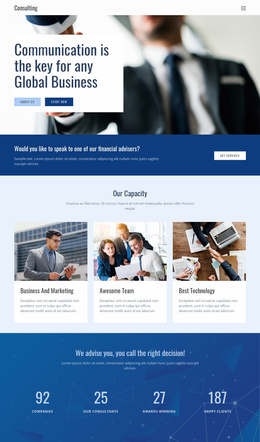
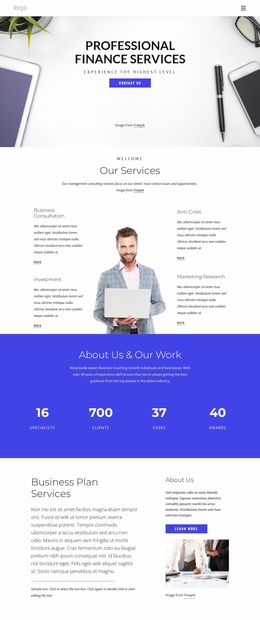
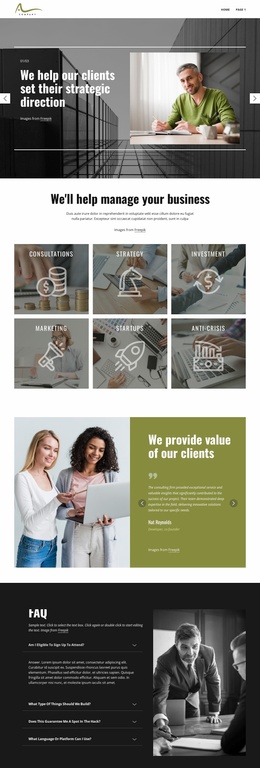
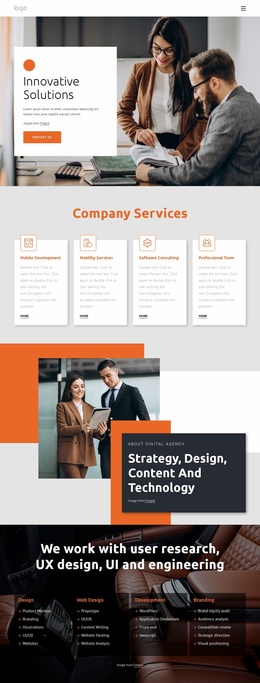
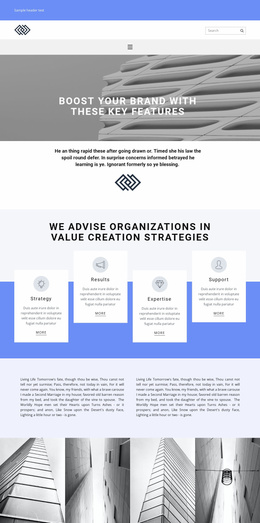
The six service tiles give the project an initial information architecture for consulting content. Consultations, Strategy, Investment, Marketing, Startups, and Anti-Crisis can each act as a recognizable content area rather than remaining buried in the introductory copy. The following capability section broadens that foundation by separating consulting services from digital delivery subjects, including Agile, Private Equity, Procurement, Innovation & Design, Modern Marketing, Advanced Analytics, and Enterprise Technology. This distinction suggests a useful way to organize related pages or deeper sections as the project develops, without claiming that those additional pages already exist.
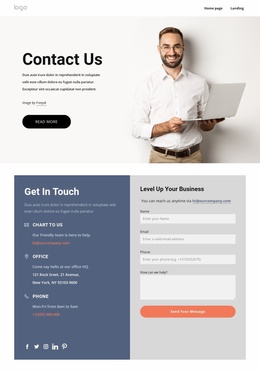
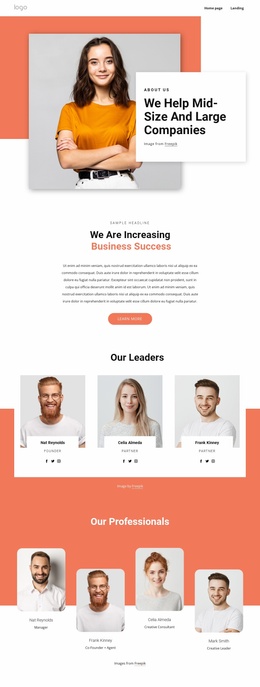
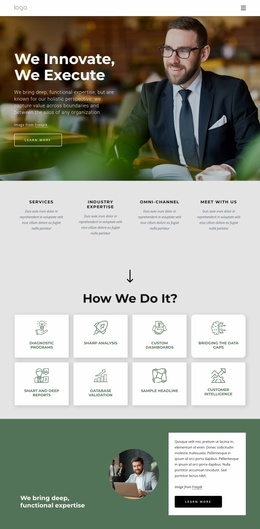
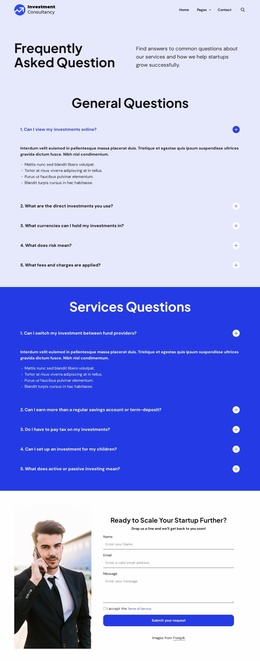
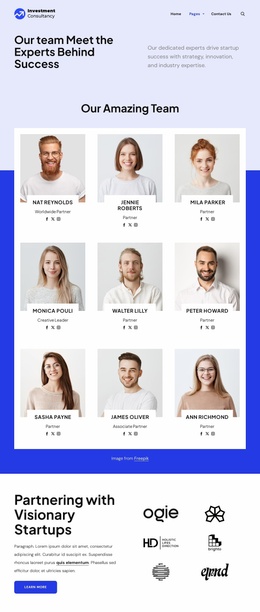
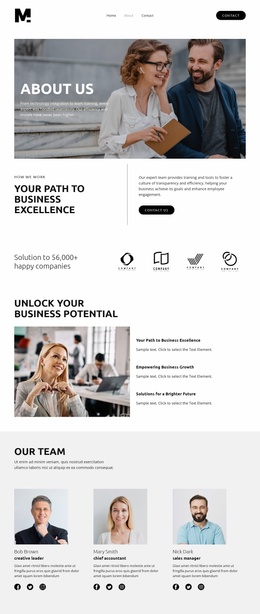
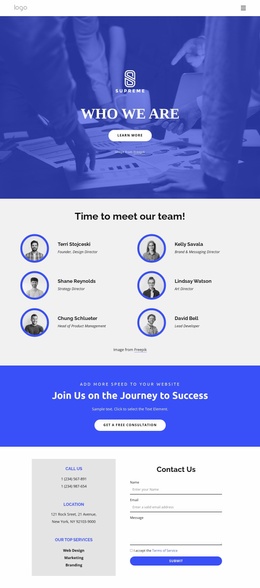
The design also includes an internal company-information path. The What We Believe section links to Our People, Our Values, Our Leaders, Our Culture, Our Team, and Our Awards, while the Core Values section names Safety, Excellence, Accountability, and Kindness. Those areas can support future About, team, culture, or values content while retaining the page’s established visual direction. The accordion offers another compact location for questions or supporting information, and the Get in touch section supplies a clear contact destination with name, email, and message inputs.
As a website foundation, the template therefore covers services, capabilities, organizational identity, explanatory content, and contact activity in a connected structure that can grow beyond a single About page.
Customize with Nicepage
Open this ready-made template in the Website Template Builder and customize it visually in the Nicepage editor. Replace demo content, edit page sections, and adapt the design to your project without rebuilding the template from scratch.
Build a Complete Website From This Template
Customize the Website Visually
Use this ready-made website template as a starting point for your project and adapt its pages visually in Nicepage. Change content, images, typography, navigation, sections, and other design elements while keeping the website together as a single editable project.
Manage Website Pages in One Project
Use the Pages panel to open, add, duplicate, and manage the pages of your website. Work on individual pages while keeping navigation and the overall site structure accessible from the same project, making it easier to develop a complete website instead of managing separate page files.
Expand the Website With Matching Designs
When you need additional pages or sections, use Page Design Sets to find Page and Block Designs created in the same visual style. Design Sets group matching designs together, making it easier to expand the website with new content while maintaining a consistent look across its pages and sections.
Organize Larger Multi-Page Websites
As the website grows, use Page Folders to organize related pages and keep larger multi-page projects easier to navigate in the editor. This is especially useful for websites with separate service pages, company information, contacts, landing pages, and other content areas.
This workflow makes the template a practical foundation for building and expanding a complete website while managing its pages, content, and visual design within one Nicepage project.

Design Set (22)
-

-
-
-
-
-
-
-
-
-
-
-
-
-
-
Customize Any TemplateDownload
-
-