Your HR consultants WordPress Theme



Edit Template Offline
2. Create new page and search for id 6400488
Edit Template Online
Create Awesome Websites


Free Nicepage Builder
Keywords
Recruitment Content and Shared Site Regions Support a WordPress Theme
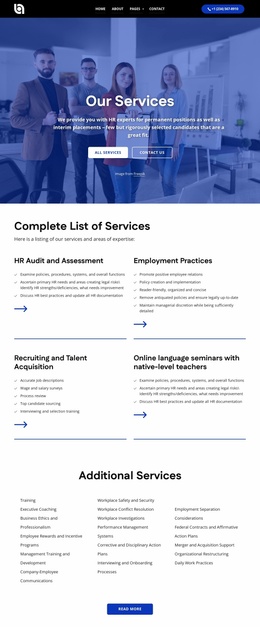
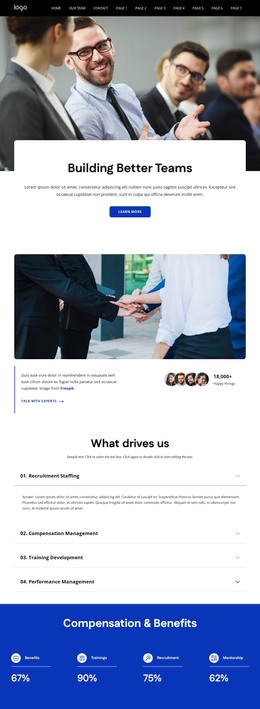
The page-oriented content is well suited to a WordPress-managed HR presentation because its major subjects are already separated into recognizable regions. The six talent cards can introduce permanent service content for executive search, HR recruitment, innovative HR solutions, candidate screening, leadership training, and policy management. The four-topic accordion adds related management information, covering recruitment staffing, compensation management, training development, and performance management without competing with the primary service categories.
Other areas can support recurring website content. The testimonial carousel provides a structured place for client-oriented statements, while the forum and webinar slider can present organizational activity in a changing visual format. The company-history slider, partner-logo row, social links, and shared navigation provide context around the core service content. These interpretations describe how the design’s areas can be organized in a CMS; they do not claim that WordPress Posts, categories, or blog content already exist in the template.
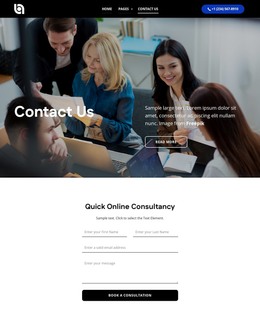
The contact form with name and email inputs, office listings for Sydney, Melbourne, and Los Angeles, and the closing discussion prompt create permanent communication content. In a WordPress project, the visual system can remain consistent around these page areas while content is maintained through the CMS. Where direct theme editing is useful, Nicepage documents editing a WordPress theme directly, but the template’s primary strength is the relationship between its service content, recurring site regions, and contact-focused close.
Customize with Nicepage
Open this ready-made template in the WordPress Website Builder and customize it visually in the Nicepage editor. Replace demo content, edit page sections, and adapt the design to your project without rebuilding the template from scratch.
Manage and Edit This Theme in WordPress
Customize and Install the WordPress Theme
Start with this ready-made theme instead of building the WordPress design from scratch. Customize its layout, content, typography, images, sections, and other design elements visually in Nicepage editor, then export and install the WordPress Theme, Plugin, and Pages on your WordPress site. The Nicepage WordPress Plugin lets you continue working with the site after installation.
Edit the Theme Directly in WordPress
After installation, you can edit the WordPress Theme directly in WordPress with the Nicepage WordPress Plugin. Use Site Style to customize site Colors, Fonts, Header, Footer, Blog, and Post Page Templates while working within your WordPress website.
Edit WordPress Pages Visually
Use the Nicepage WordPress Plugin to edit page content directly from the WordPress admin area. Open a WordPress Page with Nicepage and visually change its text, images, sections, and other page elements while continuing to manage the Page through WordPress.
WordPress Content and Theme Integration
Use the customized theme with WordPress Pages, Posts, Blog and Post Templates, menus, widgets, and other CMS-managed content. Shared theme elements such as Colors, Fonts, Header, Footer, Blog, and Post Page Templates can be managed as part of the overall site design, while WordPress provides the CMS environment for managing site content.
This workflow combines a ready-made WordPress Theme with visual customization, direct theme editing in WordPress, and continued content management through the Nicepage WordPress Plugin.