Camping rules WordPress Theme


Two amenity groups give WordPress page content a clear structure
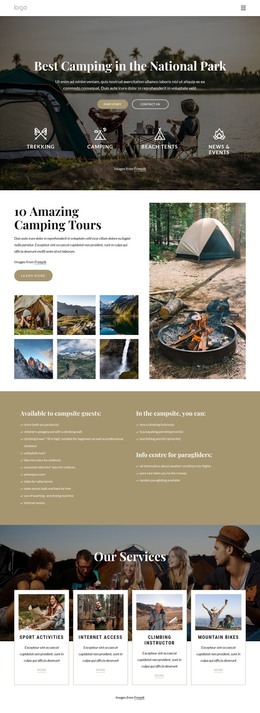
The first list reads as stable services-page content, grouping 11 provisions that campsite guests may need to understand before planning a stay. It includes an eco-product store, a children’s playground with a climbing wall, an 8 m climbing tower, volleyball and pétanque facilities, bike and mountain-bike hire, table tennis equipment, laundry use, and internet access. The second titled list separates three additional activities or permissions: climbing instructor hire, kayaking permits, and fishing permits. This distinction makes the section easier to maintain as a coherent information area rather than one undifferentiated set of bullets.
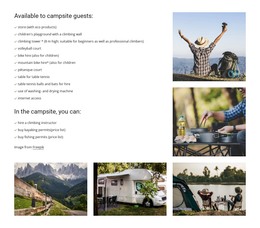
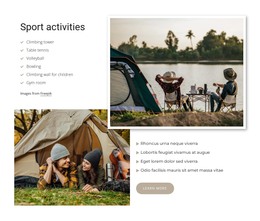
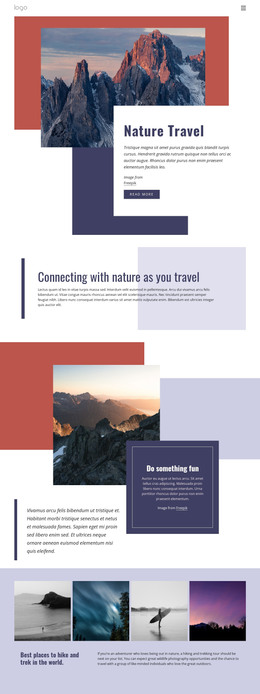
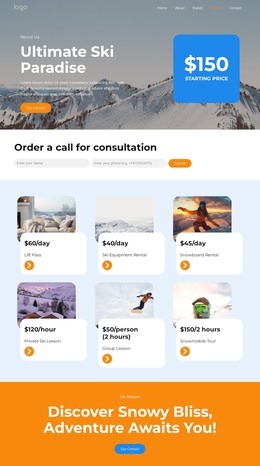
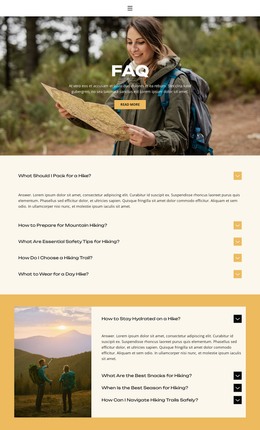
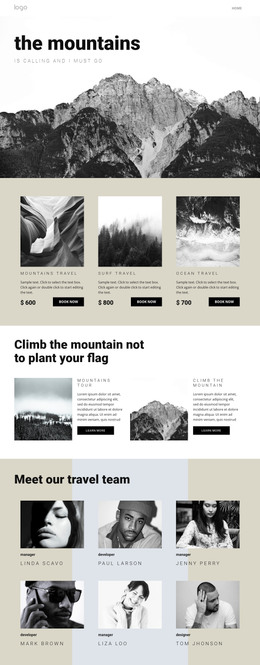
The five photographs extend that page content with a visual overview of the setting. Their collage uses a large upper-right pair and a lower row of three images, covering outdoor recreation, cooking, mountains, a caravan, and lakeside camping. In a WordPress-managed project, this block can remain a stable amenities section on a campsite or travel page while the wider site handles related accommodation, booking, location, or contact content. The white background, black typography, and small checkmarks provide a restrained presentation that can sit alongside other page sections without competing with them. Its content can also be revised as facilities or available activities change, while the two-list structure preserves the section’s original purpose.
Customize with Nicepage
Open this ready-made template in the WordPress Website Builder and customize it visually in the Nicepage editor. Replace demo content, edit page sections, and adapt the design to your project without rebuilding the template from scratch.
Edit Template Offline
2. Create a new page or select existing
3. Click Add new block, search for id 2695602 and click enter
Edit Template Online
Create Awesome Websites


Free Nicepage Builder
Keywords
Manage and Edit This Theme in WordPress
Customize and Install the WordPress Theme
Start with this ready-made theme instead of building the WordPress design from scratch. Customize its layout, content, typography, images, sections, and other design elements visually in Nicepage editor, then export and install the WordPress Theme, Plugin, and Pages on your WordPress site. The Nicepage WordPress Plugin lets you continue working with the site after installation.
Edit the Theme Directly in WordPress
After installation, you can edit the WordPress Theme directly in WordPress with the Nicepage WordPress Plugin. Use Site Style to customize site Colors, Fonts, Header, Footer, Blog, and Post Page Templates while working within your WordPress website.
Edit WordPress Pages Visually
Use the Nicepage WordPress Plugin to edit page content directly from the WordPress admin area. Open a WordPress Page with Nicepage and visually change its text, images, sections, and other page elements while continuing to manage the Page through WordPress.
WordPress Content and Theme Integration
Use the customized theme with WordPress Pages, Posts, Blog and Post Templates, menus, widgets, and other CMS-managed content. Shared theme elements such as Colors, Fonts, Header, Footer, Blog, and Post Page Templates can be managed as part of the overall site design, while WordPress provides the CMS environment for managing site content.
This workflow combines a ready-made WordPress Theme with visual customization, direct theme editing in WordPress, and continued content management through the Nicepage WordPress Plugin.