The leading consulting firms for management services WordPress Theme


Edit Template Offline
2. Create new page and search for id 4948822
Edit Template Online
Create Awesome Websites


Free Nicepage Builder
Keywords
Page content, recurring cards, and work tiles suit WordPress management
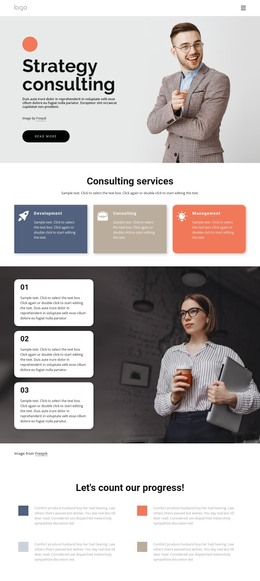
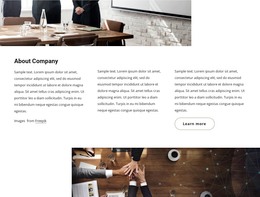
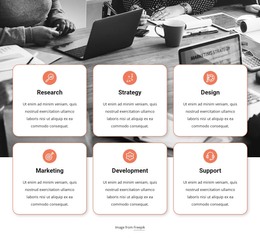
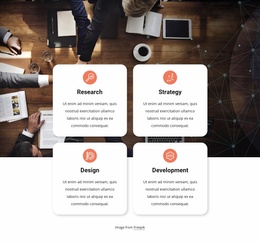
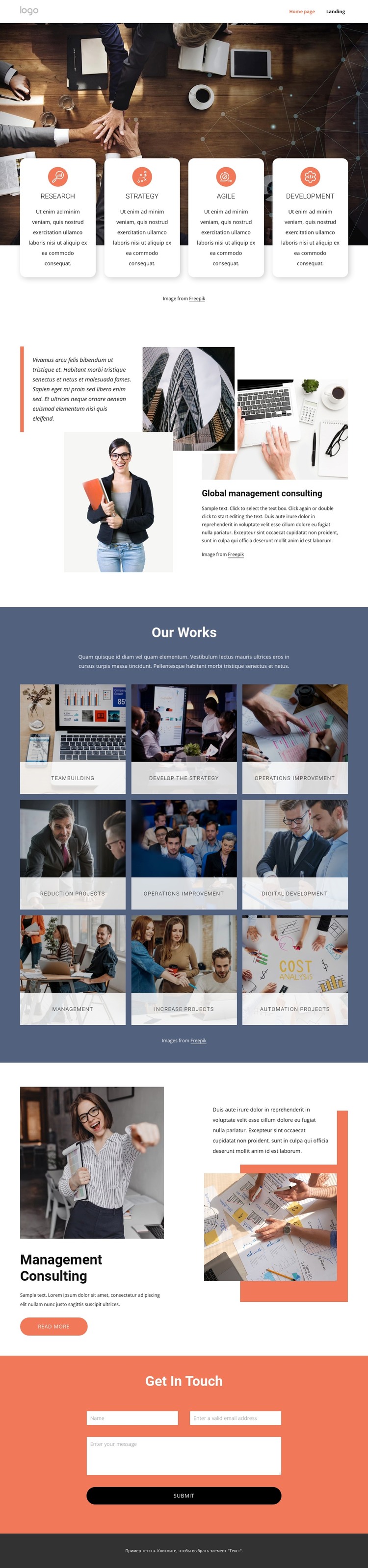
The page contains clear permanent content areas that can translate naturally into a WordPress-managed consulting theme. The opening capability group uses four rounded cards—Research, Strategy, Agile, and Development—to present stable service information in a compact visual form. The Global management consulting section then provides page-oriented explanatory content supported by stacked photographs and a quote panel, giving the design a central area for positioning and overview text.
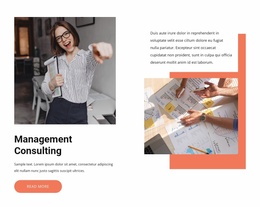
The repeated work-tile pattern offers a different content relationship. The Our Works section displays nine labeled categories, including Teambuilding, Develop the strategy, Operations improvement, Digital Development, Management, and Automation Projects. These tiles can be interpreted as recurring project or service content while keeping the same image-led visual treatment. The featured Management consulting section provides a focused page area with a primary photograph, description, supporting quote, and Read more action, separating one highlighted offering from the broader tile collection.
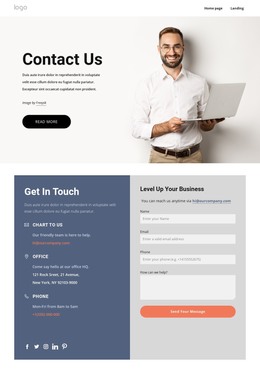
The Get in touch section supplies a stable inquiry area with name, email, message, and submit controls, while the footer and navigation provide shared site elements around the page content. This combination suits a WordPress theme because permanent service and portfolio information can remain visually coordinated as the site develops. Where regularly updated content is later introduced, it can sit alongside these established page areas rather than replacing the consulting identity. The Nicepage WordPress Plugin is an optional product bridge for working with WordPress content, but the template’s main value comes from its already defined content relationships.
Customize with Nicepage
Open this ready-made template in the WordPress Website Builder and customize it visually in the Nicepage editor. Replace demo content, edit page sections, and adapt the design to your project without rebuilding the template from scratch.
Manage and Edit This Theme in WordPress
Customize and Install the WordPress Theme
Start with this ready-made theme instead of building the WordPress design from scratch. Customize its layout, content, typography, images, sections, and other design elements visually in Nicepage editor, then export and install the WordPress Theme, Plugin, and Pages on your WordPress site. The Nicepage WordPress Plugin lets you continue working with the site after installation.
Edit the Theme Directly in WordPress
After installation, you can edit the WordPress Theme directly in WordPress with the Nicepage WordPress Plugin. Use Site Style to customize site Colors, Fonts, Header, Footer, Blog, and Post Page Templates while working within your WordPress website.
Edit WordPress Pages Visually
Use the Nicepage WordPress Plugin to edit page content directly from the WordPress admin area. Open a WordPress Page with Nicepage and visually change its text, images, sections, and other page elements while continuing to manage the Page through WordPress.
WordPress Content and Theme Integration
Use the customized theme with WordPress Pages, Posts, Blog and Post Templates, menus, widgets, and other CMS-managed content. Shared theme elements such as Colors, Fonts, Header, Footer, Blog, and Post Page Templates can be managed as part of the overall site design, while WordPress provides the CMS environment for managing site content.
This workflow combines a ready-made WordPress Theme with visual customization, direct theme editing in WordPress, and continued content management through the Nicepage WordPress Plugin.