Wanderlust WordPress Theme


Travel Offers and Agency Details as Structured Page Content
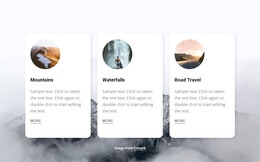
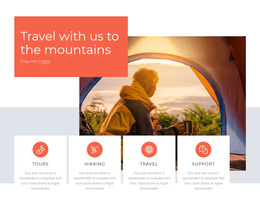
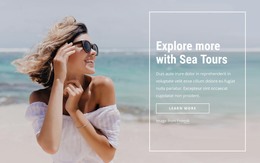
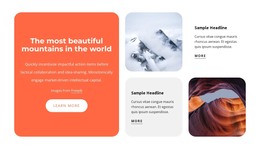
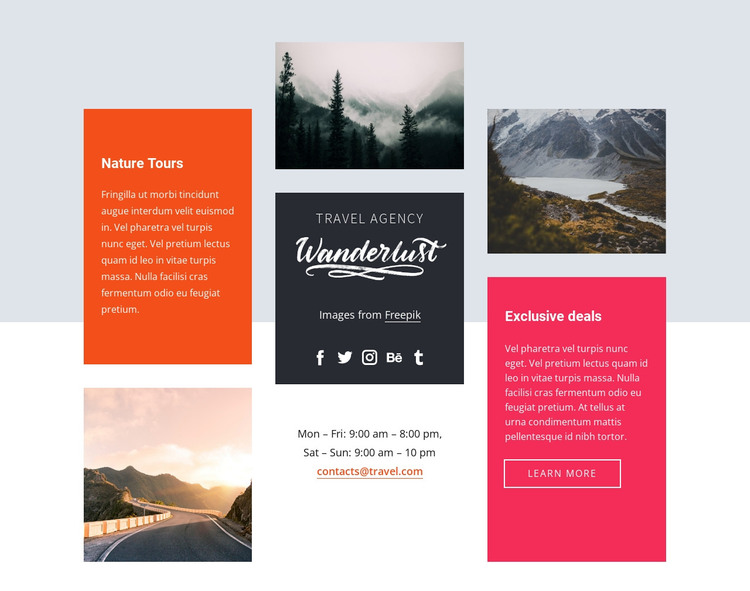
Nature Tours and Exclusive deals divide the block into two clear informational messages, but they are not isolated cards. Their supporting text sits within a larger three-column collage where three travel photographs create visual pauses and the dark central travel agency panel supplies a recognizable identity area. The five social media icons belong to that identity treatment, while the weekday and weekend opening hours add a practical layer that visitors can scan alongside the promotional content. The Learn More button gives the deals panel a defined onward action without changing the section’s broader information role.
In a WordPress-managed project, this arrangement can function as stable travel or hospitality content within a page while the wider site handles other editorial and navigational needs. The block’s value is its contained relationship between offers, imagery, agency branding, contact availability, and social links; it does not need to represent every part of the site. A WordPress-oriented workflow can preserve this visual section as page content while related pages or sections provide fuller tour information, booking details, testimonials, or additional contact channels. The asymmetric columns and stacked panels also give the travel content a consistent presentation that can sit beside other managed content without losing its own identity.
Customize with Nicepage
Open this ready-made template in the WordPress Website Builder and customize it visually in the Nicepage editor. Replace demo content, edit page sections, and adapt the design to your project without rebuilding the template from scratch.
Edit Template Offline
2. Create a new page or select existing
3. Click Add new block, search for id 847533 and click enter
Edit Template Online
Create Awesome Websites


Free Nicepage Builder
Keywords
Manage and Edit This Theme in WordPress
Customize and Install the WordPress Theme
Start with this ready-made theme instead of building the WordPress design from scratch. Customize its layout, content, typography, images, sections, and other design elements visually in Nicepage editor, then export and install the WordPress Theme, Plugin, and Pages on your WordPress site. The Nicepage WordPress Plugin lets you continue working with the site after installation.
Edit the Theme Directly in WordPress
After installation, you can edit the WordPress Theme directly in WordPress with the Nicepage WordPress Plugin. Use Site Style to customize site Colors, Fonts, Header, Footer, Blog, and Post Page Templates while working within your WordPress website.
Edit WordPress Pages Visually
Use the Nicepage WordPress Plugin to edit page content directly from the WordPress admin area. Open a WordPress Page with Nicepage and visually change its text, images, sections, and other page elements while continuing to manage the Page through WordPress.
WordPress Content and Theme Integration
Use the customized theme with WordPress Pages, Posts, Blog and Post Templates, menus, widgets, and other CMS-managed content. Shared theme elements such as Colors, Fonts, Header, Footer, Blog, and Post Page Templates can be managed as part of the overall site design, while WordPress provides the CMS environment for managing site content.
This workflow combines a ready-made WordPress Theme with visual customization, direct theme editing in WordPress, and continued content management through the Nicepage WordPress Plugin.