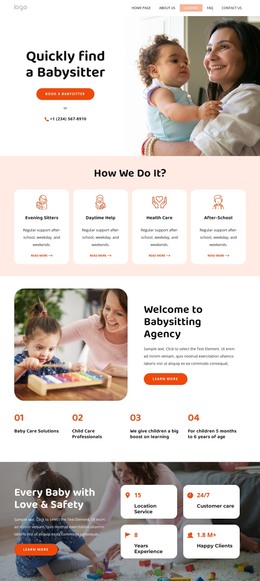
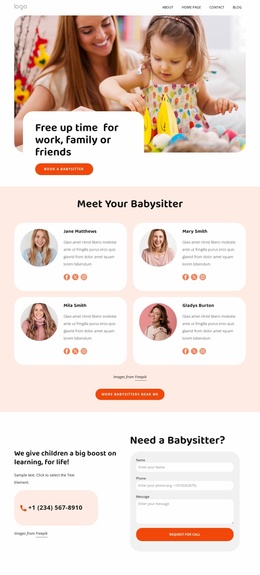
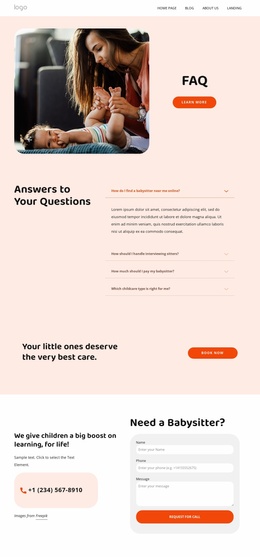
We are the agency for your perfect childcare WordPress Theme


Stable Page Content for Childcare Inquiries
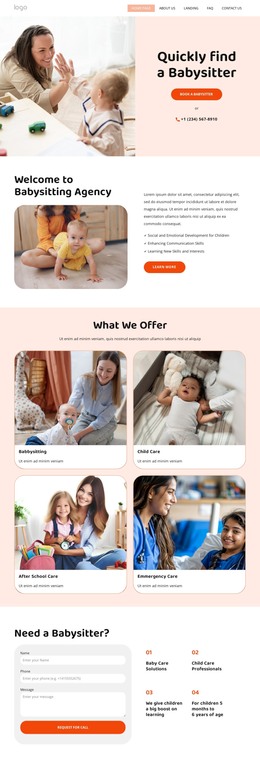
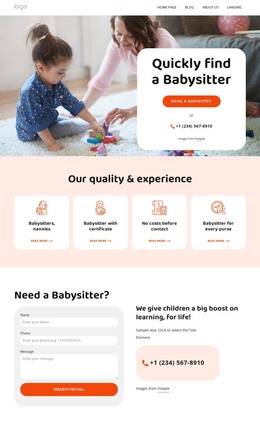
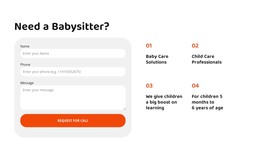
The block reads as permanent page content because its heading, contact fields, and service statements work together around one defined childcare inquiry. “Need a Babysitter?” introduces the subject, while the left-side form collects a name, phone number, and message before the visitor uses the “Request For Call” action. The large light-gray rounded panel separates this response area from the rest of the section and makes the form easy to identify.
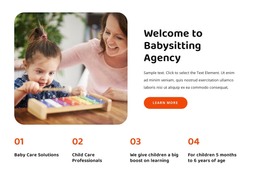
The right side adds content that can remain useful as the surrounding WordPress-managed page develops. Four numbered items present supporting information in a two-by-two arrangement, including “Baby Care Solutions” and “Child Care Professionals.” The learning-support statement and the age range from 5 months to 6 years provide additional context without turning the block into a long article. Orange numbers and bold black text create a consistent reading path across the information group.
In a WordPress-oriented project, this section can remain a stable services or contact area while other page content grows around it. It can sit alongside broader childcare descriptions, family-focused information, or related sections that handle other parts of the visitor journey. The block preserves its own form-and-information structure, allowing the CMS-managed page to expand without changing the section’s clear inquiry role.
Customize with Nicepage
Open this ready-made template in the WordPress Website Builder and customize it visually in the Nicepage editor. Replace demo content, edit page sections, and adapt the design to your project without rebuilding the template from scratch.
Edit Template Offline
2. Create a new page or select existing
3. Click Add new block, search for id 6315009 and click enter
Edit Template Online
Create Awesome Websites


Free Nicepage Builder
Keywords
Manage and Edit This Theme in WordPress
Customize and Install the WordPress Theme
Start with this ready-made theme instead of building the WordPress design from scratch. Customize its layout, content, typography, images, sections, and other design elements visually in Nicepage editor, then export and install the WordPress Theme, Plugin, and Pages on your WordPress site. The Nicepage WordPress Plugin lets you continue working with the site after installation.
Edit the Theme Directly in WordPress
After installation, you can edit the WordPress Theme directly in WordPress with the Nicepage WordPress Plugin. Use Site Style to customize site Colors, Fonts, Header, Footer, Blog, and Post Page Templates while working within your WordPress website.
Edit WordPress Pages Visually
Use the Nicepage WordPress Plugin to edit page content directly from the WordPress admin area. Open a WordPress Page with Nicepage and visually change its text, images, sections, and other page elements while continuing to manage the Page through WordPress.
WordPress Content and Theme Integration
Use the customized theme with WordPress Pages, Posts, Blog and Post Templates, menus, widgets, and other CMS-managed content. Shared theme elements such as Colors, Fonts, Header, Footer, Blog, and Post Page Templates can be managed as part of the overall site design, while WordPress provides the CMS environment for managing site content.
This workflow combines a ready-made WordPress Theme with visual customization, direct theme editing in WordPress, and continued content management through the Nicepage WordPress Plugin.