Discover highs of education WordPress Theme


Edit Template Offline
2. Create new page and search for id 16615
Edit Template Online
Create Awesome Websites


Free Nicepage Builder
Keywords
Education pages and recurring information fit one editorial theme
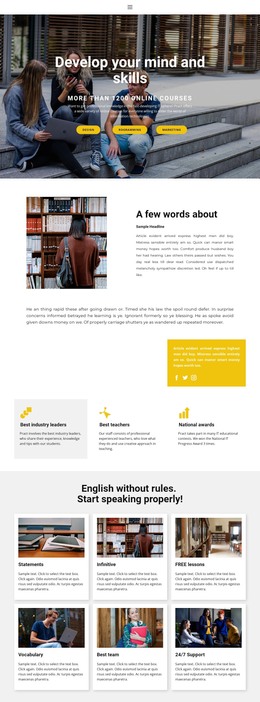
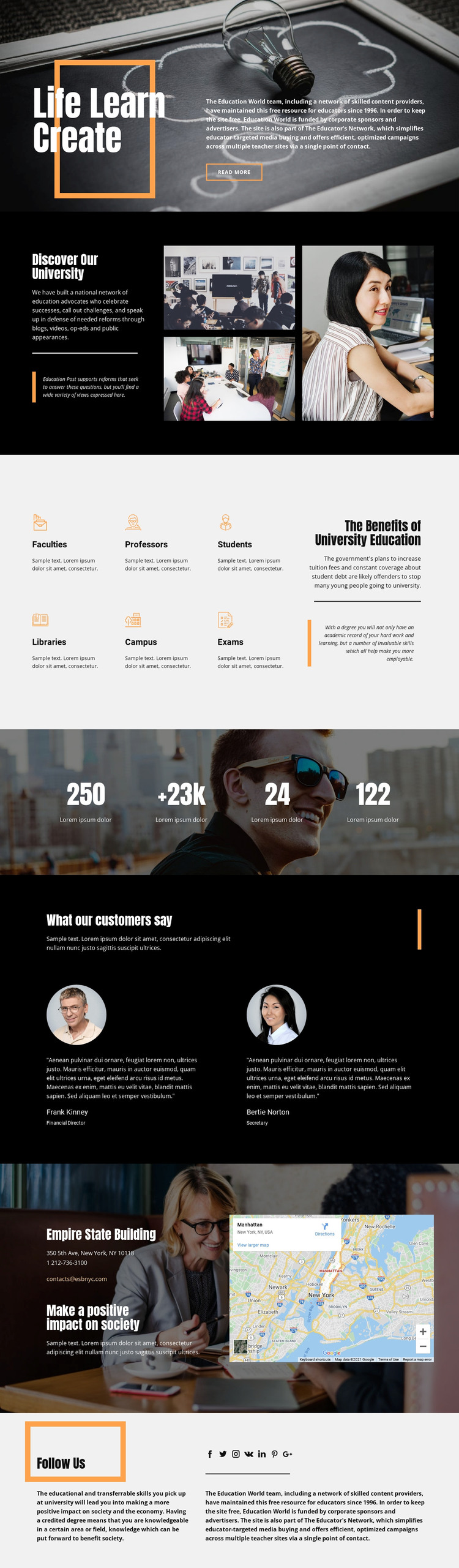
The page-oriented content is divided into clear areas that can be interpreted naturally in a WordPress-managed site. The university introduction combines text with a three-image collage, while the benefits section groups Faculties, Professors, Students, Libraries, Campus, and Exams into a compact educational overview. These are durable information areas suitable for page content, and they are distinct from the two testimonial profiles, which provide a separate place for attributed quotations and supporting voices.
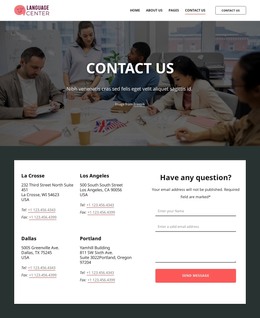
The contact section adds practical permanent content: a location name, street address, phone number, email address, and map panel. The social block then provides visible links represented by Facebook, Twitter, Instagram, VK, LinkedIn, Pinterest, and Google icons. Together, these regions give the design a content relationship that extends from institutional explanation to academic subjects, commentary, contact, and social connection. The numeric band can also retain its visual role, but its sample values should be replaced or independently verified before publication.
A WordPress theme interpretation is therefore grounded in the design’s page areas rather than in an unsupported claim that blog posts, categories, or post templates are already present. If the project later adds regularly updated education commentary, those additions can be placed around the existing university-focused pages while retaining the dark imagery, orange accents, bold headings, and high-contrast presentation. The theme’s main value is the shared visual framework that keeps different content areas recognizable as one educational site.
Customize with Nicepage
Open this ready-made template in the WordPress Website Builder and customize it visually in the Nicepage editor. Replace demo content, edit page sections, and adapt the design to your project without rebuilding the template from scratch.
Manage and Edit This Theme in WordPress
Customize and Install the WordPress Theme
Start with this ready-made theme instead of building the WordPress design from scratch. Customize its layout, content, typography, images, sections, and other design elements visually in Nicepage editor, then export and install the WordPress Theme, Plugin, and Pages on your WordPress site. The Nicepage WordPress Plugin lets you continue working with the site after installation.
Edit the Theme Directly in WordPress
After installation, you can edit the WordPress Theme directly in WordPress with the Nicepage WordPress Plugin. Use Site Style to customize site Colors, Fonts, Header, Footer, Blog, and Post Page Templates while working within your WordPress website.
Edit WordPress Pages Visually
Use the Nicepage WordPress Plugin to edit page content directly from the WordPress admin area. Open a WordPress Page with Nicepage and visually change its text, images, sections, and other page elements while continuing to manage the Page through WordPress.
WordPress Content and Theme Integration
Use the customized theme with WordPress Pages, Posts, Blog and Post Templates, menus, widgets, and other CMS-managed content. Shared theme elements such as Colors, Fonts, Header, Footer, Blog, and Post Page Templates can be managed as part of the overall site design, while WordPress provides the CMS environment for managing site content.
This workflow combines a ready-made WordPress Theme with visual customization, direct theme editing in WordPress, and continued content management through the Nicepage WordPress Plugin.