Start learning for free WordPress Theme



Edit Template Offline
2. Create new page and search for id 2801002
Edit Template Online
Create Awesome Websites


Free Nicepage Builder
Keywords
Online Class Content and Team Profiles Fit a WordPress Page Structure
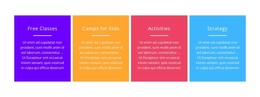
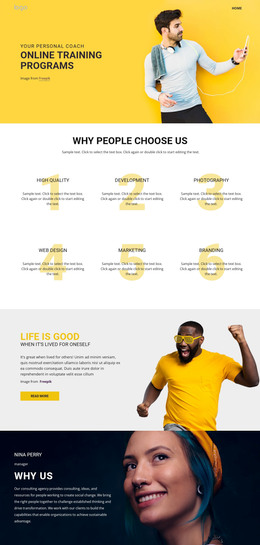
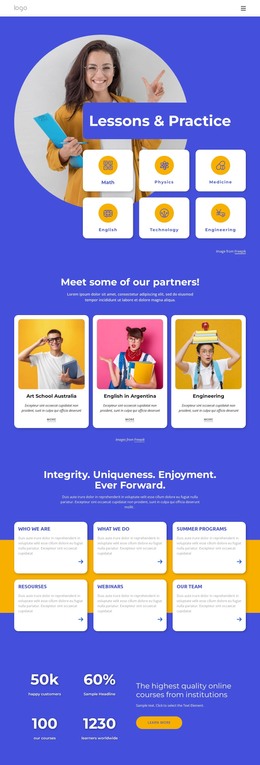
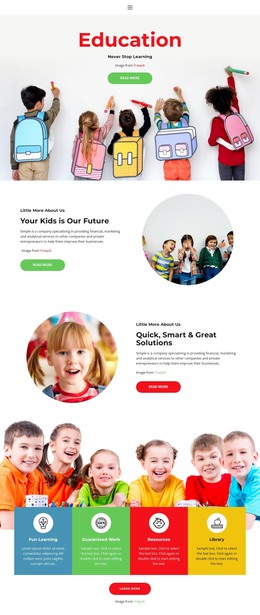
The nine named class entries give this design a strong page-oriented content core for a WordPress project. Subjects such as math, English, coding, robotics, crafts, and drawing are presented as repeated listings with age ranges and more links, so the catalog can serve as the main educational content area while the surrounding design provides context. The four program cards above it introduce broader categories—Free Classes, Camps for Kids, Activities, and Strategy—helping visitors move from general interests toward specific class information.
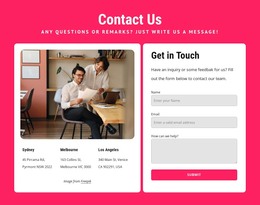
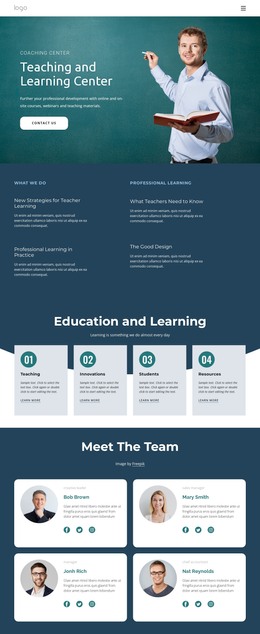
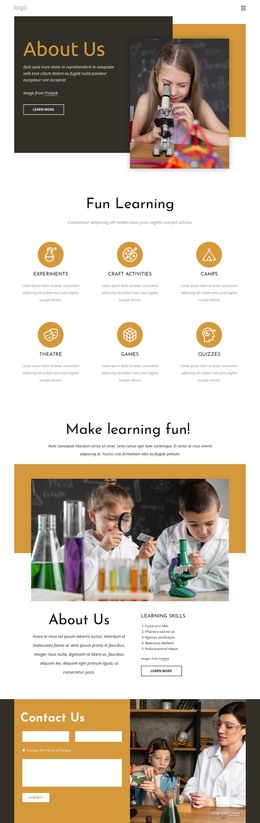
Other sections support permanent site content around that central catalog. The six-tile gallery presents visual directions such as summer camps, sport camps, in-person camps, and anywhere learning, while the course-selection and About Us areas give visitors additional routes into the organization’s offering. Four profile cards create a separate team-focused section, and the subscription-style form provides a defined place for ongoing communication. The Contact Us area groups phone, address, email, and opening-hours categories for visitors who need direct information. In a WordPress-managed site, these page areas can remain within one colorful visual system while educational content is expanded or updated through the site’s content structure.
Customize with Nicepage
Open this ready-made template in the WordPress Website Builder and customize it visually in the Nicepage editor. Replace demo content, edit page sections, and adapt the design to your project without rebuilding the template from scratch.
Manage and Edit This Theme in WordPress
Customize and Install the WordPress Theme
Start with this ready-made theme instead of building the WordPress design from scratch. Customize its layout, content, typography, images, sections, and other design elements visually in Nicepage editor, then export and install the WordPress Theme, Plugin, and Pages on your WordPress site. The Nicepage WordPress Plugin lets you continue working with the site after installation.
Edit the Theme Directly in WordPress
After installation, you can edit the WordPress Theme directly in WordPress with the Nicepage WordPress Plugin. Use Site Style to customize site Colors, Fonts, Header, Footer, Blog, and Post Page Templates while working within your WordPress website.
Edit WordPress Pages Visually
Use the Nicepage WordPress Plugin to edit page content directly from the WordPress admin area. Open a WordPress Page with Nicepage and visually change its text, images, sections, and other page elements while continuing to manage the Page through WordPress.
WordPress Content and Theme Integration
Use the customized theme with WordPress Pages, Posts, Blog and Post Templates, menus, widgets, and other CMS-managed content. Shared theme elements such as Colors, Fonts, Header, Footer, Blog, and Post Page Templates can be managed as part of the overall site design, while WordPress provides the CMS environment for managing site content.
This workflow combines a ready-made WordPress Theme with visual customization, direct theme editing in WordPress, and continued content management through the Nicepage WordPress Plugin.