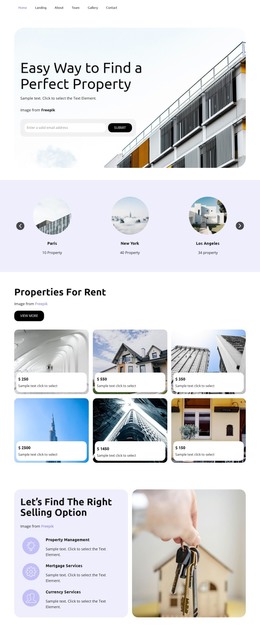
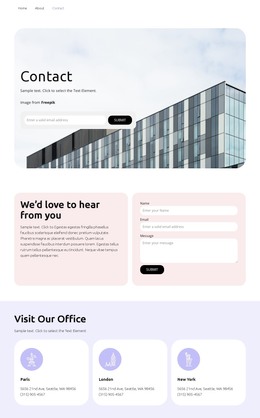
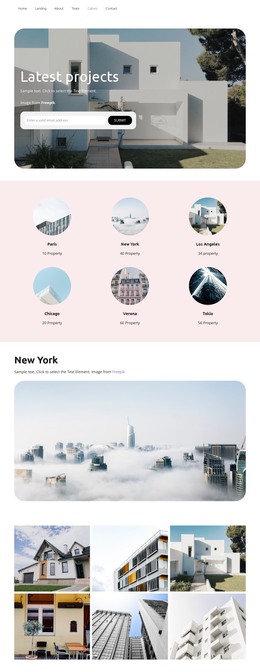
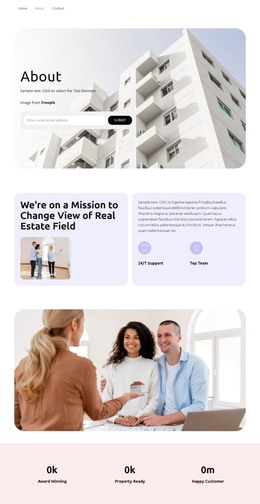
Visit Our Office WordPress Theme


Three Contact Entries Anchor a WordPress Page Section
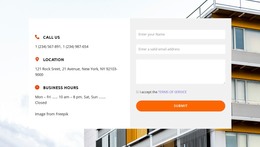
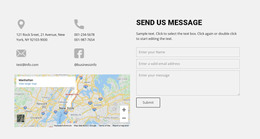
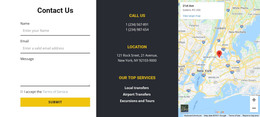
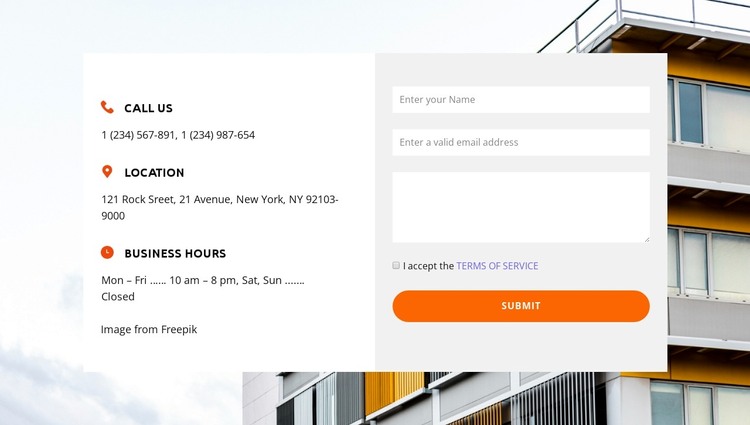
The left side reads as stable page information rather than a temporary update. Call Us, Location, and Business Hours give visitors three clearly labeled ways to understand the contact context, with each entry combining an icon, an uppercase label, and supporting detail. On the right, the form provides a separate content area for name, email, and message fields, followed by consent and the rounded orange Submit control. Together, these regions create a publishable contact section that can sit within a WordPress-managed page without requiring the surrounding project to treat it as a standalone theme.
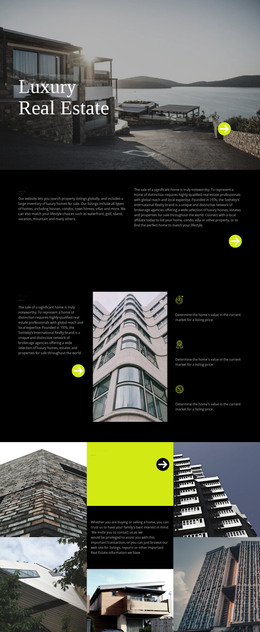
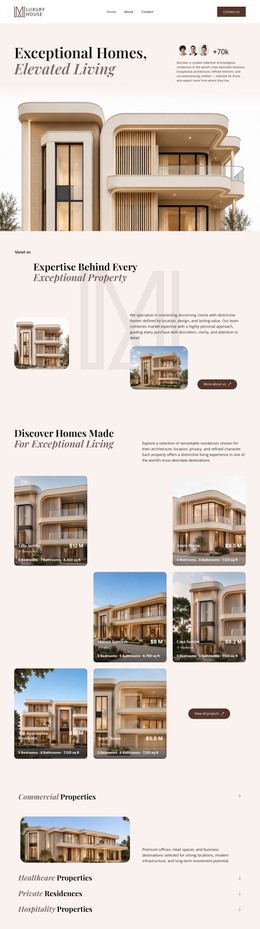
The pale property-building photograph adds visual context, while the white information panel and light-gray form panel preserve a clear distinction between reference details and visitor response. Orange icons repeat the same accent used by the submission control, helping the section maintain a coherent visual pattern when placed near other property or business content. In a WordPress-oriented project, this block can serve as permanent contact content on a relevant page while the broader site manages navigation, additional pages, and other editorial areas separately. The section's value lies in its stable combination of contact information and inquiry collection, not in any assumed CMS-specific content structure.
Customize with Nicepage
Open this ready-made template in the WordPress Website Builder and customize it visually in the Nicepage editor. Replace demo content, edit page sections, and adapt the design to your project without rebuilding the template from scratch.
Edit Template Offline
2. Create a new page or select existing
3. Click Add new block, search for id 4481532 and click enter
Edit Template Online
Create Awesome Websites


Free Nicepage Builder
Keywords
Manage and Edit This Theme in WordPress
Customize and Install the WordPress Theme
Start with this ready-made theme instead of building the WordPress design from scratch. Customize its layout, content, typography, images, sections, and other design elements visually in Nicepage editor, then export and install the WordPress Theme, Plugin, and Pages on your WordPress site. The Nicepage WordPress Plugin lets you continue working with the site after installation.
Edit the Theme Directly in WordPress
After installation, you can edit the WordPress Theme directly in WordPress with the Nicepage WordPress Plugin. Use Site Style to customize site Colors, Fonts, Header, Footer, Blog, and Post Page Templates while working within your WordPress website.
Edit WordPress Pages Visually
Use the Nicepage WordPress Plugin to edit page content directly from the WordPress admin area. Open a WordPress Page with Nicepage and visually change its text, images, sections, and other page elements while continuing to manage the Page through WordPress.
WordPress Content and Theme Integration
Use the customized theme with WordPress Pages, Posts, Blog and Post Templates, menus, widgets, and other CMS-managed content. Shared theme elements such as Colors, Fonts, Header, Footer, Blog, and Post Page Templates can be managed as part of the overall site design, while WordPress provides the CMS environment for managing site content.
This workflow combines a ready-made WordPress Theme with visual customization, direct theme editing in WordPress, and continued content management through the Nicepage WordPress Plugin.