The babysitting company WordPress Theme



Edit Template Offline
2. Create new page and search for id 6330896
Edit Template Online
Create Awesome Websites


Free Nicepage Builder
Keywords
Care Categories and Articles Leave Room for Managed Content
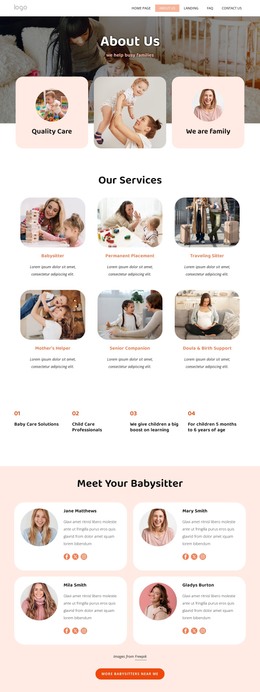
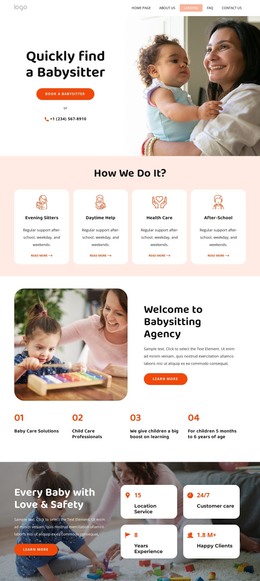
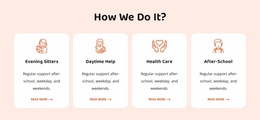
The service-process cards and six offering cards provide two useful ways to organize permanent page content in a WordPress-oriented project. The first group describes availability through evening sitters, daytime help, health care, and after-school support; the second presents the broader set of babysitting and child-care options. Their different relationships make it possible to preserve a clear service hierarchy instead of treating all repeated cards as interchangeable items.
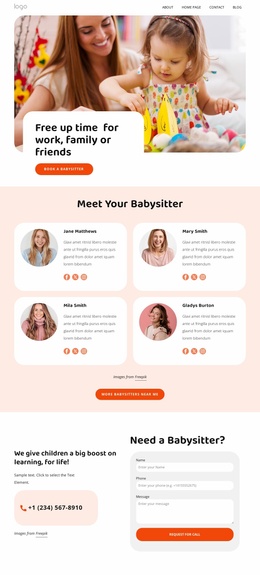
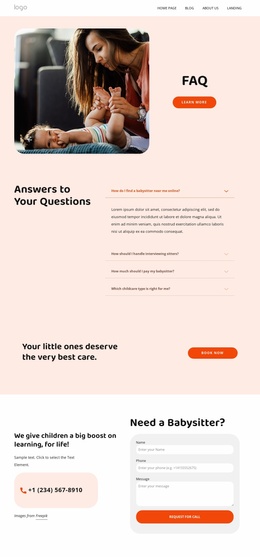
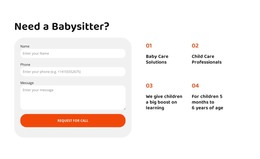
The four caregiver profiles and six testimonial cards add recurring people-focused content, while the four article previews introduce an editorial area around babysitting resources. The child-care gallery supports visual presentation, and the FAQ accordion gives practical questions a contained location. Two request-for-call forms, phone information, and newsletter signup connect these content areas to family enquiries without making a claim about how submissions are currently managed. Navigation, shared footer contact details, quick links, and social links can keep the different areas within one visual system as the site’s content grows. If regularly updated articles or announcements are later added, they can sit alongside the existing service and profile content while retaining the warm coral-and-peach design direction. The important mapping here is between this template’s page areas and WordPress-managed content, not an assertion that Posts, categories, or WordPress-specific structures already exist.
Customize with Nicepage
Open this ready-made template in the WordPress Website Builder and customize it visually in the Nicepage editor. Replace demo content, edit page sections, and adapt the design to your project without rebuilding the template from scratch.
Manage and Edit This Theme in WordPress
Customize and Install the WordPress Theme
Start with this ready-made theme instead of building the WordPress design from scratch. Customize its layout, content, typography, images, sections, and other design elements visually in Nicepage editor, then export and install the WordPress Theme, Plugin, and Pages on your WordPress site. The Nicepage WordPress Plugin lets you continue working with the site after installation.
Edit the Theme Directly in WordPress
After installation, you can edit the WordPress Theme directly in WordPress with the Nicepage WordPress Plugin. Use Site Style to customize site Colors, Fonts, Header, Footer, Blog, and Post Page Templates while working within your WordPress website.
Edit WordPress Pages Visually
Use the Nicepage WordPress Plugin to edit page content directly from the WordPress admin area. Open a WordPress Page with Nicepage and visually change its text, images, sections, and other page elements while continuing to manage the Page through WordPress.
WordPress Content and Theme Integration
Use the customized theme with WordPress Pages, Posts, Blog and Post Templates, menus, widgets, and other CMS-managed content. Shared theme elements such as Colors, Fonts, Header, Footer, Blog, and Post Page Templates can be managed as part of the overall site design, while WordPress provides the CMS environment for managing site content.
This workflow combines a ready-made WordPress Theme with visual customization, direct theme editing in WordPress, and continued content management through the Nicepage WordPress Plugin.