Language center contact page WordPress Theme


Edit Template Offline
2. Create new page and search for id 6446089
Edit Template Online
Create Awesome Websites


Free Nicepage Builder
Keywords
Course Categories and Contact Regions Create Organized WordPress Content Areas
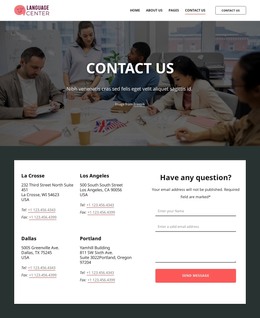
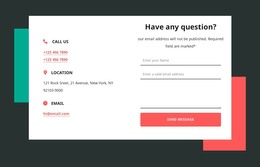
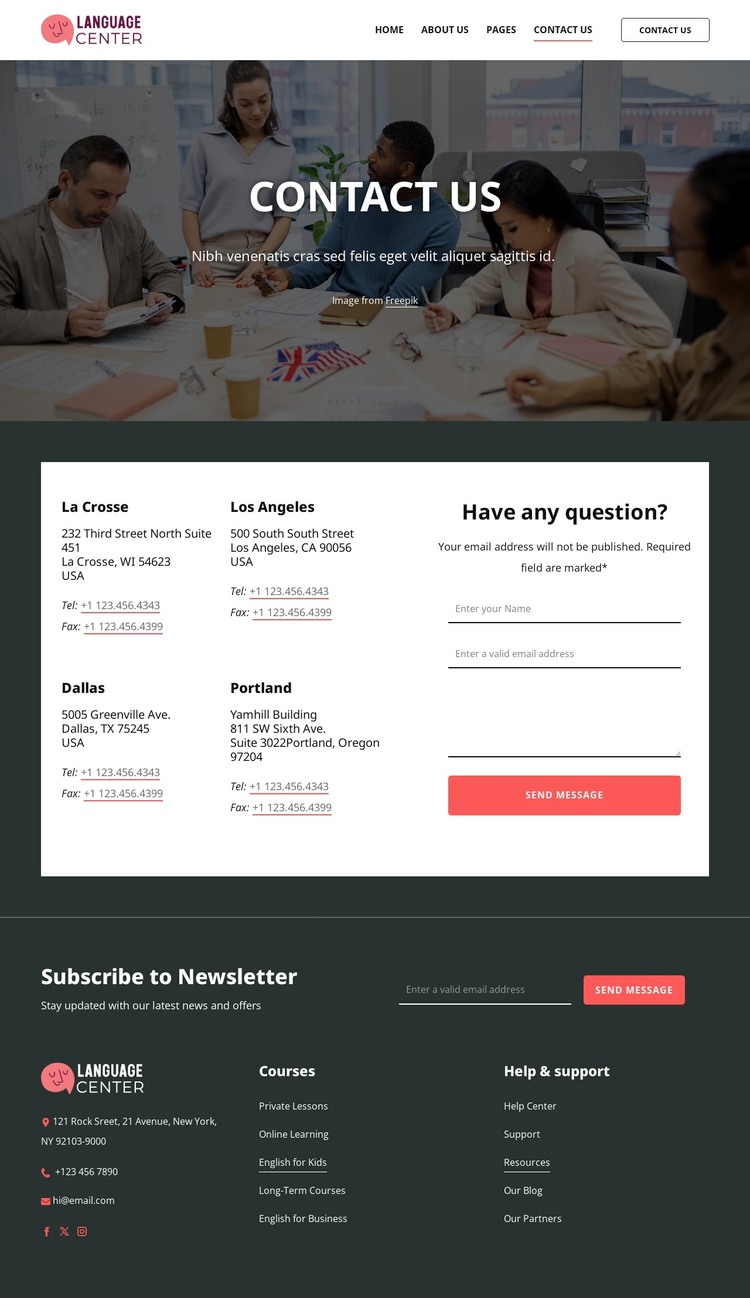
The page’s content can be understood as several durable site areas rather than as one long contact message. The hero establishes the contact subject, while the central section separates office information from the inquiry interaction. The four listed locations—La Crosse, Los Angeles, Dallas, and Portland—can remain a stable reference area, and the neighboring form provides a distinct place for visitors to submit a name, email address, and message.
The footer is particularly useful for interpreting the design as a broader content environment. Its five course categories create a natural route toward language-learning information, including Private Lessons, Online Learning, English for Kids, Long-Term Courses, and English for Business. Help and support links can serve resource content, while newsletter signup and social links support recurring communication around those areas. The template does not claim that blog posts or other dynamic content already exist, but its navigation and repeated content groups can accommodate them if the project later needs regularly updated material.
The visual system keeps these content roles connected. A white header, dark charcoal sections, white panels, muted red accents, and compact typography provide a consistent theme direction for permanent pages and future content. This makes the design useful for a WordPress-managed language center where course information, office details, support resources, and direct inquiries need to remain visually coordinated as the site develops.
Customize with Nicepage
Open this ready-made template in the WordPress Website Builder and customize it visually in the Nicepage editor. Replace demo content, edit page sections, and adapt the design to your project without rebuilding the template from scratch.
Manage and Edit This Theme in WordPress
Customize and Install the WordPress Theme
Start with this ready-made theme instead of building the WordPress design from scratch. Customize its layout, content, typography, images, sections, and other design elements visually in Nicepage editor, then export and install the WordPress Theme, Plugin, and Pages on your WordPress site. The Nicepage WordPress Plugin lets you continue working with the site after installation.
Edit the Theme Directly in WordPress
After installation, you can edit the WordPress Theme directly in WordPress with the Nicepage WordPress Plugin. Use Site Style to customize site Colors, Fonts, Header, Footer, Blog, and Post Page Templates while working within your WordPress website.
Edit WordPress Pages Visually
Use the Nicepage WordPress Plugin to edit page content directly from the WordPress admin area. Open a WordPress Page with Nicepage and visually change its text, images, sections, and other page elements while continuing to manage the Page through WordPress.
WordPress Content and Theme Integration
Use the customized theme with WordPress Pages, Posts, Blog and Post Templates, menus, widgets, and other CMS-managed content. Shared theme elements such as Colors, Fonts, Header, Footer, Blog, and Post Page Templates can be managed as part of the overall site design, while WordPress provides the CMS environment for managing site content.
This workflow combines a ready-made WordPress Theme with visual customization, direct theme editing in WordPress, and continued content management through the Nicepage WordPress Plugin.