Nannies and babysitters to help your family WordPress Theme


Edit Template Offline
2. Create new page and search for id 6313527
Edit Template Online
Create Awesome Websites


Free Nicepage Builder
Keywords
Service Categories and Caregiver Profiles Give WordPress Content Clear Roles
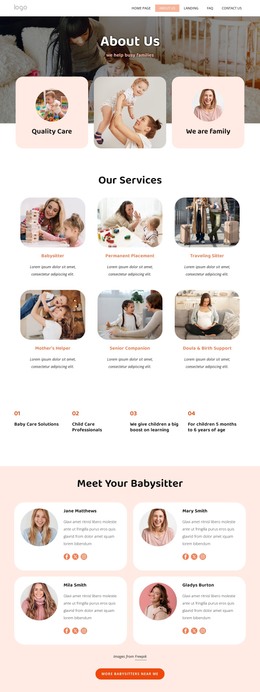
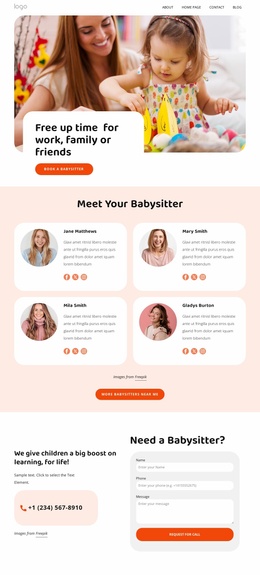
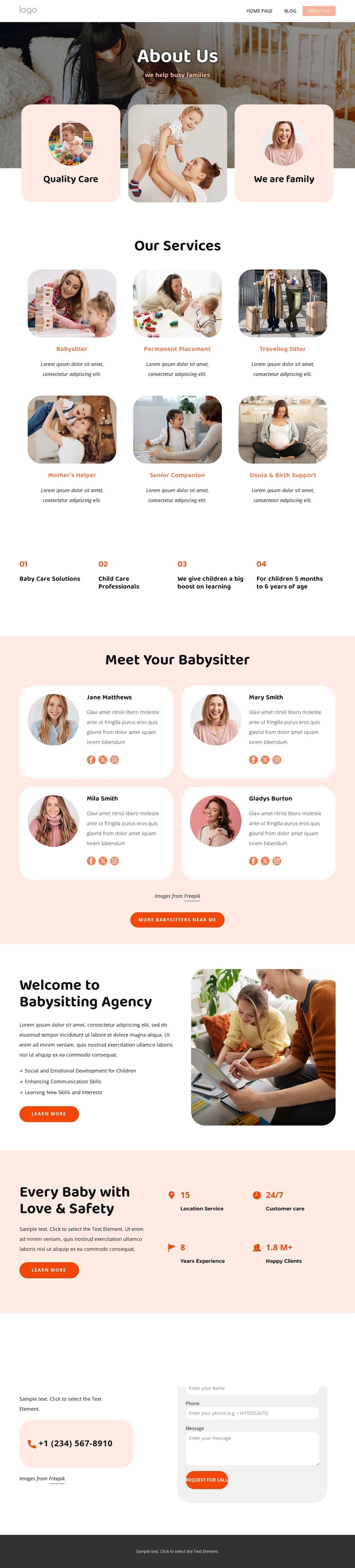
The service grid provides the strongest page-oriented content structure in this design. Six distinct categories divide the agency’s offer into reusable informational areas, allowing a WordPress project to treat service descriptions as organized content rather than one uninterrupted block of text. The four caregiver profiles create a different content relationship: they present people, biographies, portraits, and social links, which can remain visually coordinated with the service information while serving a separate audience question about who provides care.
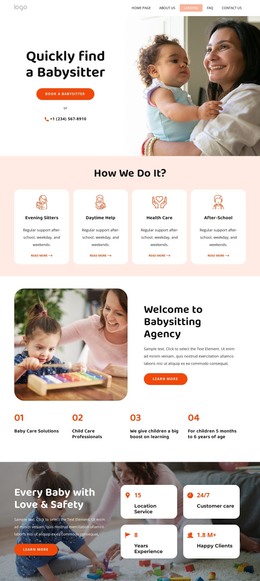
The child-development section gives the page an editorial layer through its three benefit themes—social and emotional development, communication skills, and learning new skills and interests. The care-and-safety section then combines explanatory copy, a CTA, and four displayed metrics, creating content that can support trust without presenting placeholder numbers as verified business achievements. These areas make the design suitable for a WordPress-oriented project where permanent agency information and future updates can coexist within one visual direction.
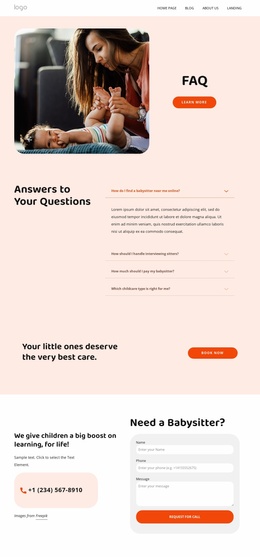
The contact and footer regions complete the content relationship. Phone and email channels, the inquiry form, company details, quick links, social links, and newsletter signup provide shared site information around the main page content. The design does not prove that WordPress Posts, categories, or blog structures already exist, so the theme interpretation stays with the verified service, caregiver, educational, and contact areas. Its value is the clear mapping of those areas into a manageable agency content system.
Customize with Nicepage
Open this ready-made template in the WordPress Website Builder and customize it visually in the Nicepage editor. Replace demo content, edit page sections, and adapt the design to your project without rebuilding the template from scratch.
Manage and Edit This Theme in WordPress
Customize and Install the WordPress Theme
Start with this ready-made theme instead of building the WordPress design from scratch. Customize its layout, content, typography, images, sections, and other design elements visually in Nicepage editor, then export and install the WordPress Theme, Plugin, and Pages on your WordPress site. The Nicepage WordPress Plugin lets you continue working with the site after installation.
Edit the Theme Directly in WordPress
After installation, you can edit the WordPress Theme directly in WordPress with the Nicepage WordPress Plugin. Use Site Style to customize site Colors, Fonts, Header, Footer, Blog, and Post Page Templates while working within your WordPress website.
Edit WordPress Pages Visually
Use the Nicepage WordPress Plugin to edit page content directly from the WordPress admin area. Open a WordPress Page with Nicepage and visually change its text, images, sections, and other page elements while continuing to manage the Page through WordPress.
WordPress Content and Theme Integration
Use the customized theme with WordPress Pages, Posts, Blog and Post Templates, menus, widgets, and other CMS-managed content. Shared theme elements such as Colors, Fonts, Header, Footer, Blog, and Post Page Templates can be managed as part of the overall site design, while WordPress provides the CMS environment for managing site content.
This workflow combines a ready-made WordPress Theme with visual customization, direct theme editing in WordPress, and continued content management through the Nicepage WordPress Plugin.