The charity projects WordPress Theme


Edit Template Offline
2. Create new page and search for id 6477901
Edit Template Online
Create Awesome Websites


Free Nicepage Builder
Keywords
Project Content and Contact Areas Support a WordPress Theme
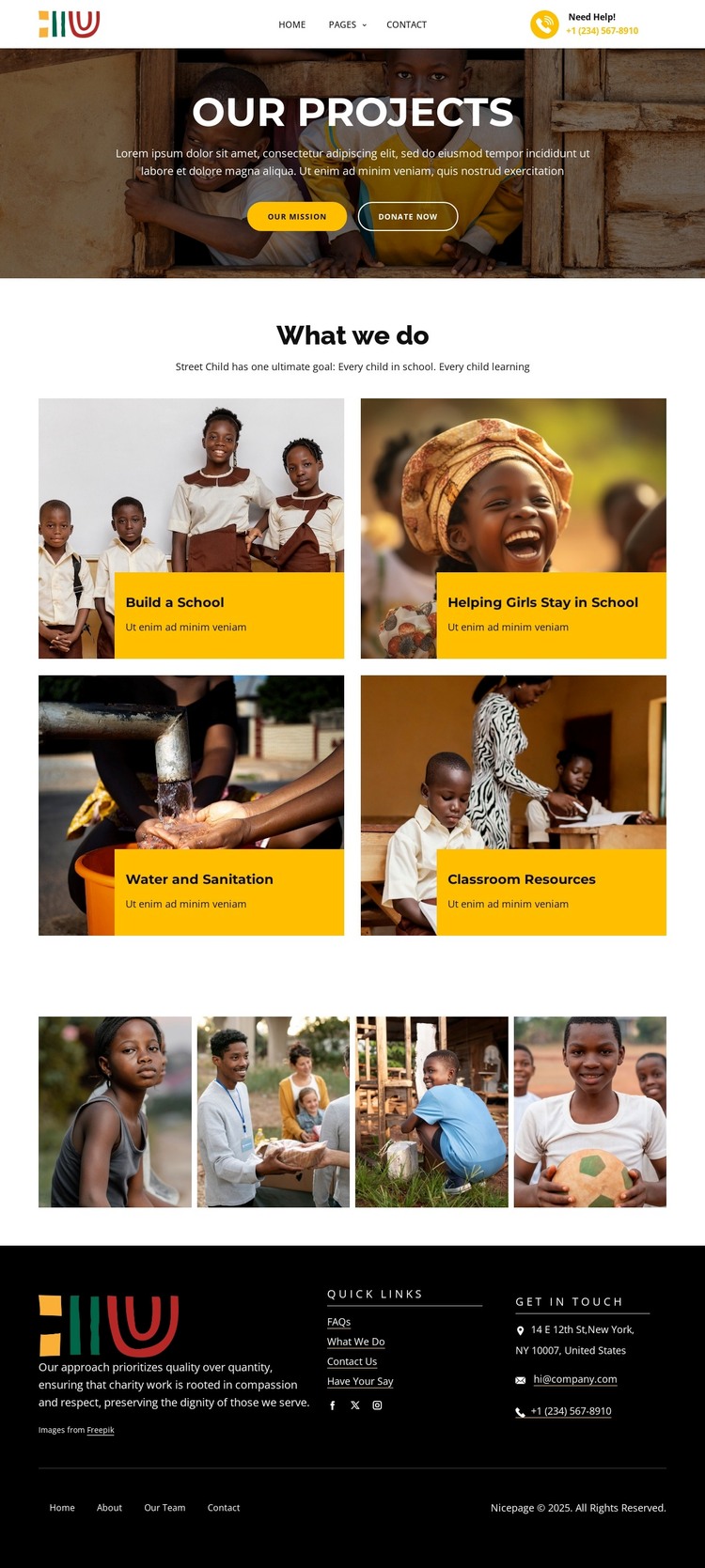
The four project cards provide permanent page-oriented content that can anchor a WordPress charity theme. Each category has a clear subject—school construction, helping girls stay in school, water and sanitation, or classroom resources—and each is presented through the same image-led pattern. This gives the design a stable visual framework for core information while leaving room for the organization’s actual content to replace the demonstrated wording.
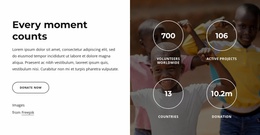
The hero has a different role within that structure. “Our Projects,” the introductory text, “Our Mission,” and “Donate now” form the page-level introduction and response area, while the four-image gallery supplies supporting visual material. These regions can work together with other site content without claiming that posts, categories, or blog structures already exist in the template. The design simply offers clear places where permanent project information and related updates could be organized.
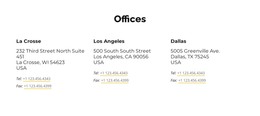
The footer is particularly relevant to a theme interpretation because it combines organization copy, quick links, Facebook, Twitter, Instagram, and direct address, email, and telephone channels. That shared closing region can help preserve the charity’s identity around additional content. The resulting WordPress-oriented value comes from the relationship between project pages, visual media, campaign actions, and recurring site information—not from replacing the template’s content with generic CMS terminology.
Customize with Nicepage
Open this ready-made template in the WordPress Website Builder and customize it visually in the Nicepage editor. Replace demo content, edit page sections, and adapt the design to your project without rebuilding the template from scratch.
Manage and Edit This Theme in WordPress
Customize and Install the WordPress Theme
Start with this ready-made theme instead of building the WordPress design from scratch. Customize its layout, content, typography, images, sections, and other design elements visually in Nicepage editor, then export and install the WordPress Theme, Plugin, and Pages on your WordPress site. The Nicepage WordPress Plugin lets you continue working with the site after installation.
Edit the Theme Directly in WordPress
After installation, you can edit the WordPress Theme directly in WordPress with the Nicepage WordPress Plugin. Use Site Style to customize site Colors, Fonts, Header, Footer, Blog, and Post Page Templates while working within your WordPress website.
Edit WordPress Pages Visually
Use the Nicepage WordPress Plugin to edit page content directly from the WordPress admin area. Open a WordPress Page with Nicepage and visually change its text, images, sections, and other page elements while continuing to manage the Page through WordPress.
WordPress Content and Theme Integration
Use the customized theme with WordPress Pages, Posts, Blog and Post Templates, menus, widgets, and other CMS-managed content. Shared theme elements such as Colors, Fonts, Header, Footer, Blog, and Post Page Templates can be managed as part of the overall site design, while WordPress provides the CMS environment for managing site content.
This workflow combines a ready-made WordPress Theme with visual customization, direct theme editing in WordPress, and continued content management through the Nicepage WordPress Plugin.