Faq on web design WordPress Theme


Edit Template Offline
2. Create new page and search for id 6349640
Edit Template Online
Create Awesome Websites


Free Nicepage Builder
Keywords
Client Questions Create Page Content Around a Personal WordPress Theme
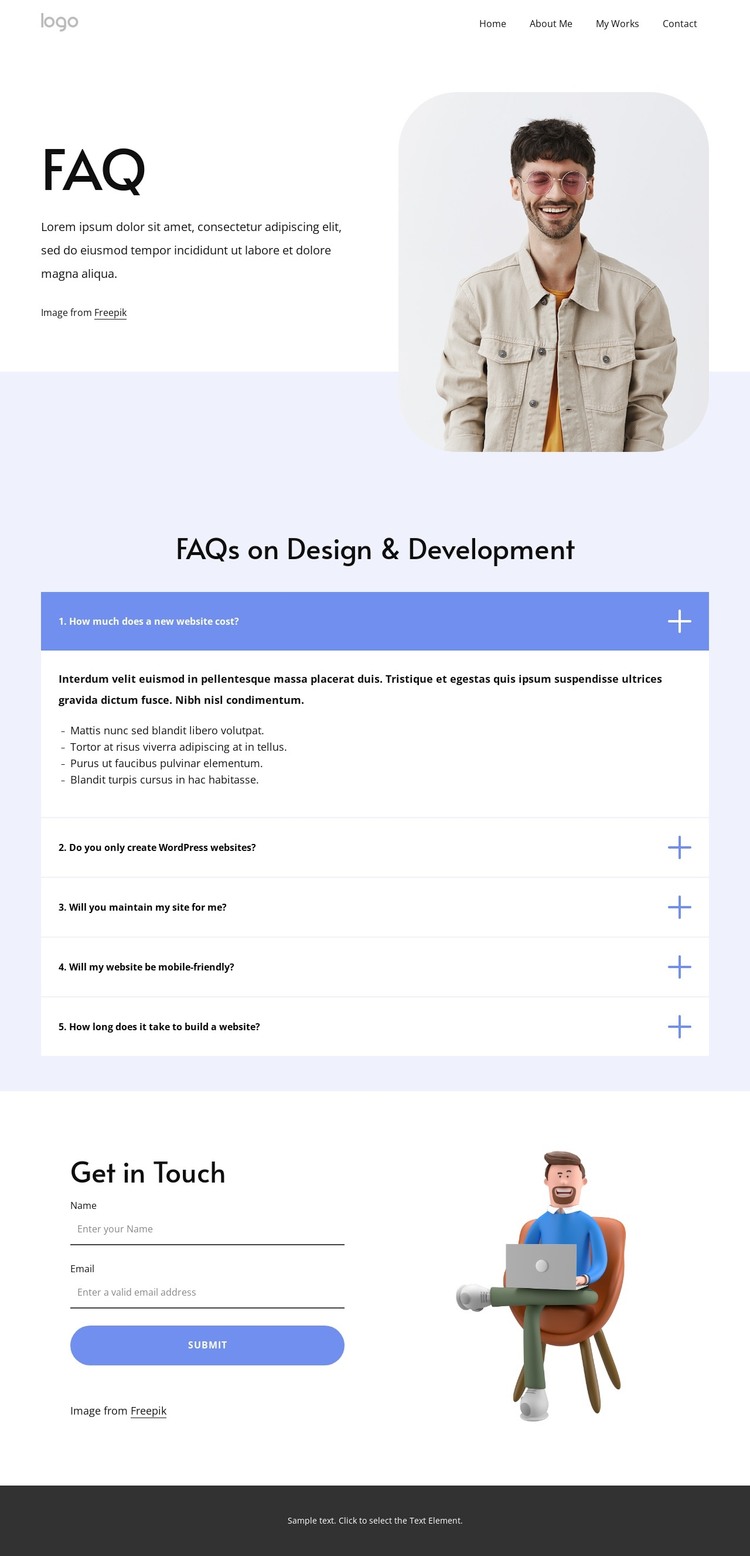
The page’s content areas map naturally to a WordPress-managed presentation without claiming that blog posts or other CMS entries already exist. The opening header provides stable navigation to Home, About Me, My Works, and My Blog, establishing permanent page-oriented destinations around the FAQ. This supports a personal practice structure in which the current page can explain services while other areas present background, work, or regularly updated material when those are added.
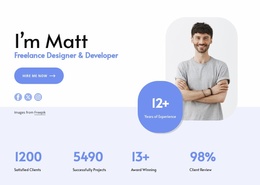
The accordion is the strongest content focus. Its five questions address website cost, WordPress platforms, maintenance, mobile friendliness, and build time, giving prospective clients a compact set of practical topics to review. Each question has a distinct role in the decision process, so the section can serve as focused explanatory content rather than an undifferentiated text block. The portrait image keeps that information connected to the personal presentation of the practice.
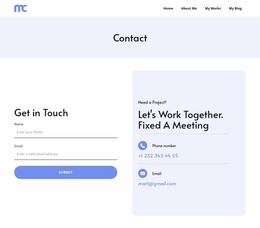
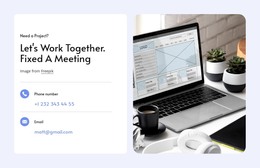
The lower part of the page turns information into an inquiry opportunity. A two-column “Get in Touch” area places name and email inputs beside a separate illustration, while the footer adds Facebook, Twitter, Instagram, and contact details. In a WordPress theme context, these areas distinguish permanent page content, shared navigation, and recurring contact or social elements. Their relationship gives the theme a coherent content framework while leaving room for the site owner to introduce additional pages or updated material without changing the design’s personal character.
Customize with Nicepage
Open this ready-made template in the WordPress Website Builder and customize it visually in the Nicepage editor. Replace demo content, edit page sections, and adapt the design to your project without rebuilding the template from scratch.
Manage and Edit This Theme in WordPress
Customize and Install the WordPress Theme
Start with this ready-made theme instead of building the WordPress design from scratch. Customize its layout, content, typography, images, sections, and other design elements visually in Nicepage editor, then export and install the WordPress Theme, Plugin, and Pages on your WordPress site. The Nicepage WordPress Plugin lets you continue working with the site after installation.
Edit the Theme Directly in WordPress
After installation, you can edit the WordPress Theme directly in WordPress with the Nicepage WordPress Plugin. Use Site Style to customize site Colors, Fonts, Header, Footer, Blog, and Post Page Templates while working within your WordPress website.
Edit WordPress Pages Visually
Use the Nicepage WordPress Plugin to edit page content directly from the WordPress admin area. Open a WordPress Page with Nicepage and visually change its text, images, sections, and other page elements while continuing to manage the Page through WordPress.
WordPress Content and Theme Integration
Use the customized theme with WordPress Pages, Posts, Blog and Post Templates, menus, widgets, and other CMS-managed content. Shared theme elements such as Colors, Fonts, Header, Footer, Blog, and Post Page Templates can be managed as part of the overall site design, while WordPress provides the CMS environment for managing site content.
This workflow combines a ready-made WordPress Theme with visual customization, direct theme editing in WordPress, and continued content management through the Nicepage WordPress Plugin.