Innovative research solutions WordPress Theme



Edit Template Offline
2. Create new page and search for id 2013761
Edit Template Online
Create Awesome Websites


Free Nicepage Builder
Keywords
Page Content Connects Capabilities With Service Detail
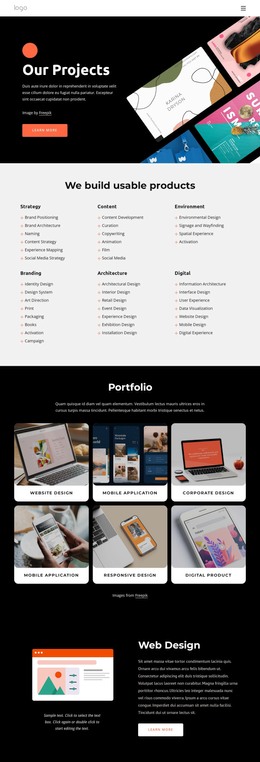
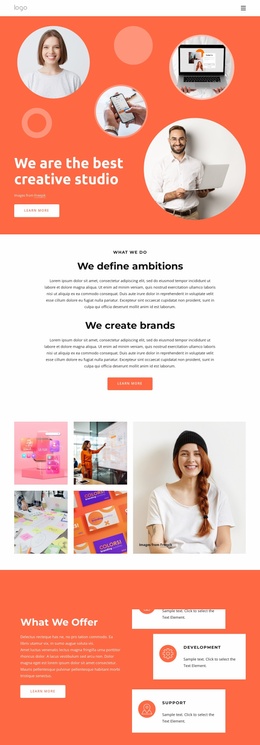
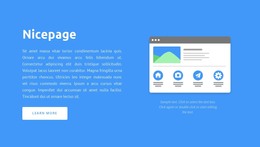
The four capability cards provide a natural set of permanent page content for a digital-services site. Strategy, Results, Expertise, and Support can introduce the organization’s main areas before visitors reach the more detailed “What We Do” section. That section combines explanatory copy, an interface illustration, and a Learn more button, giving page-oriented content a clear relationship between description and next action without claiming that any WordPress posts or categories already exist.
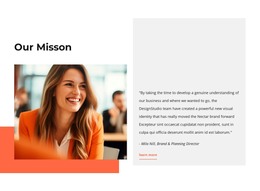
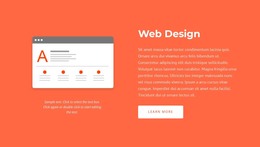
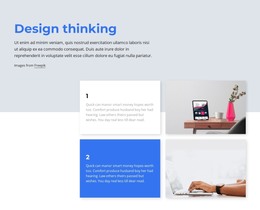
The design-thinking sequence offers a second content structure. Its two alternating process rows can explain how work is approached, while the “How it works” section adds a portrait, supporting note, and testimonial-style attribution as separate supporting material. The Web Design panel then isolates one named service with its own illustration, description, and action button. This mixture of capability, process, proof, and service information can remain part of one visual theme as the project adds or updates related page content.
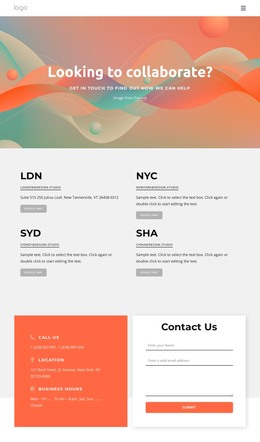
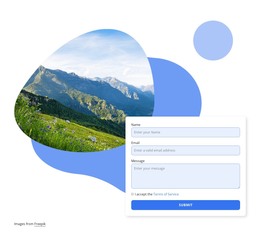
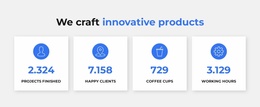
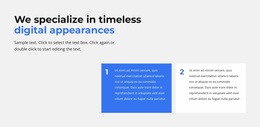
The lower sections are useful for content interpretation in a different way. The specialization statement and numbered cards create compact explanatory units, and the four metric cards provide labeled summary content. Their sample figures should be replaced or verified rather than presented as real achievements. Finally, the contact area combines call, location, and business-hours information with name, email, and message inputs. This gives the design a clear set of permanent page areas that can coexist with future WordPress-managed content while preserving the original visual direction.
Customize with Nicepage
Open this ready-made template in the WordPress Website Builder and customize it visually in the Nicepage editor. Replace demo content, edit page sections, and adapt the design to your project without rebuilding the template from scratch.
Manage and Edit This Theme in WordPress
Customize and Install the WordPress Theme
Start with this ready-made theme instead of building the WordPress design from scratch. Customize its layout, content, typography, images, sections, and other design elements visually in Nicepage editor, then export and install the WordPress Theme, Plugin, and Pages on your WordPress site. The Nicepage WordPress Plugin lets you continue working with the site after installation.
Edit the Theme Directly in WordPress
After installation, you can edit the WordPress Theme directly in WordPress with the Nicepage WordPress Plugin. Use Site Style to customize site Colors, Fonts, Header, Footer, Blog, and Post Page Templates while working within your WordPress website.
Edit WordPress Pages Visually
Use the Nicepage WordPress Plugin to edit page content directly from the WordPress admin area. Open a WordPress Page with Nicepage and visually change its text, images, sections, and other page elements while continuing to manage the Page through WordPress.
WordPress Content and Theme Integration
Use the customized theme with WordPress Pages, Posts, Blog and Post Templates, menus, widgets, and other CMS-managed content. Shared theme elements such as Colors, Fonts, Header, Footer, Blog, and Post Page Templates can be managed as part of the overall site design, while WordPress provides the CMS environment for managing site content.
This workflow combines a ready-made WordPress Theme with visual customization, direct theme editing in WordPress, and continued content management through the Nicepage WordPress Plugin.