Powering Intelligent Growth WordPress Theme


Edit Template Offline
2. Create new page and search for id 6369818
Edit Template Online
Create Awesome Websites


Free Nicepage Builder
Keywords
Location Content and Inquiry Fields Suit a WordPress-Managed Contact Page
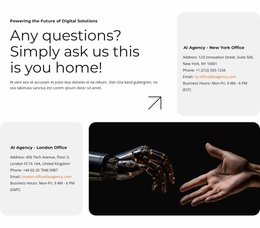
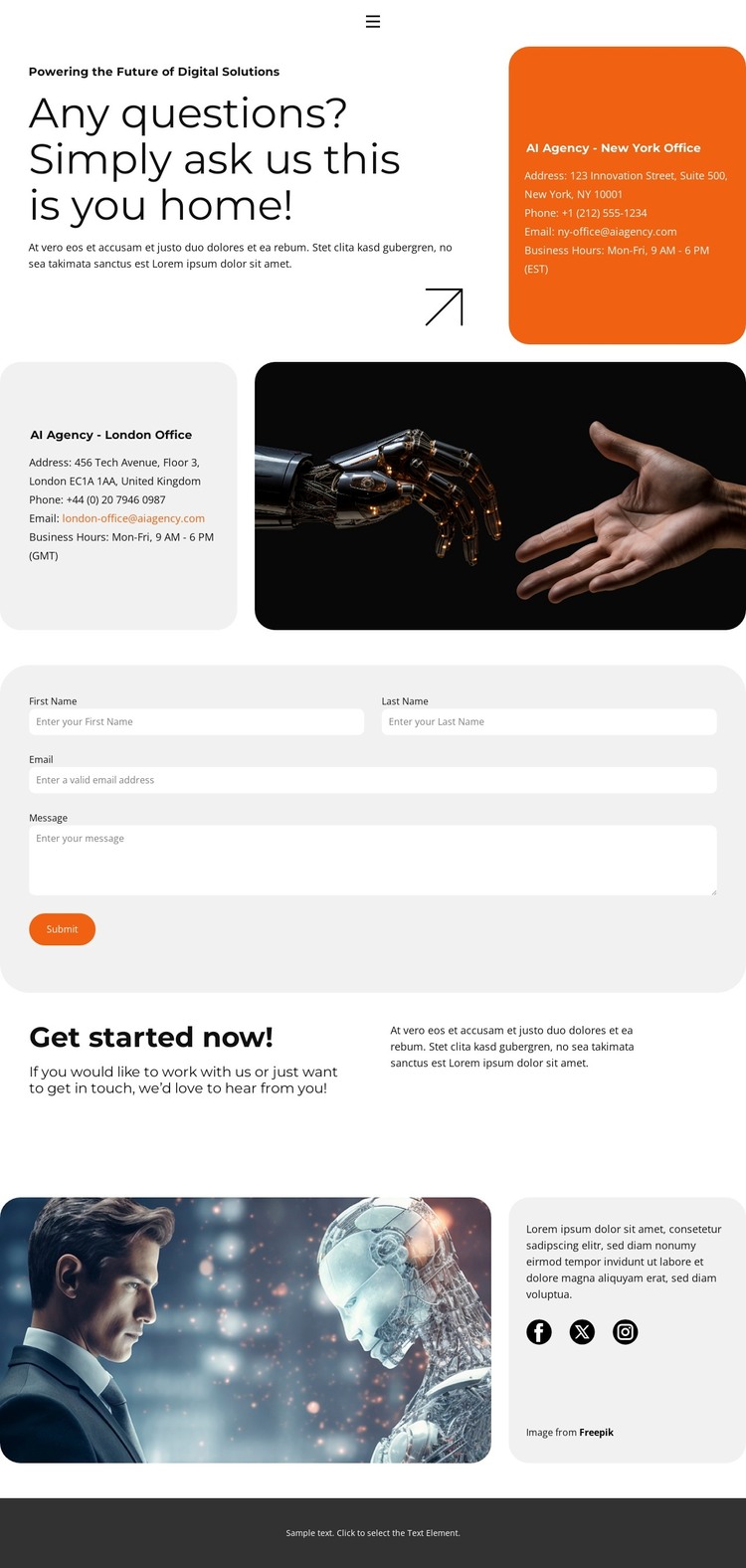
The office information gives this design clear page-oriented content to manage: New York and London appear as separate location areas, each with business hours and a time-zone reference. That distinction can support permanent contact content in a WordPress-managed site, while the surrounding imagery and rounded cards preserve a consistent presentation when the text or office details are updated.
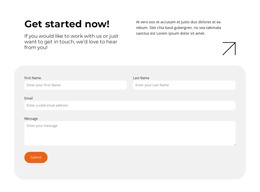
The inquiry section has a different content role. Name, email, and message inputs define the information a visitor can provide, and the Submit action follows the office details rather than competing with them at the top of the page. This order creates a practical relationship between reading location information and sending a request. The top navigation also connects the contact area with Home, About, and Portfolio pages, while Facebook, Twitter, and Instagram links give the closing region a recognizable social-content role.
The theme’s black-and-white typography, orange highlights, light-gray accents, generous spacing, and large photographic areas can frame both permanent page content and future additions without changing the contact page’s core character. Since no blog, post structure, or WordPress-specific content is verified here, the design should be interpreted as a WordPress-ready visual and content foundation, not as evidence of existing CMS templates.
Customize with Nicepage
Open this ready-made template in the WordPress Website Builder and customize it visually in the Nicepage editor. Replace demo content, edit page sections, and adapt the design to your project without rebuilding the template from scratch.
Manage and Edit This Theme in WordPress
Customize and Install the WordPress Theme
Start with this ready-made theme instead of building the WordPress design from scratch. Customize its layout, content, typography, images, sections, and other design elements visually in Nicepage editor, then export and install the WordPress Theme, Plugin, and Pages on your WordPress site. The Nicepage WordPress Plugin lets you continue working with the site after installation.
Edit the Theme Directly in WordPress
After installation, you can edit the WordPress Theme directly in WordPress with the Nicepage WordPress Plugin. Use Site Style to customize site Colors, Fonts, Header, Footer, Blog, and Post Page Templates while working within your WordPress website.
Edit WordPress Pages Visually
Use the Nicepage WordPress Plugin to edit page content directly from the WordPress admin area. Open a WordPress Page with Nicepage and visually change its text, images, sections, and other page elements while continuing to manage the Page through WordPress.
WordPress Content and Theme Integration
Use the customized theme with WordPress Pages, Posts, Blog and Post Templates, menus, widgets, and other CMS-managed content. Shared theme elements such as Colors, Fonts, Header, Footer, Blog, and Post Page Templates can be managed as part of the overall site design, while WordPress provides the CMS environment for managing site content.
This workflow combines a ready-made WordPress Theme with visual customization, direct theme editing in WordPress, and continued content management through the Nicepage WordPress Plugin.