We architects group WordPress Theme


Edit Template Offline
2. Create new page and search for id 4424326
Edit Template Online
Create Awesome Websites


Free Nicepage Builder
Keywords
Team profiles and practice values give the theme durable page content
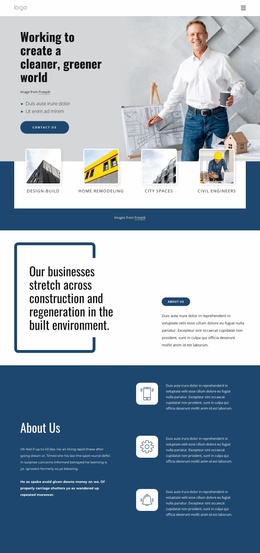
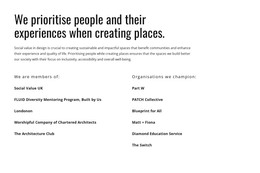
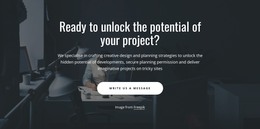
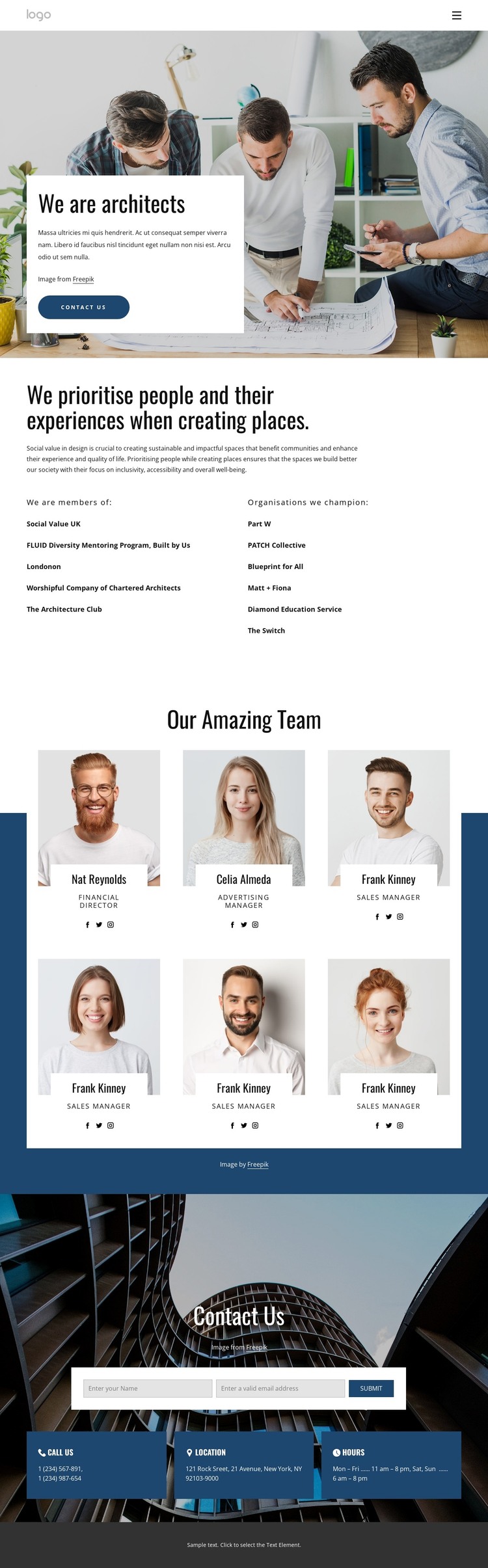
The opening hero supplies clear page-oriented content for the practice: a large architectural image, the “We are architects” heading, introductory copy, and a Contact Us button. The values section then provides more permanent information by describing a people-centred approach to place-making and separating memberships from organisations the practice champions. These areas can function as stable page content while the surrounding visual system remains consistent.
The team collection is especially suited to a WordPress-oriented content interpretation because it uses a repeated profile pattern rather than one undifferentiated block of text. Six portrait cards connect each person’s image with a name, role, and social links. That structure can support ongoing updates to personnel content while preserving the relationship between individual profiles and the practice introduction. It also gives the page a clear people-focused centre, distinct from the affiliation lists.
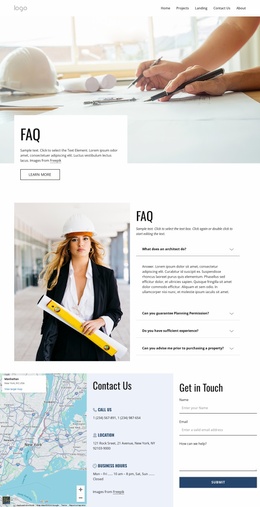
The closing contact section brings together an enquiry form and three practical information cards for telephone, location, and hours. This creates a permanent contact area around which additional editorial or practice content could be organised later. The sample names, phone numbers, address, and schedule are demonstrative values only; they should not be treated as verified WordPress content or real business information.
Customize with Nicepage
Open this ready-made template in the WordPress Website Builder and customize it visually in the Nicepage editor. Replace demo content, edit page sections, and adapt the design to your project without rebuilding the template from scratch.
Manage and Edit This Theme in WordPress
Customize and Install the WordPress Theme
Start with this ready-made theme instead of building the WordPress design from scratch. Customize its layout, content, typography, images, sections, and other design elements visually in Nicepage editor, then export and install the WordPress Theme, Plugin, and Pages on your WordPress site. The Nicepage WordPress Plugin lets you continue working with the site after installation.
Edit the Theme Directly in WordPress
After installation, you can edit the WordPress Theme directly in WordPress with the Nicepage WordPress Plugin. Use Site Style to customize site Colors, Fonts, Header, Footer, Blog, and Post Page Templates while working within your WordPress website.
Edit WordPress Pages Visually
Use the Nicepage WordPress Plugin to edit page content directly from the WordPress admin area. Open a WordPress Page with Nicepage and visually change its text, images, sections, and other page elements while continuing to manage the Page through WordPress.
WordPress Content and Theme Integration
Use the customized theme with WordPress Pages, Posts, Blog and Post Templates, menus, widgets, and other CMS-managed content. Shared theme elements such as Colors, Fonts, Header, Footer, Blog, and Post Page Templates can be managed as part of the overall site design, while WordPress provides the CMS environment for managing site content.
This workflow combines a ready-made WordPress Theme with visual customization, direct theme editing in WordPress, and continued content management through the Nicepage WordPress Plugin.