Building and construction projects WordPress Theme


Edit Template Offline
2. Create new page and search for id 6078242
Edit Template Online
Create Awesome Websites


Free Nicepage Builder
Keywords
Project Categories and Repeated Portfolio Tiles Suit Page-Oriented Content
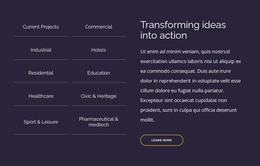
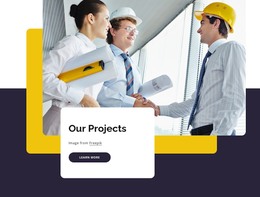
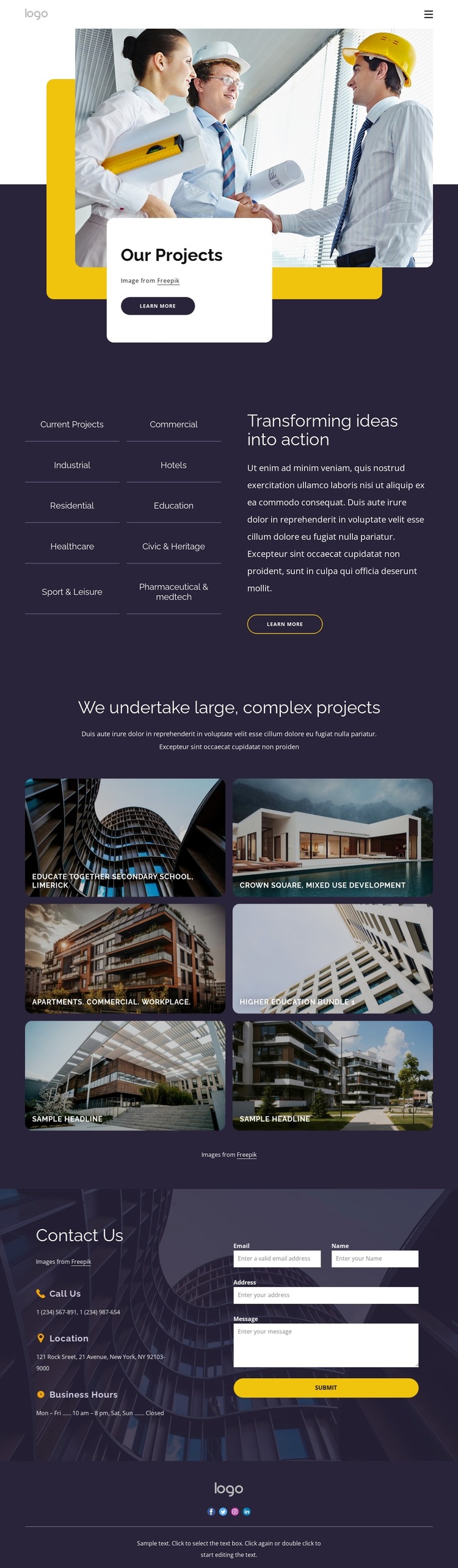
The page-oriented sections give this design a natural structure for WordPress-managed architecture content. The Our Projects hero introduces the portfolio, while the ten-category list creates a broad subject map covering commercial, industrial, hotels, residential, education, healthcare, civic and heritage, sport and leisure, and pharmaceutical work. That list can help visitors move from a general project presentation toward the type of work most relevant to them, without asserting that WordPress categories or posts already exist in the template.
The six-tile gallery supplies a repeatable visual pattern for permanent project information. Architectural images are paired with labels such as Crown Square, Educate Together Secondary School, and Higher Education Bundle 1, showing how individual project content can be presented within one consistent design direction. These supplied names are structural examples and should not be treated as independently verified client records. The contact section offers another clear page area: three contact-information items appear beside an inquiry form and Submit button, creating a place for prospective clients to respond after reviewing the portfolio. The shared header, logo, and social footer can support continuity around those content areas. In a WordPress theme project, the main value is therefore the relationship between page content, repeatable visual project entries, and a defined contact endpoint, rather than a claim that blog posts, widgets, or other CMS structures are already present.
Customize with Nicepage
Open this ready-made template in the WordPress Website Builder and customize it visually in the Nicepage editor. Replace demo content, edit page sections, and adapt the design to your project without rebuilding the template from scratch.
Manage and Edit This Theme in WordPress
Customize and Install the WordPress Theme
Start with this ready-made theme instead of building the WordPress design from scratch. Customize its layout, content, typography, images, sections, and other design elements visually in Nicepage editor, then export and install the WordPress Theme, Plugin, and Pages on your WordPress site. The Nicepage WordPress Plugin lets you continue working with the site after installation.
Edit the Theme Directly in WordPress
After installation, you can edit the WordPress Theme directly in WordPress with the Nicepage WordPress Plugin. Use Site Style to customize site Colors, Fonts, Header, Footer, Blog, and Post Page Templates while working within your WordPress website.
Edit WordPress Pages Visually
Use the Nicepage WordPress Plugin to edit page content directly from the WordPress admin area. Open a WordPress Page with Nicepage and visually change its text, images, sections, and other page elements while continuing to manage the Page through WordPress.
WordPress Content and Theme Integration
Use the customized theme with WordPress Pages, Posts, Blog and Post Templates, menus, widgets, and other CMS-managed content. Shared theme elements such as Colors, Fonts, Header, Footer, Blog, and Post Page Templates can be managed as part of the overall site design, while WordPress provides the CMS environment for managing site content.
This workflow combines a ready-made WordPress Theme with visual customization, direct theme editing in WordPress, and continued content management through the Nicepage WordPress Plugin.